Sony FX3

Shutter+ turns your iPhone, iPad, and Apple Watch into a wireless and USB remote control for the Sony FX3. Connect over Wi-Fi or a wired USB connection and control your Sony FX3.
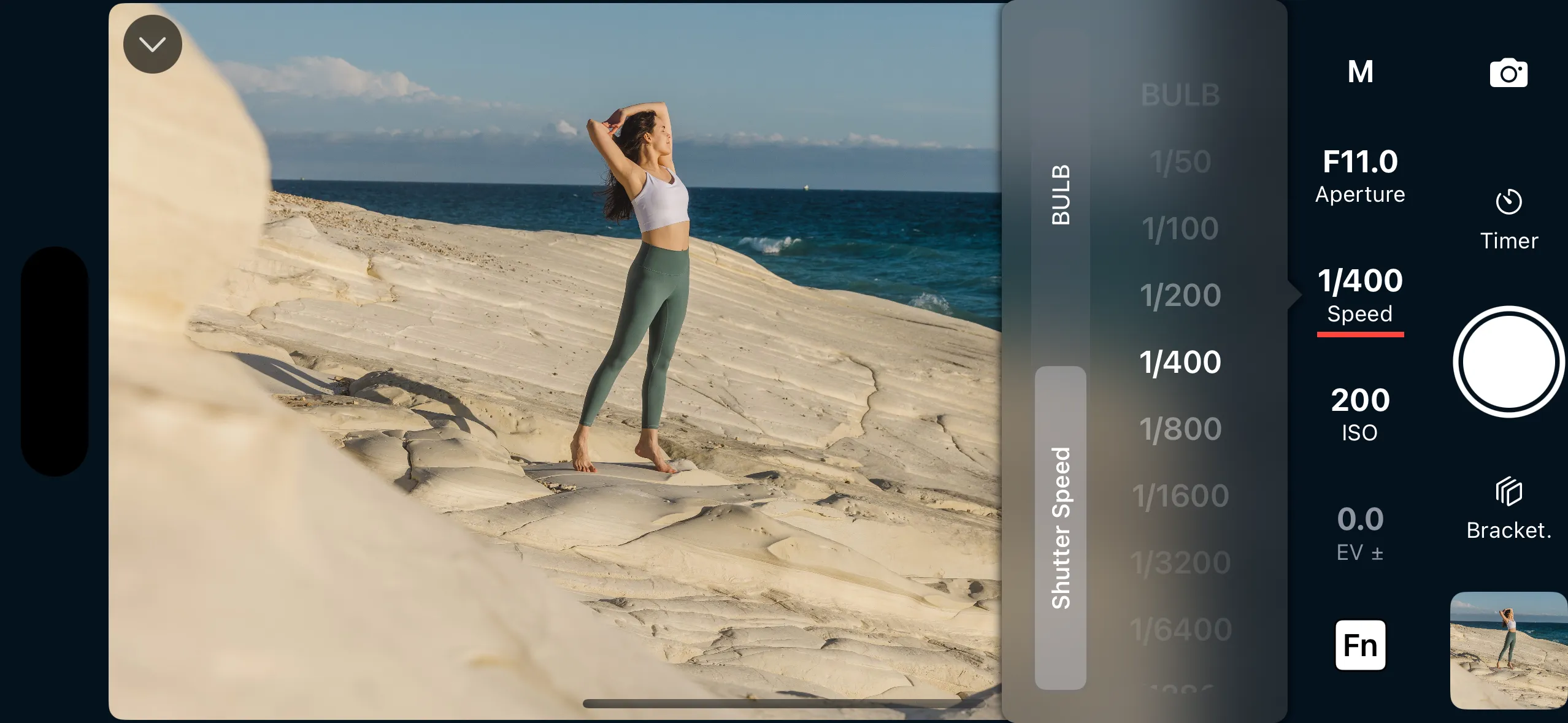
Supported Remote Options

  • Wireless connection
  • USB connection
  • Exposure control with exposure assist tools (histogram, zebra stripes, false color)
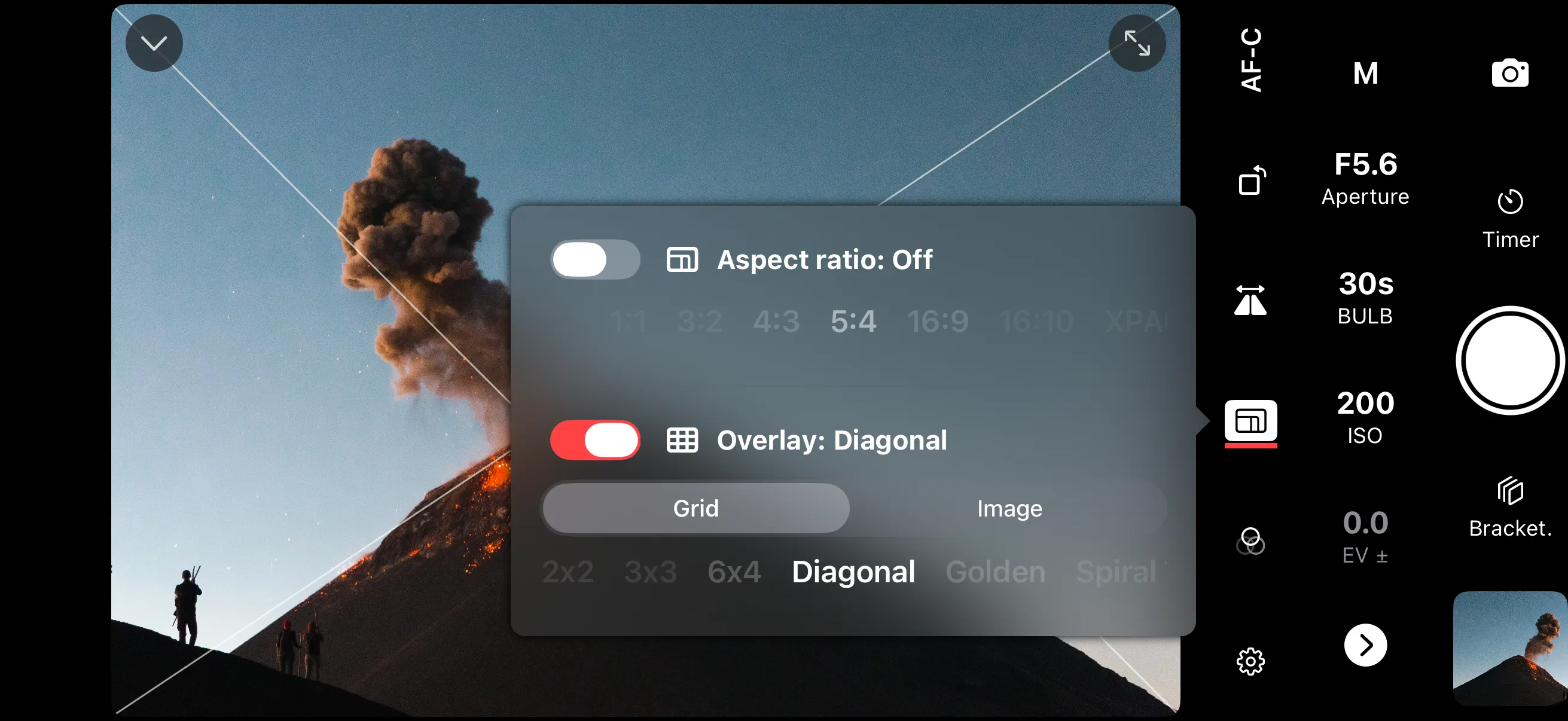
  • Composition assist (grid view, custom aspect ratio)
  • Tap to focus
  • Self-timer
  • Timed BULB exposure
  • Intervalometer
  • Exposure Bracketing
  • Focus Bracketing
  • Burst/continuous shooting
  • Zoom controls (only with a powered lens)
  • Video recording
  • Apple Watch app

Photo Transfer

  • Preview photos stored in camera
  • Filter photos by date
  • Filter photos by format
  • Transfer photo previews
  • Transfer full resolution JPEG
  • Transfer RAW files (requires software update 2.0 or newer)
  • Transfer video files

Photo Transfer

  • Filter photos by rating

With the Sony FX3 connected you can adjust exposure with a live histogram, zebra stripes, and false colour, run the built-in intervalometer for time-lapse and astrophotography, set precise timed BULB exposures, then pull both full-resolution JPEG and RAW files onto your phone.

Exposure Assist Tools

Exposure Assist Tools

Properly expose all of your photos & videos by using advanced tools like histograms, zebra stripes, or false color.
Composition Tools

Composition Tools

Compose your shots using grid overlays. Make your images stand out on social media using a square or 5:4 aspect ratio (best for Instagram).

Tap to Focus

Tap to Focus

Accurately control your camera's autofocus to make your subjects perfectly sharp and in focus. Rapidly change your focal point for moving subjects.

Timed BULB Exposure

Timed BULB Exposure

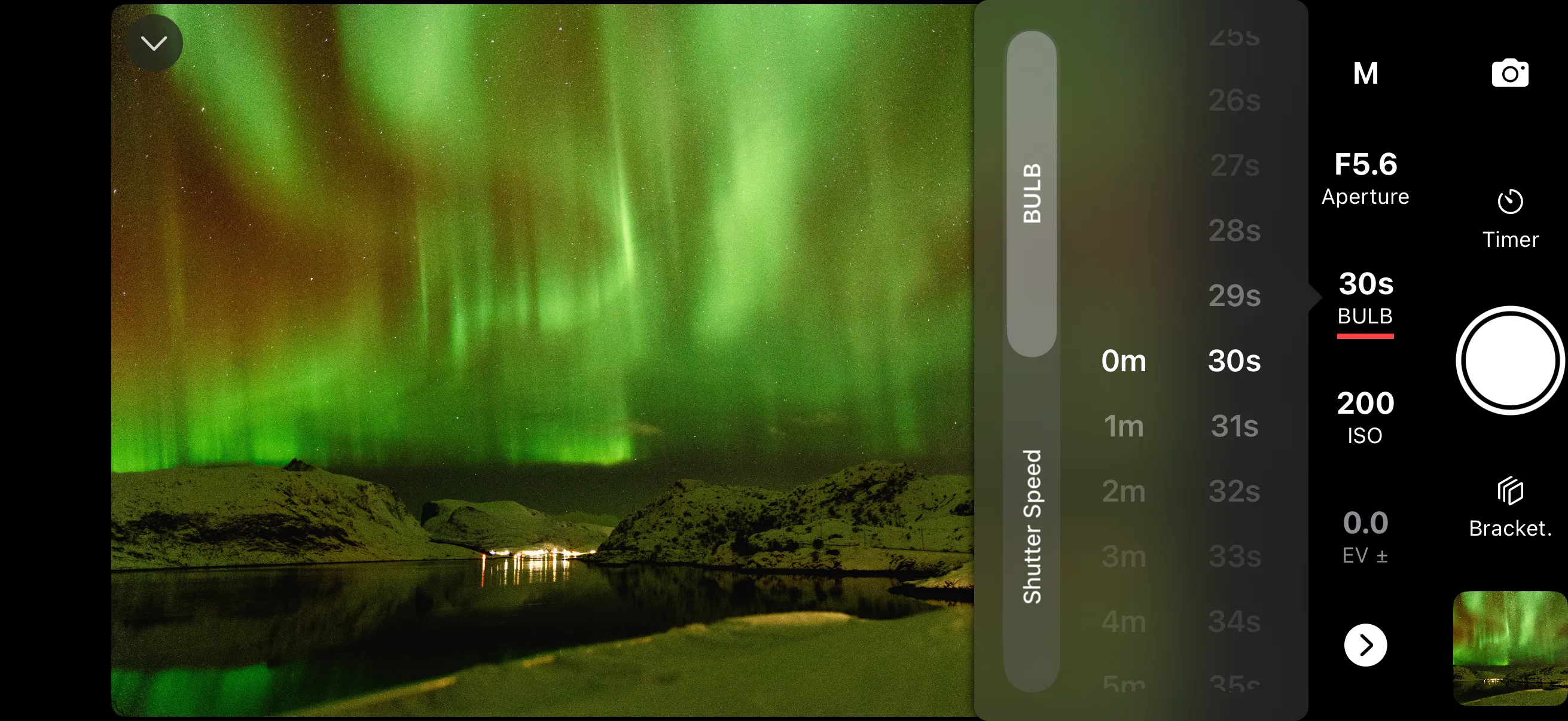
Take full control of the BULB feature and set the exact exposure time you need for ultra long exposures directly from the app.

Intervalometer

Intervalometer

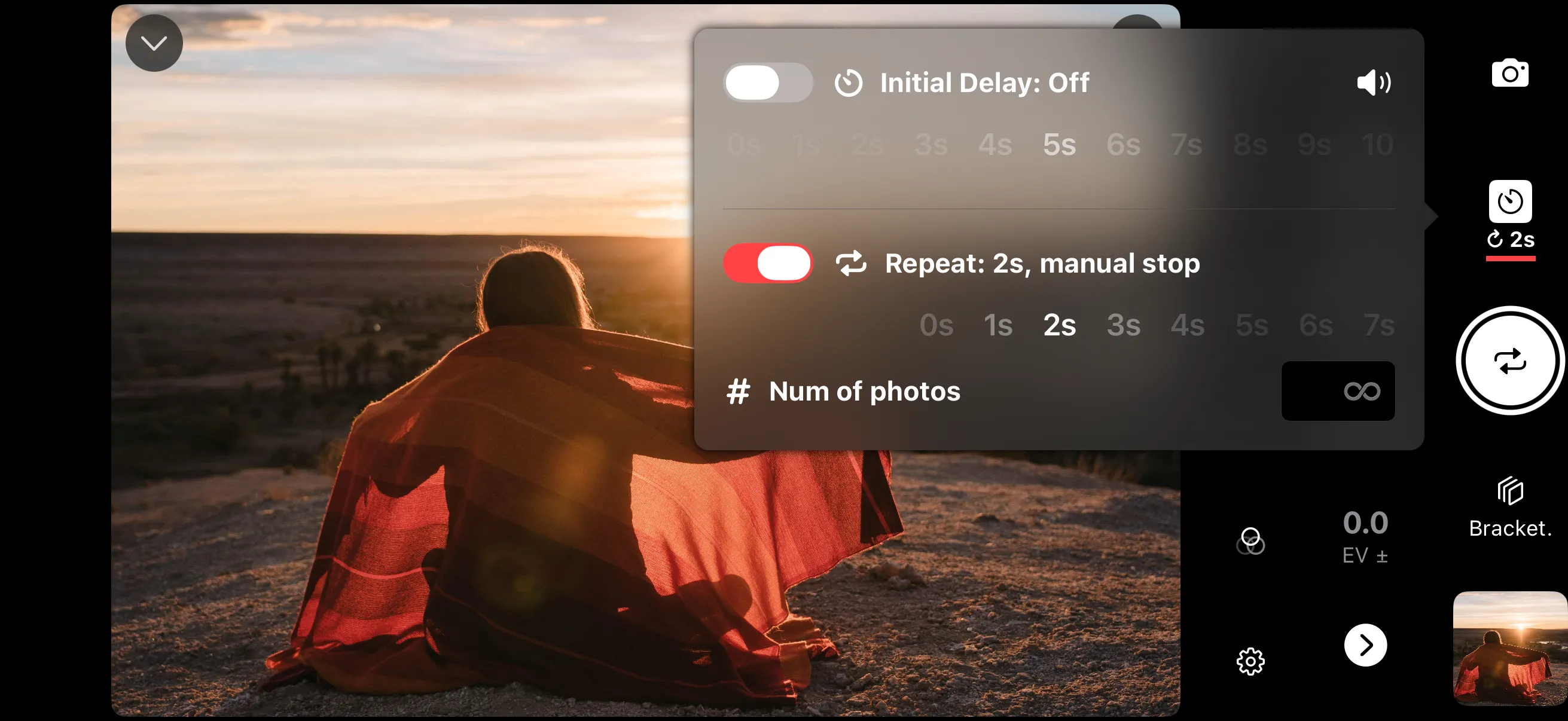
Schedule multiple photos and set the interval time accordingly. Great for selfies, group photos, astrophotography or time-lapse in RAW.

Self Timer

Self Timer

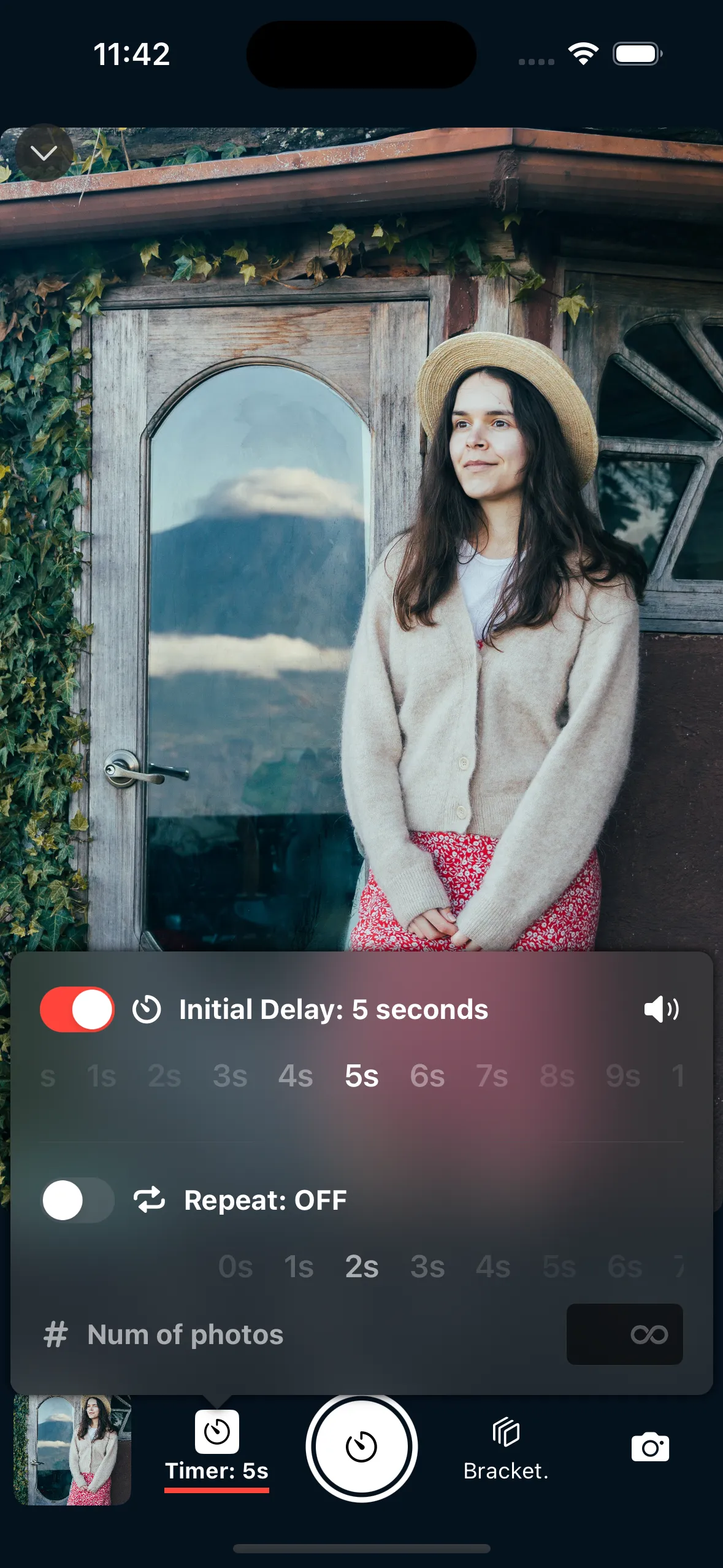
Set an initial delay to allow yourself plenty of time to get in the frame. Combine with the intervalometer for multiple poses.

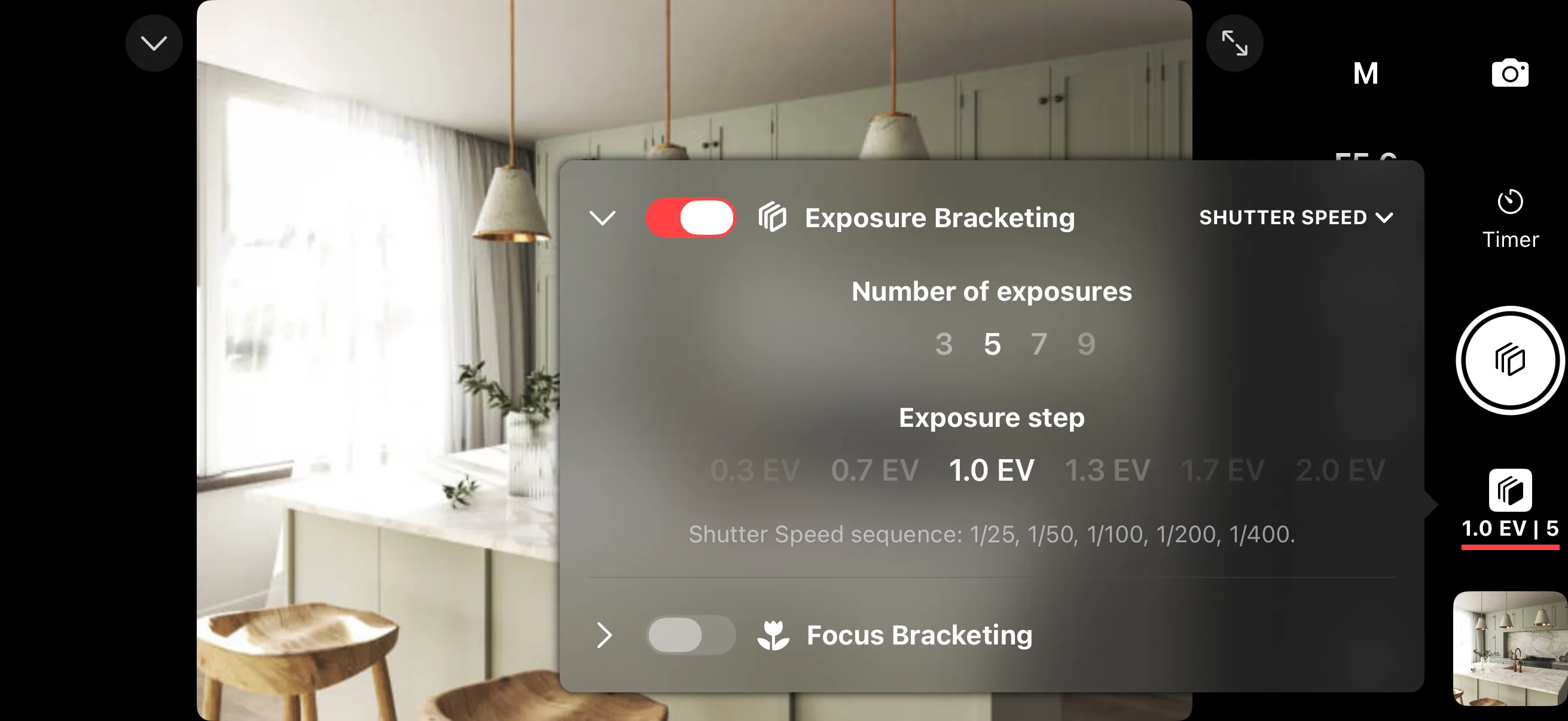
Exposure Bracketing

Exposure Bracketing

Control and configure exposure bracketing directly from the app. Preserve highlight and shadow detail of high dynamic range scenes.

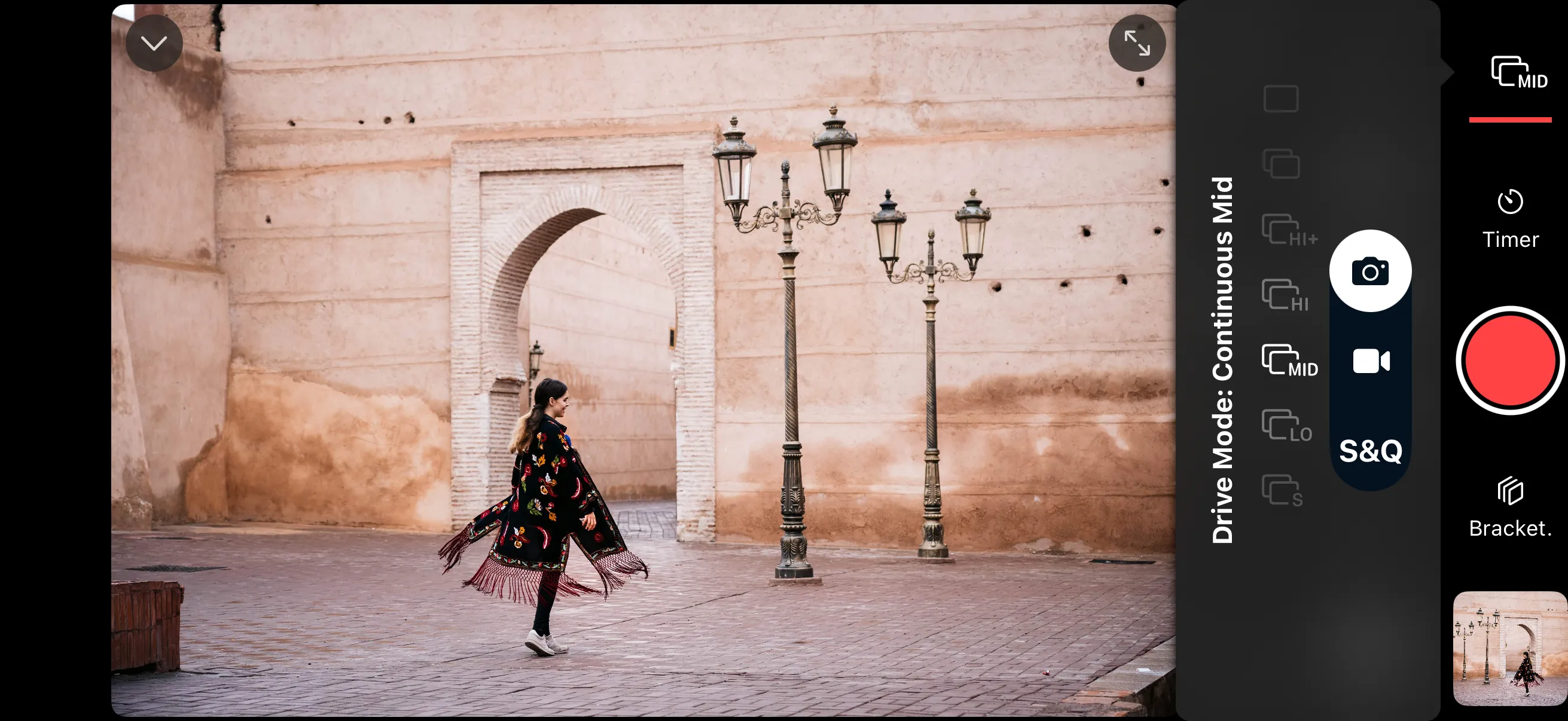
Burst/Continuous Shooting

Burst/Continuous Shooting

The app gives you full access to burst/continuous shooting modes on your camera.

Video Recording

Video Recording

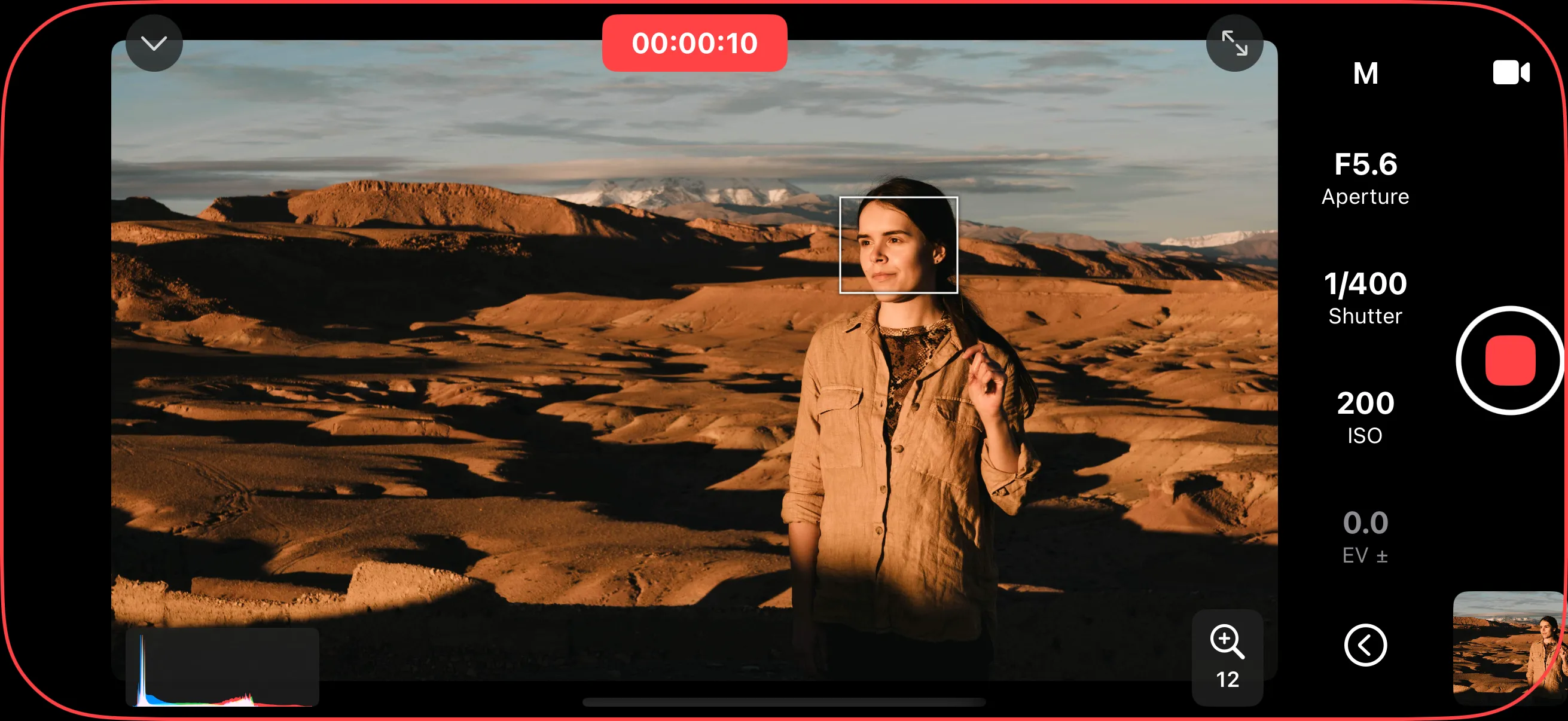
No need for expensive external monitors. Control the video features on your camera from your iPhone or iPad.

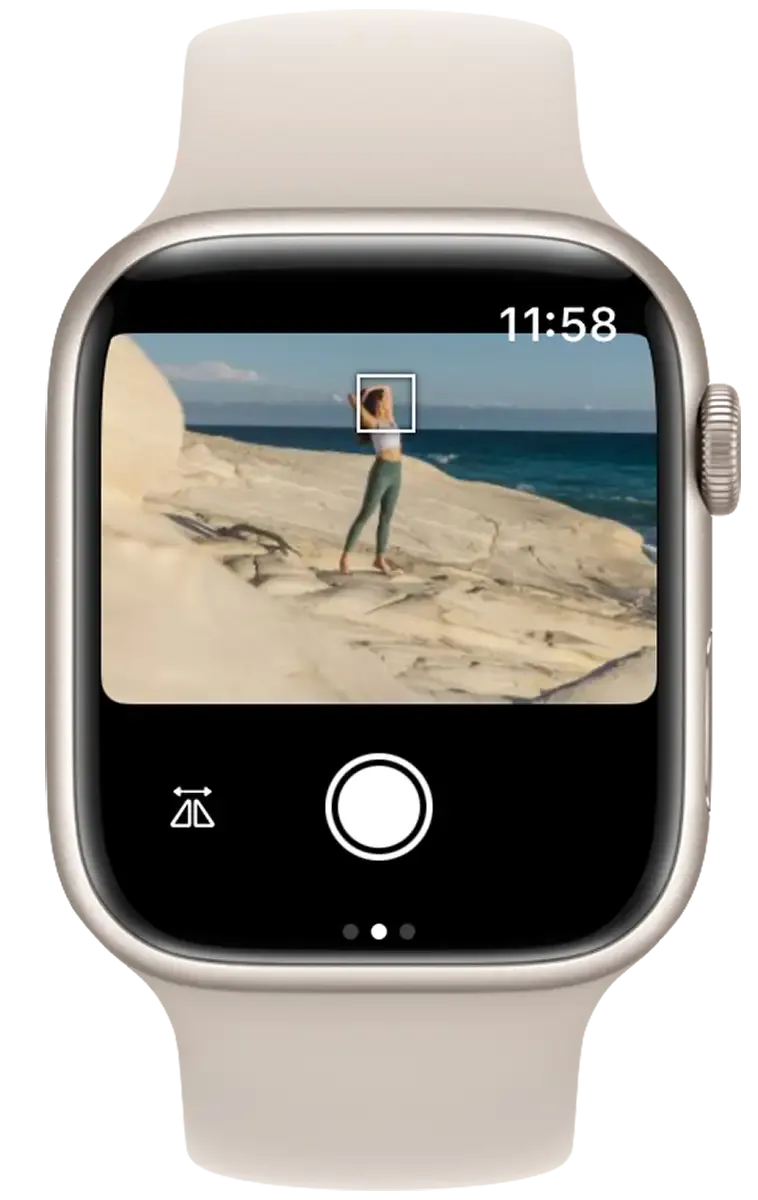
Apple Watch

Apple Watch

Get many of the features of Shutter+ using your Apple Watch.

Download Shutter+ for Sony FX3

Scan to download Shutter+ for Sony
Download on the App Store

Test before you buy
7-day free trial

Sony FX3 — frequently asked questions

Can I control the Sony FX3 remotely from my iPhone?

Yes. Shutter+ connects to the Sony FX3 over Wi-Fi or a wired USB connection and lets you trigger the shutter and change camera settings from your iPhone, iPad, or Apple Watch — without touching the camera.

Does the Sony FX3 support USB tethering with Shutter+?

Yes — the Sony FX3 works over a wired USB connection for tethered shooting, in addition to Wi-Fi, giving you a faster and more reliable link than wireless alone.

Can I import photos from the Sony FX3 to my phone?

Yes. Shutter+ can pull both full-resolution JPEG and RAW files onto your phone from the Sony FX3 (requires software update 2.0 or newer), so you can review and share shots on the go.

Does Shutter+ include an intervalometer for the Sony FX3?

Yes. Shutter+ has a built-in intervalometer for the Sony FX3, ideal for time-lapse, astrophotography, and long exposure sequences — and it can be combined with timed BULB exposures.

Other Sony cameras

Shutter+ for Sony officially supports the Sony FX3 alongside 58 other Sony cameras. New to the app? See how to get started.

Browse the full list of supported cameras.