Introduction
Shutter+ is a camera remote control app for iPhone, iPad and Apple Watch. It connects to Canon, Sony, and Fujifilm cameras over Wi-Fi or USB, giving you full control of your camera from your phone.
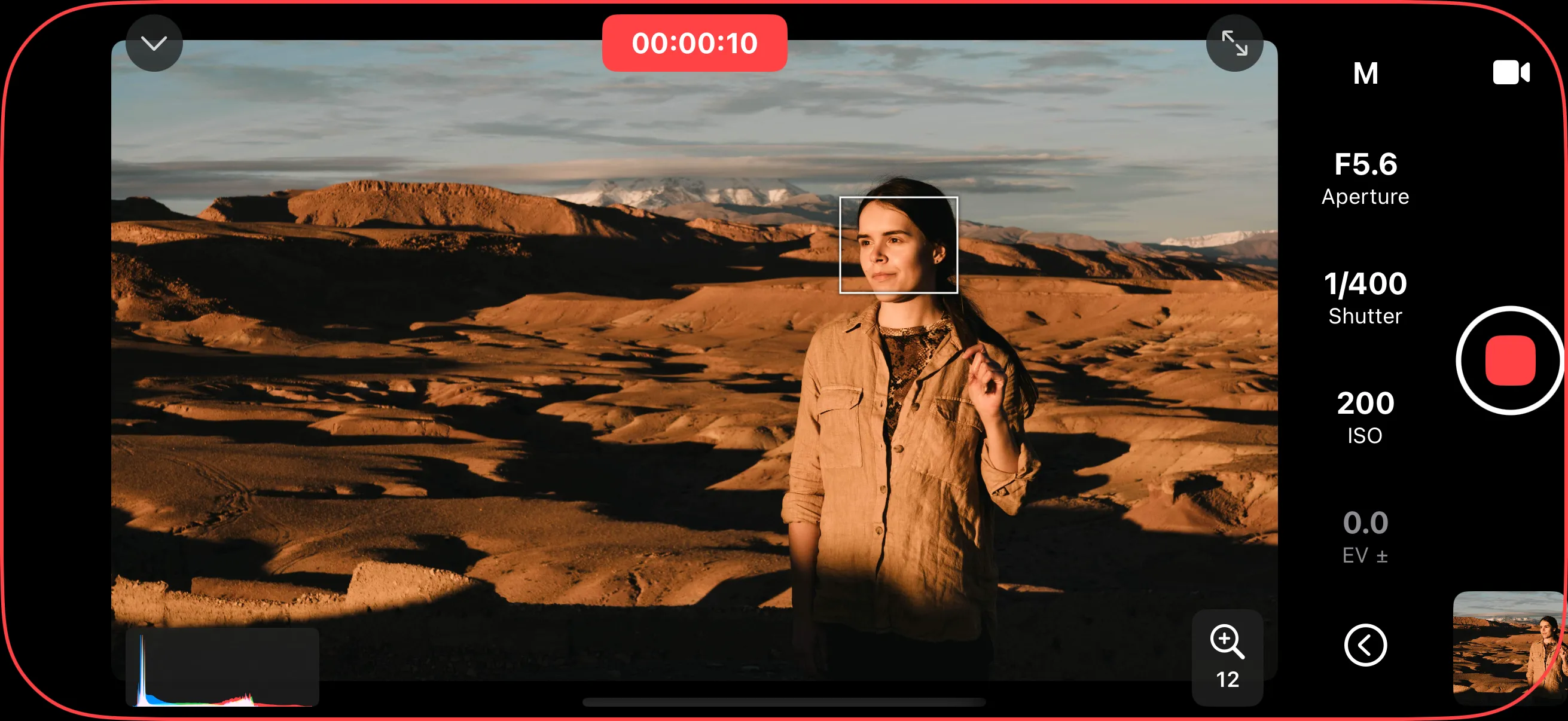
For wireless connection, the camera generates its own Wi-Fi network, so Shutter+ works anywhere. You connect on location, in the studio, or out in the wilderness.
With Shutter+, you can:
- Control exposure settings — adjust shutter speed, aperture, ISO, and more
- Monitor a live view feed — see what your camera sees on a bigger (or smaller — Apple Watch) screen
- Adjust focus — use autofocus modes, tap to focus, or control focus manually
- Automate shooting — run intervalometers, exposure brackets, focus brackets, and bulb timers
- Import photos — browse and download photos from your camera
- Tag photos with GPS — send your iPhone’s location to compatible Canon and Sony cameras to find your photos on a map later
- Shoot from your wrist — use the Apple Watch companion app as a remote shutter
This manual covers every feature in the app. If you’re just getting started, begin with Getting Started to connect your camera for the first time.