Sony: Focus Bracketing
Focus bracketing takes multiple shots at different focus distances. You can combine the results in focus stacking software (such as Helicon Focus or Adobe Photoshop) to produce a final image with extended depth of field — sharp from front to back.
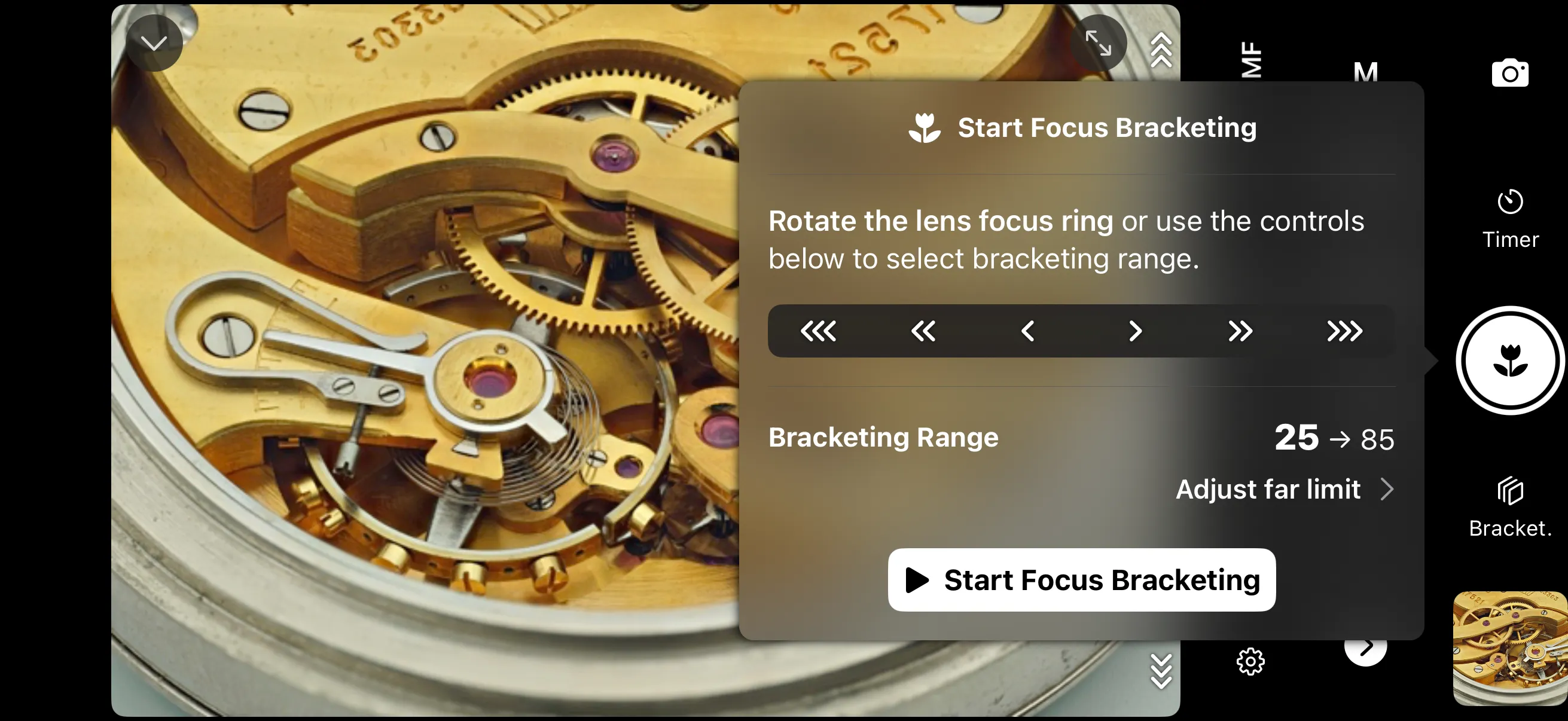
How it works
To use Focus Bracketing, you need a Sony camera with a Sony autofocus lens. Shutter+ will pull focus and take photos until the entire selected focus range is covered.
The camera reports focusing distance as a percentage number. 0 means lens closest focusing distance, and 100 is infinity. You can control closest and furthest bracketing range either by rotating manual focus ring on the lens, or using pull focus controls in Shutter+.
In the selected range (25-85) in the example above, Shutter+ will take a picture, request camera to pull focus slightly further, and repeat until it reaches the final focus distance. You control how much to pull by setting a step size, but how many photos will be taken depends on your lens, selected aperture and focusing distance. It requires some experimentation.
Enabling Focus Bracketing
Make sure you have a Sony autofocus lens. If it has an AF/MF switch, it needs to be in AF position. If it has a focus limiter, we recommend the FULL setting. If you set your lens to MF, Shutter+ will not be able to adjust focus at all.
Additionally, the camera needs to be in a single photo drive mode (see Shooting Modes).
Tap on the Bracket. button next to the shutter release button to open the menu. Tap Set camera to manual focus (MF) button to switch your camera body to MF.
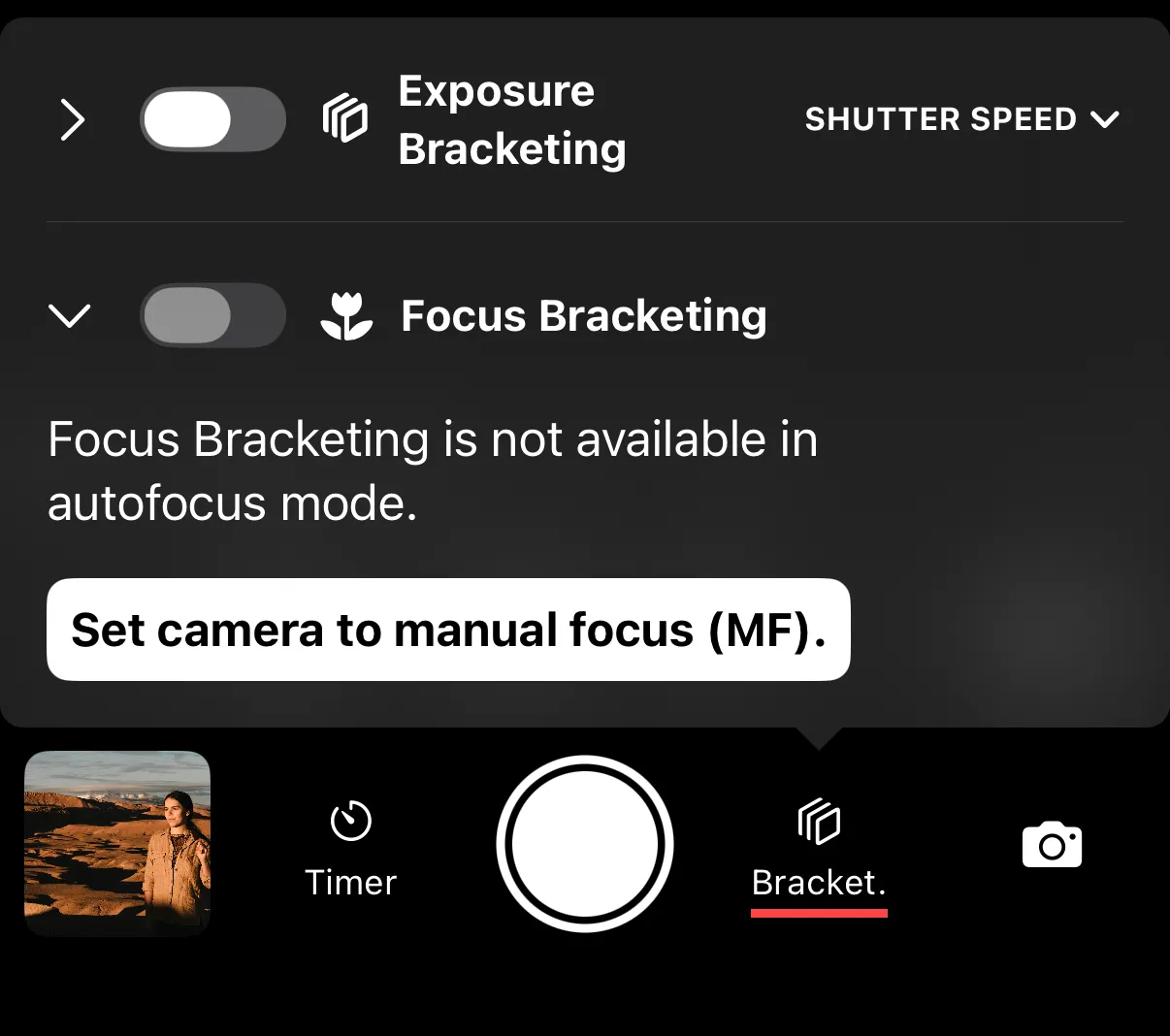
Once the camera is ready, toggle Focus Bracketing.
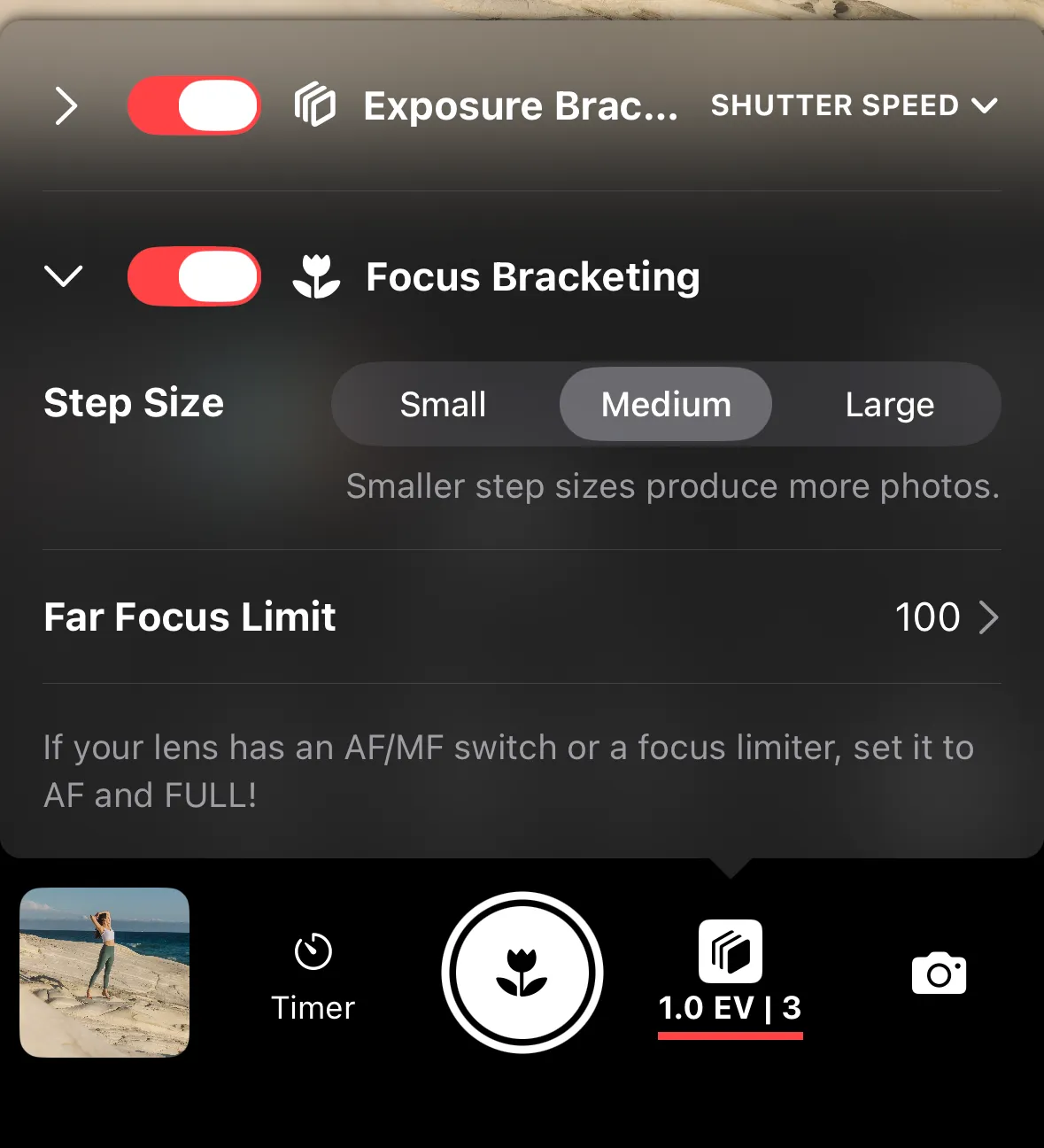
Settings
Step size — how much focus shifts between shots. What each step size means exactly will differ based on the lens, selected aperture and focus distance. Some experimentation is required. We recommend starting with the default Medium size. If too few photos are taken, change it to Small. If too many - choose Large.
Far focus limit — the furthest focus distance in the sequence. Use manual focus pull buttons or rotate your lens focus ring (recommended) to select focus distance right after your subject. Tap Clear limit to reset this setting to infinity.
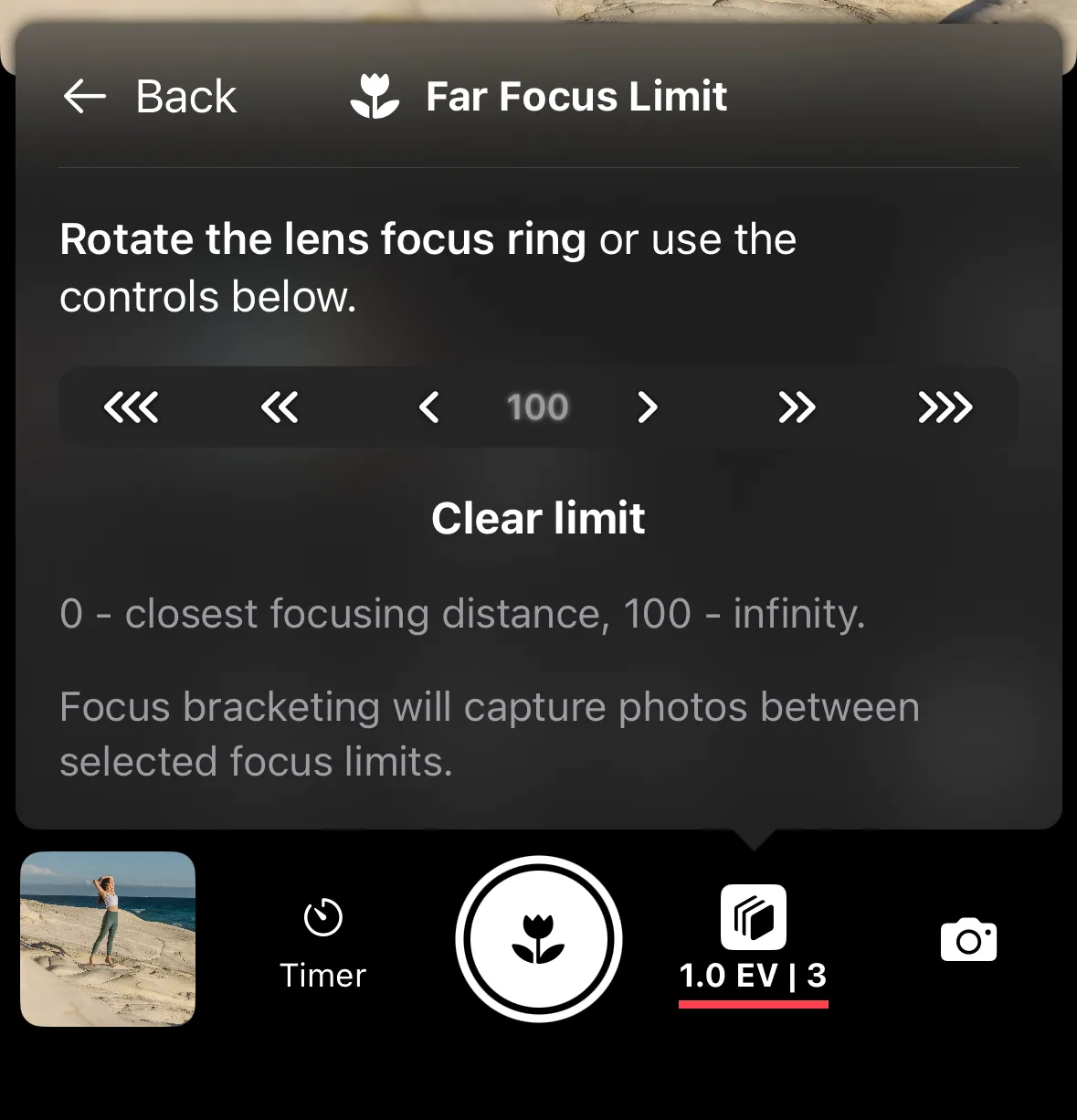
Starting Focus Bracketing Sequence
Once Focus Bracketing is enabled and configured, tap shutter release button to initialize the sequence.
Similar to Far Focus Limit, use manual focus pull buttons or rotate your lens focus ring (recommended) to select starting position - the closest distance you want in focus.
Tap Start Focus Bracketing to run the sequence from starting position to far focus limit.
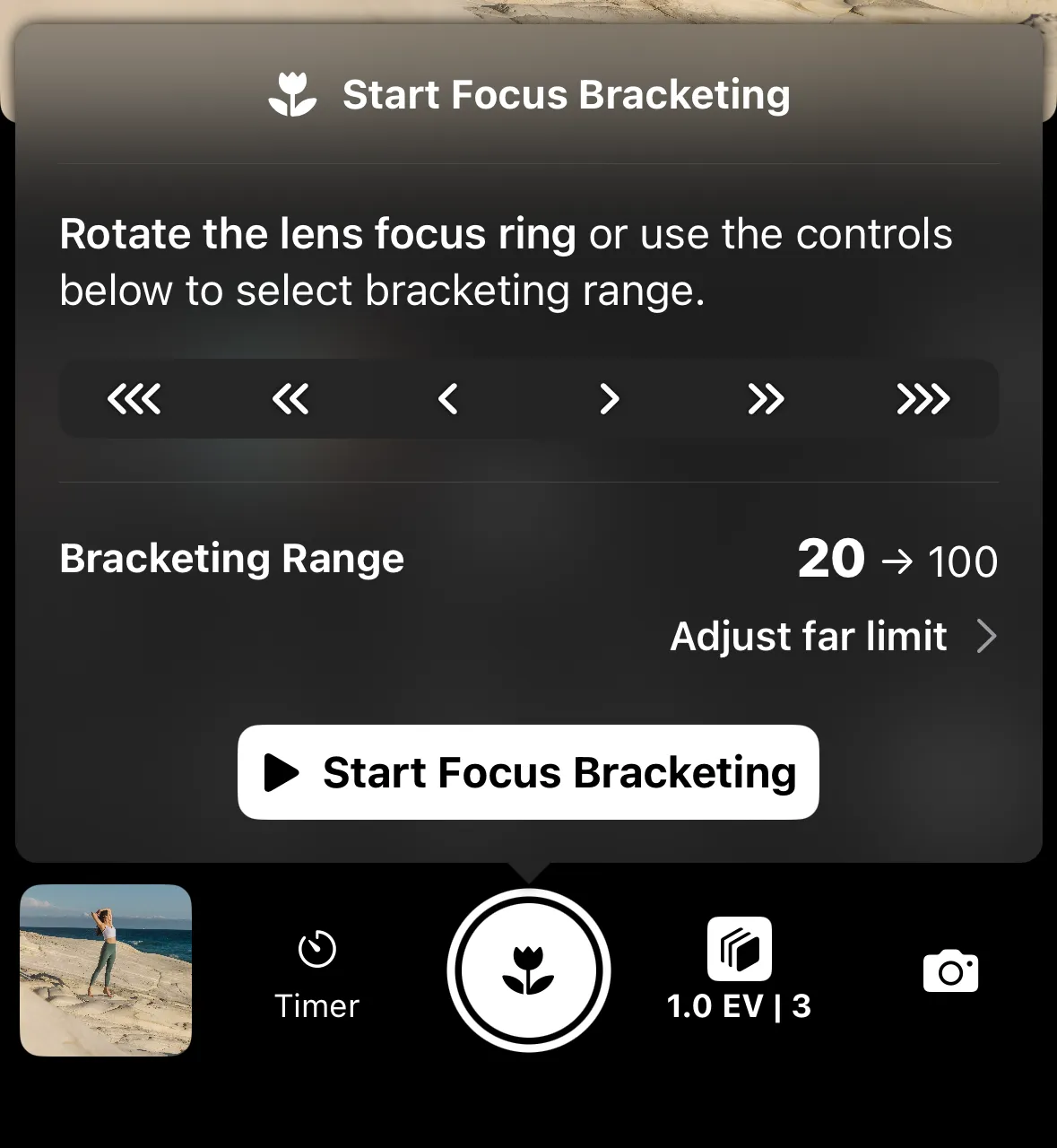
Focus Bracketing Sequence
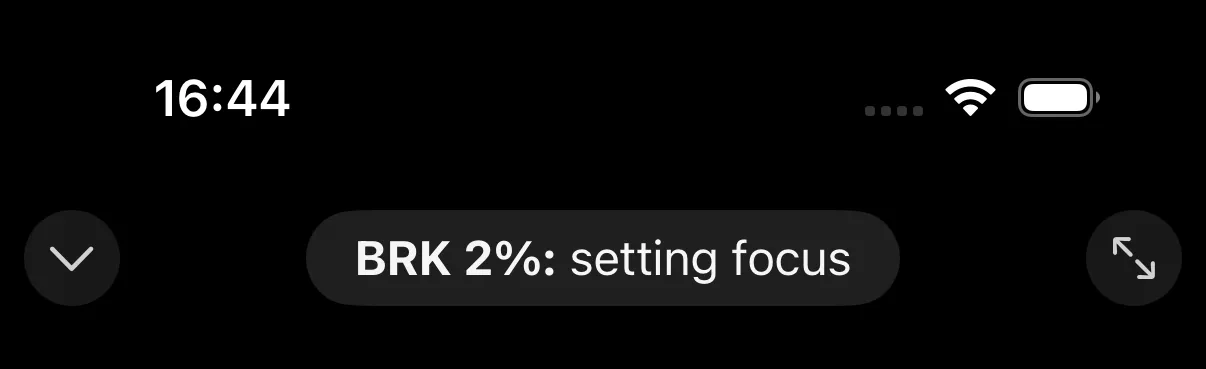
While Focus Bracketing is running, you will see progress in the status bar.
You can combine Focus Bracketing with Exposure Bracketing to capture multiple exposures at the same focus distance.
Requirements
- The AF/MF switch on the lens must be set to AF. Shutter+ needs to control the focus motor.
- The focus limiter on the lens must be set to FULL. A restricted range prevents proper stepping.
- The camera must be in Single Photo drive mode.
- Use an aperture between f/5.6 and f/11 for best stacking results.
Troubleshooting
Focus not moving error
There are a few potential causes for this issue:
- manual focus lens or lens in manual focus mode
- trying to move focus beyond lens focus limiter (i.e. limiter not set to FULL)
- lens not supported
- aperture too large
If your lens is in manual focus (MF) mode, Shutter+ is unable to adjust focus electronically. Switch your lens to AF and try again.
If your lens limiter is not set to FULL, Shutter+ might attempt to go beyond the focus limit and the lens will prevent that. Switch to FULL and try again.
If your lens is not supported, it might not send focus distance updates. We only test with Sony lenses and we’ve heard from users that Sigma and Tamron lenses are causing issues. If you are in doubt, you can try 7 day free trial to see if your particular lens works with focus bracketing.
The camera reports focus distance as an integer in 0..100 range (i.e. only 101 positions can be encoded). Modern macro lenses offer way more precise focus control, especially when aperture is large and depth of field is shallow. It might happen that the camera will use 10 different focusing distances all of which will be reported as the same percentage number. If that happens, try smaller aperture (F5.6 - F11 is recommended), larger step size, or wait a few more photos to see if focus starts moving.