BULB Timer
The BULB timer controls long exposure duration with precision. Set the exact time in minutes and seconds, and Shutter+ holds the shutter open for that duration. Common uses: astrophotography, light trails, light painting, long exposure landscapes.
Access BULB timer in shutter speed exposure menu.
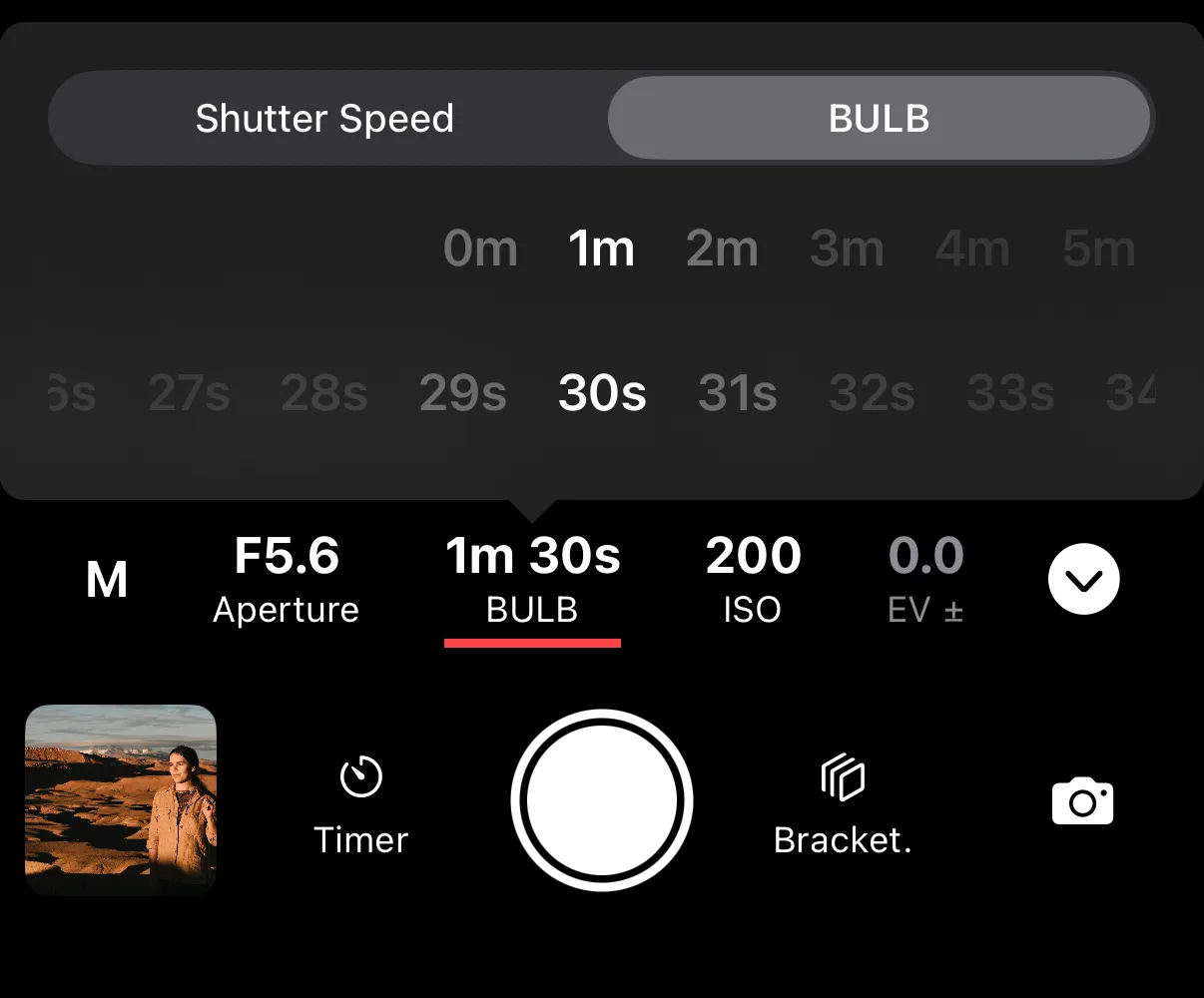
Entering BULB mode
- Canon cameras - set the exposure mode dial on the camera to BULB (B) mode.
- Sony cameras - set the exposure mode dial on the camera to Manual (M) mode. Select BULB from the shutter speed menu.
- Fujifilm cameras - only predefined BULB lengths are available. Set the exposure time to BULB before you connect with the camera. See Exposure Mode for mode details.
Additional requirements
Not all cameras support BULB modes. A lot of video oriented models do not have this option. Check out compatibility pages to see if your camera supports BULB.
Additionally, BULB is not available with fully electronic shutter. Switch your camera settings to mechanical shutter or electronic 1st curtain shutter (recommended for less vibrations). Consult your camera manual for more details on how to enter BULB mode.