Grid Overlays
Grid overlays display composition guidelines on top of the live view.
Available Grids
| Grid | Description |
|---|---|
| 2x2 | Simple four-quadrant grid |
| 3x3 | Rule of thirds — the most commonly used composition grid |
| 6x4 | Fine grid for precise alignment |
| Diagonal | Diagonal composition lines |
| Golden Ratio | Grid based on the golden ratio (phi) |
| Golden Spiral | Fibonacci spiral overlay |
The Golden Spiral has four orientations — Top-Left, Top-Right, Bottom-Right, and Bottom-Left — so you can match the spiral to your subject’s position.
Enabling a Grid
Open composition tools (nested rectangles icon) from the controls row and select your desired grid overlay from the “Grid” section. Enable and hide the overlay by tapping the on/off toggle before the “Overlay” header.
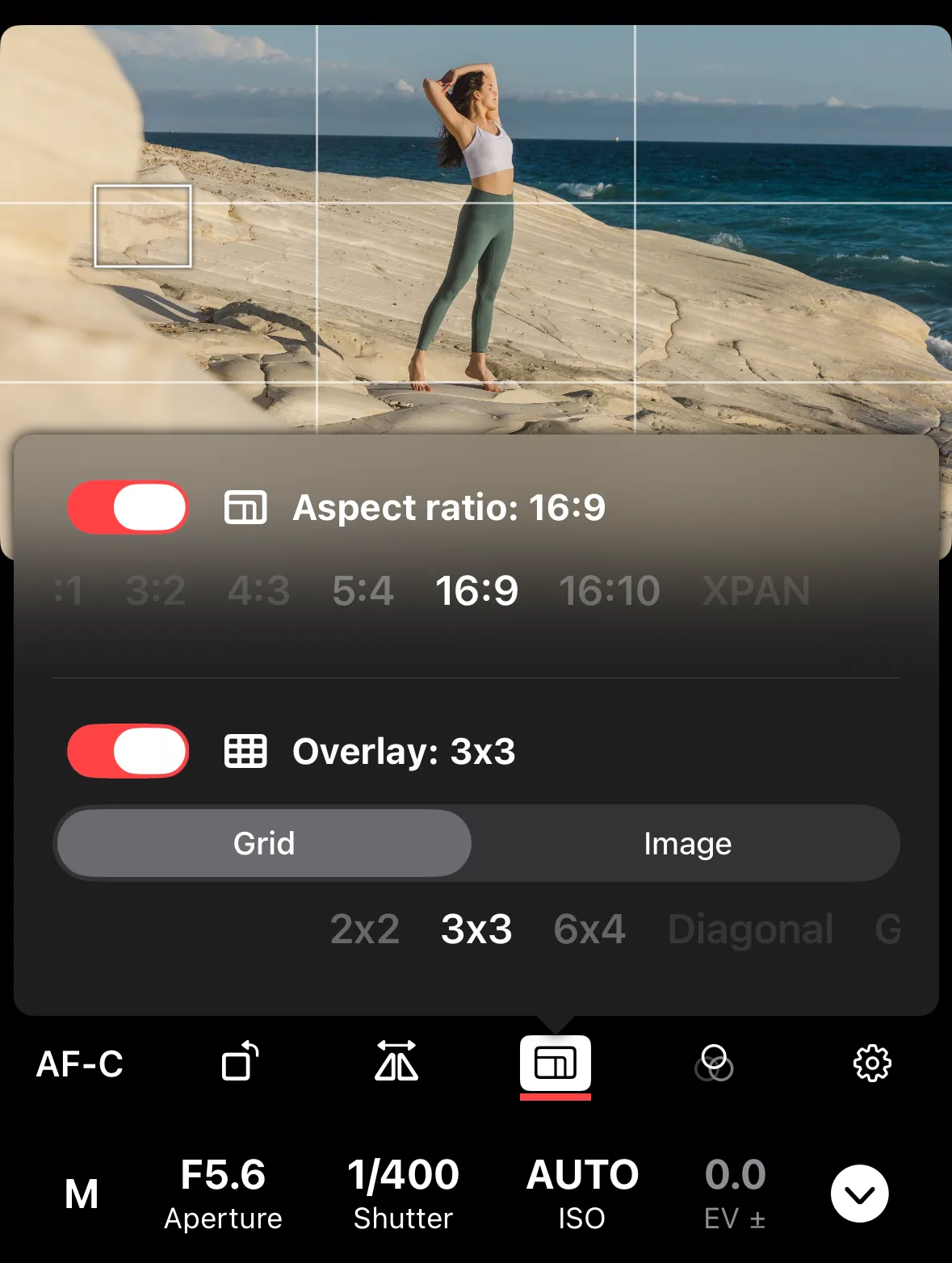
Grid overlays work alongside aspect ratio guides. Your selection is saved between sessions.