LUT Preview
A LUT (Look-Up Table) is a color transformation file used for color grading. Shutter+ can load a .cube LUT file and apply it to the live view in real time, so you can preview the final graded look while shooting.
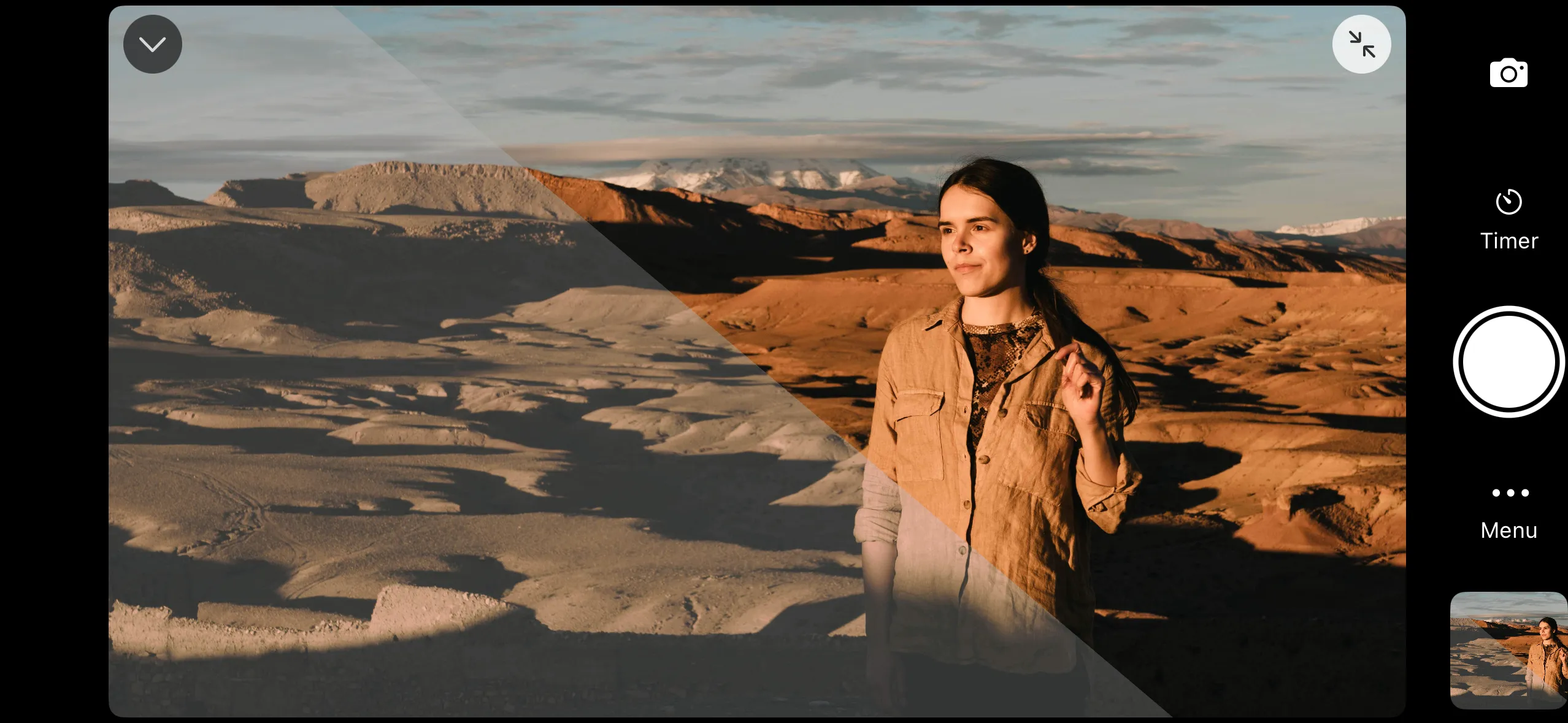
When to Use It
LUT preview is most useful when shooting in flat or log color profiles. These profiles capture more dynamic range but look washed out on screen. Applying a LUT in the live view lets you see the intended look without affecting the recorded footage.
Loading a LUT
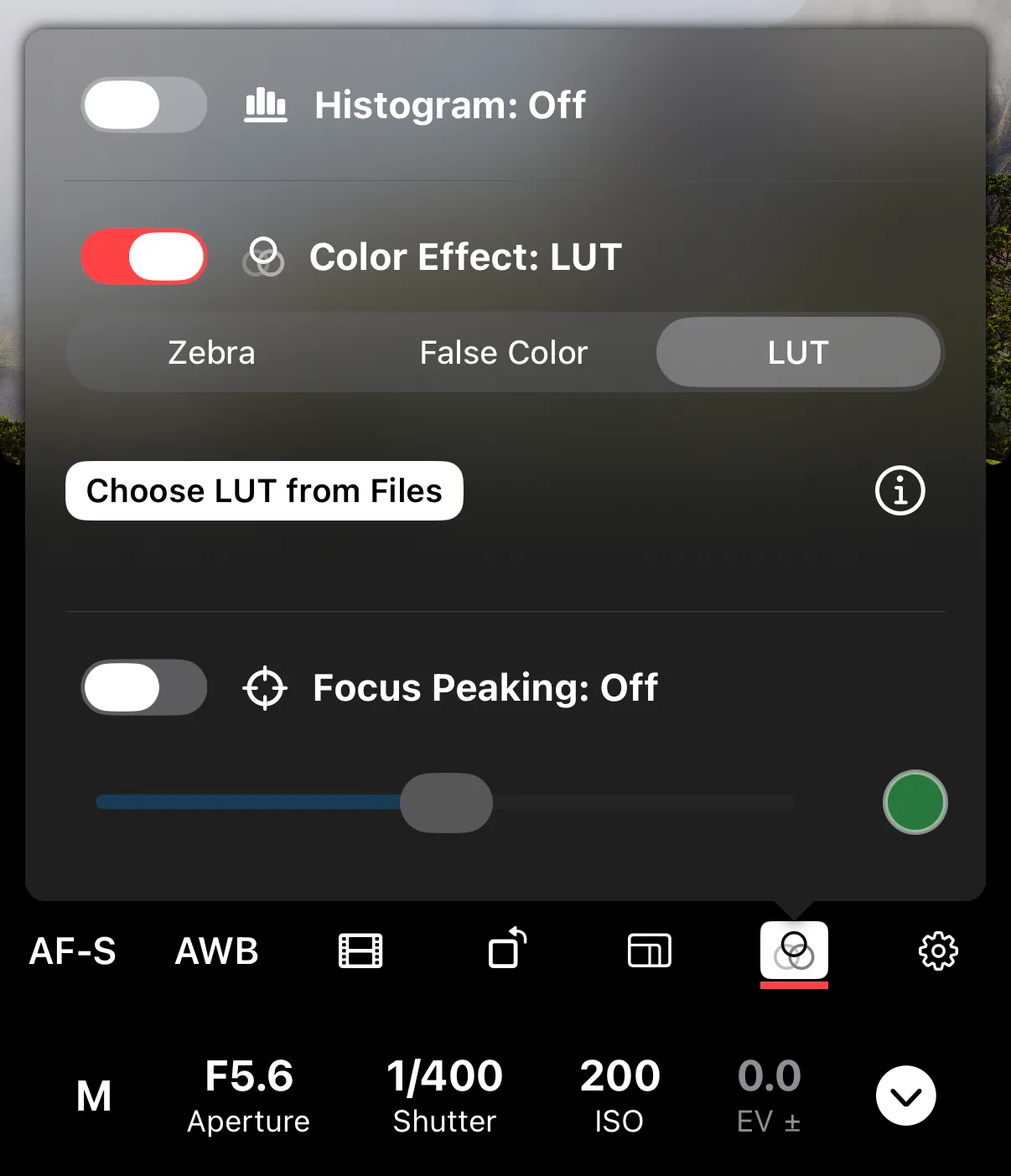
Open the exposure aids settings, select LUT as the color effect, and tap the load button to choose a .cube file from the Files app. Shutter+ supports both 1D and 3D LUT files.
The most recently loaded LUT is remembered between sessions.
Limitations
Only one color effect can be active at a time — selecting LUT turns off zebra stripes or false color. The LUT is applied to the preview only and does not affect the captured image or video.