Zoom Controls
On cameras with a powered lens, zoom options appear in the bottom right corner of the live view.
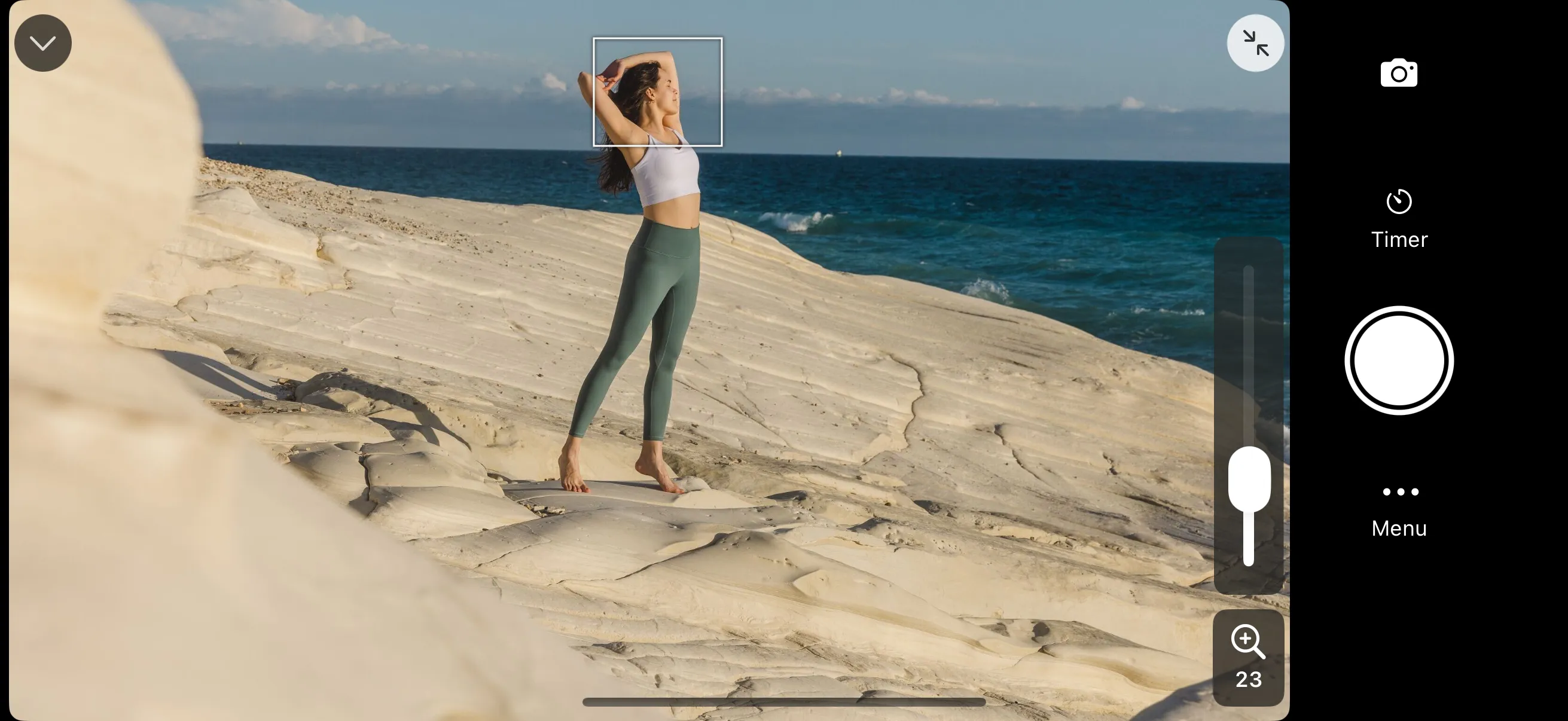
Tap on the zoom icon to show zoom controls. Depending on your camera model, you’ll see:
- A slider that controls how far it should zoom in/out
- Plus/minus buttons that simulate pressing zoom in/out button on the camera. Hold the button to zoom further.