Capture Preview
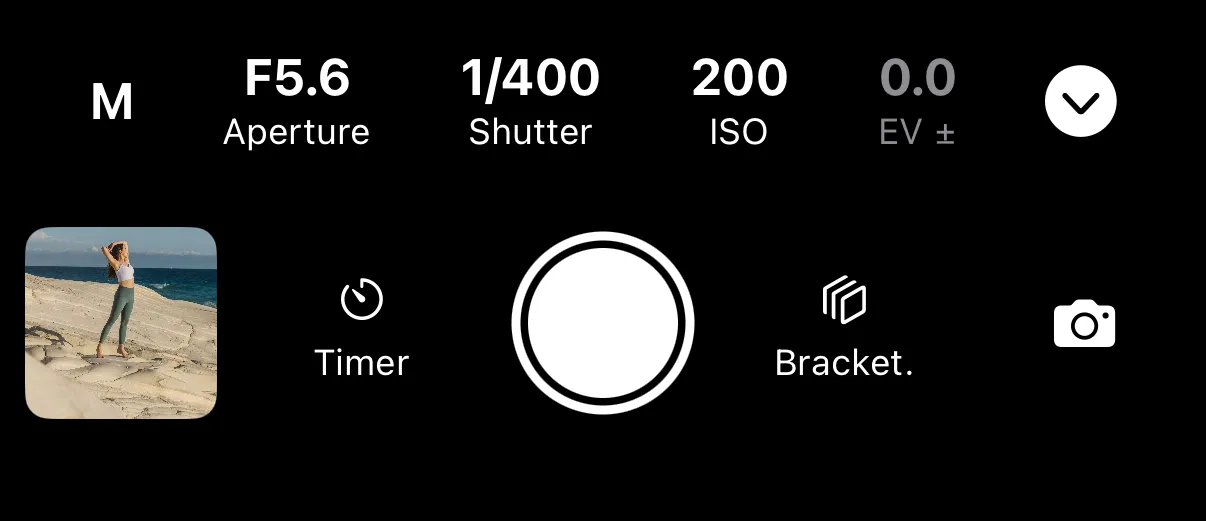
While you shoot, image previews are sent to the app for easy review. These previews are accessible from the Recent Photos section in the capture row.
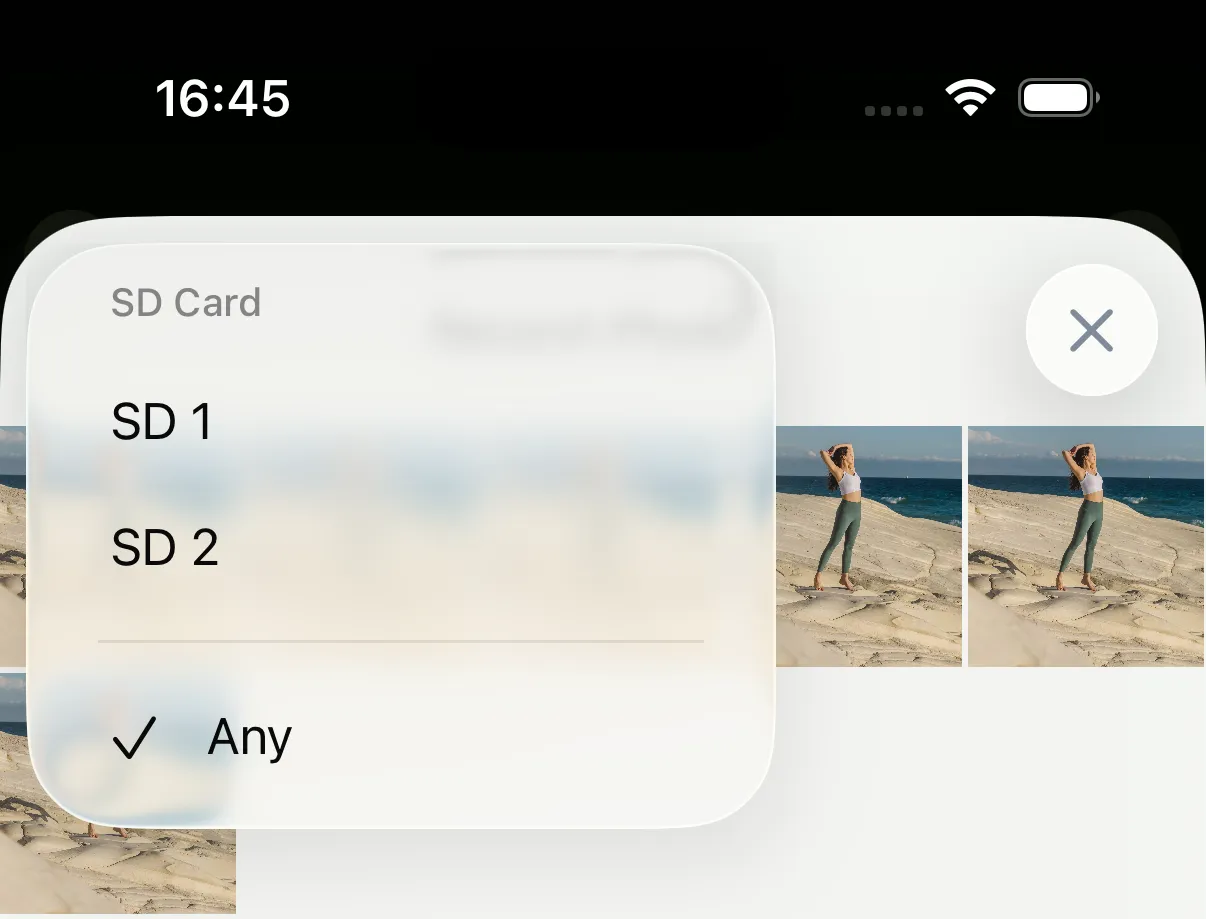
Filtering by SD card
On some cameras with 2 SD cards, while saving to both of them, 2 previews will be generated for each capture. Tap on the SD card icon in the top left corner to display photos from only one card and deduplicate your recent captures.
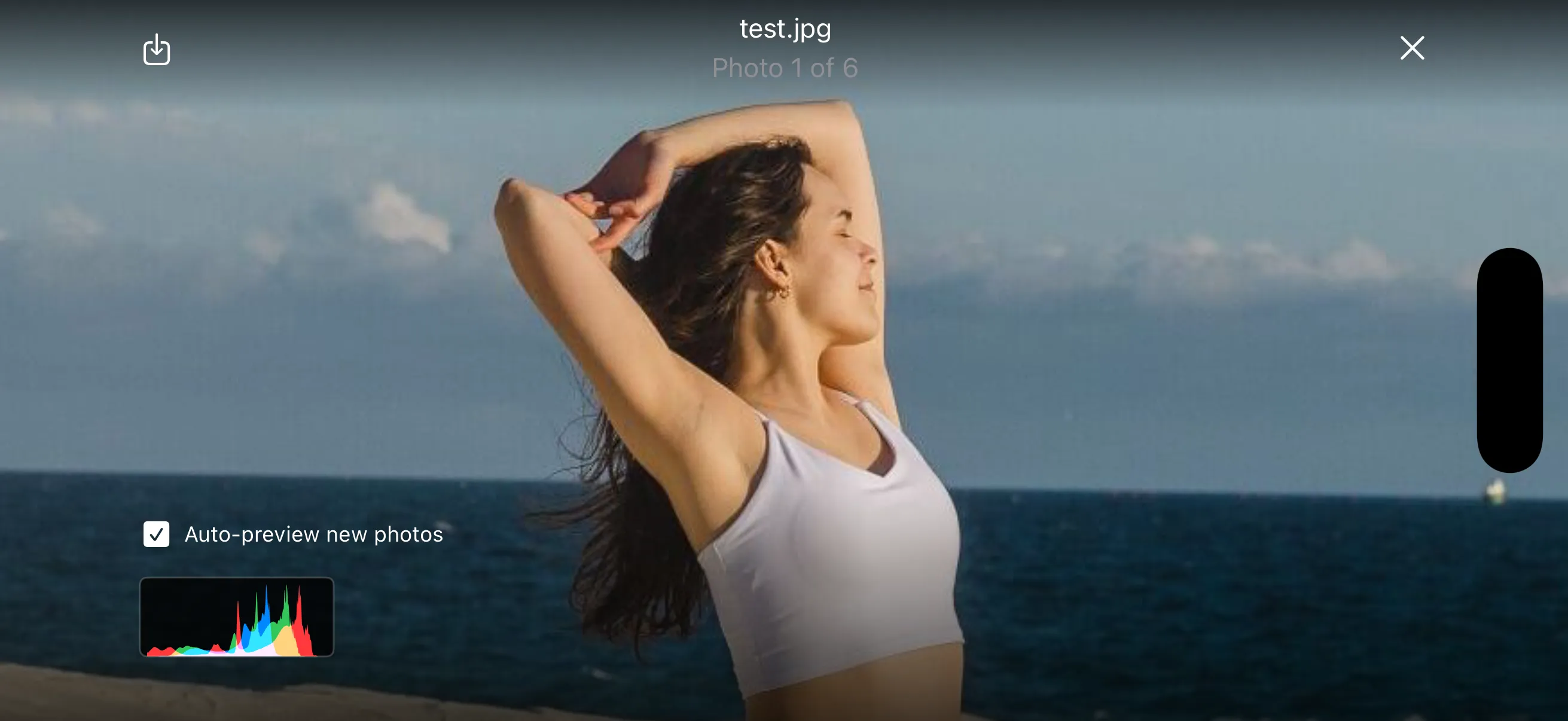
Auto-review new photos
If you want to shoot photos on your camera and use Shutter+ for monitoring, or while the intervalometer is running, you can use preview mode. It’ll automatically display the most recently captured photo full screen.
This is often useful on sets when working with clients. They can quickly review what is going on with the shoot without interfering with camera controls.
Rate photos
On Canon cameras you can rate photos directly in the preview.
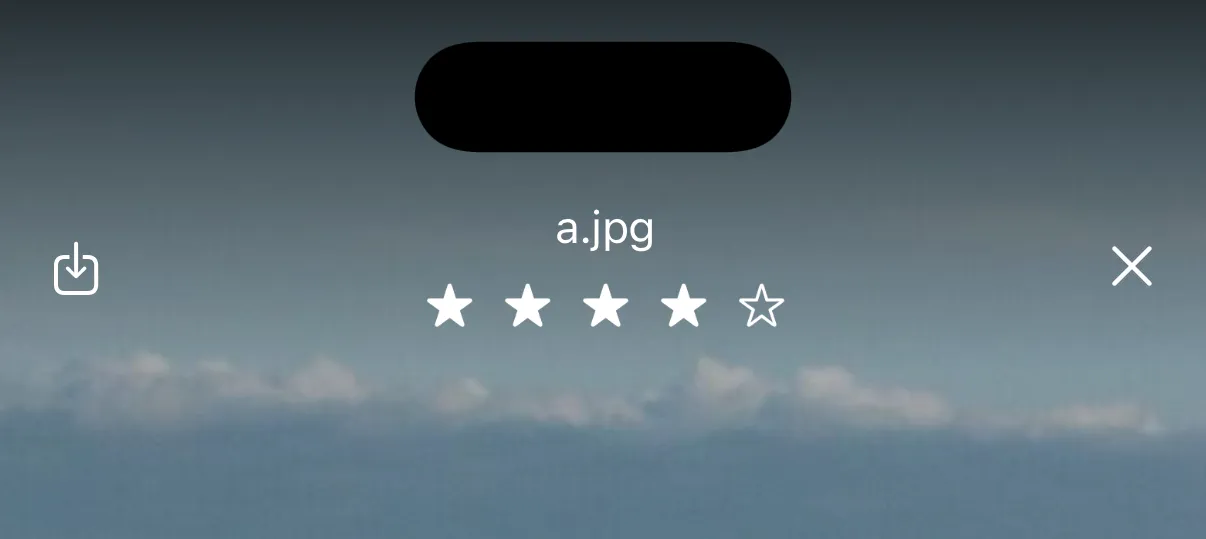
Use ratings to mark your favorites during a shoot, then filter by rating to quickly find and download the best shots.