Full Screen
Tap the full-screen button in the live view toolbar to hide all controls and use the entire screen for the camera feed. This gives you a larger, uncluttered preview for composing your shot.
Tap the screen again to bring the controls back.
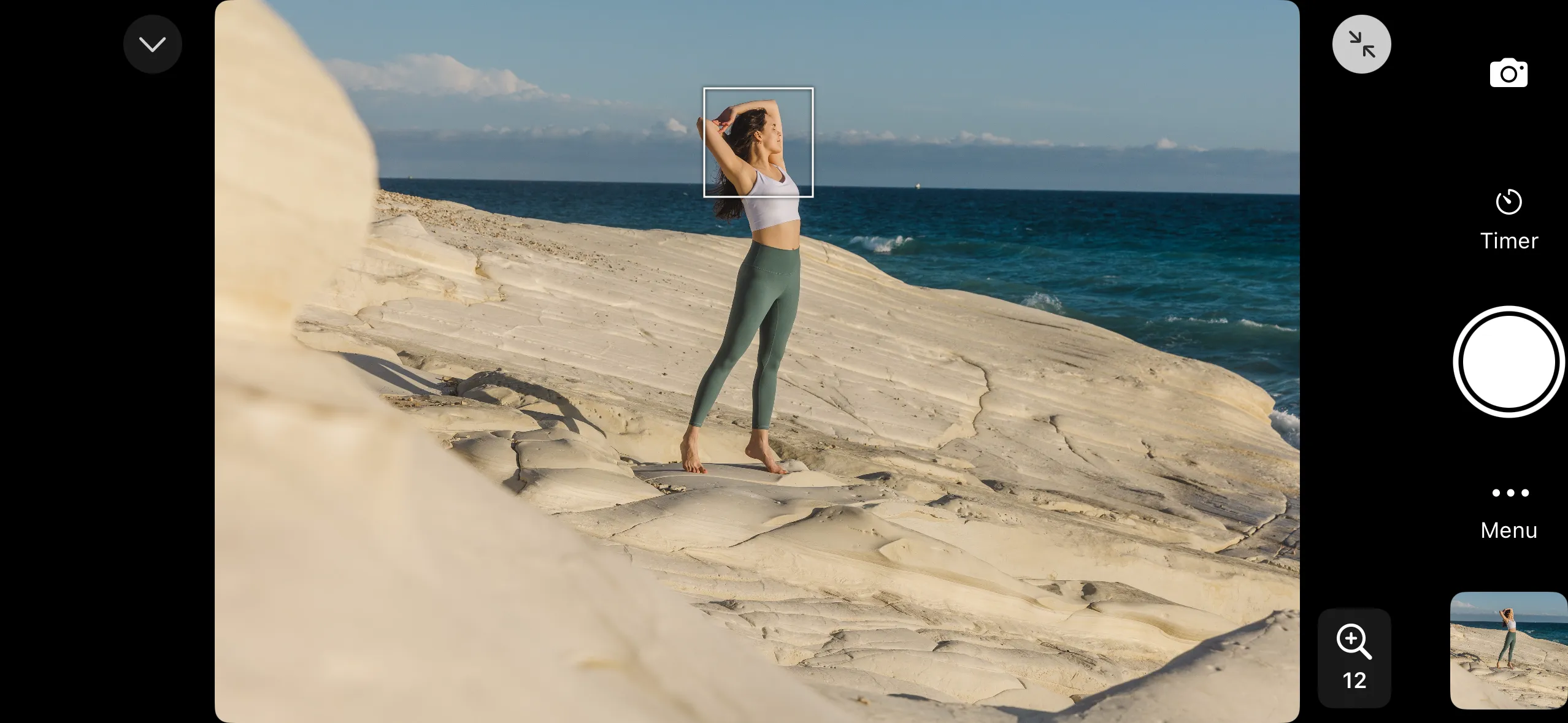
Overlays like grids, aspect ratio guides, and exposure aids remain visible in full-screen mode. All options are still available under the “Menu” button.