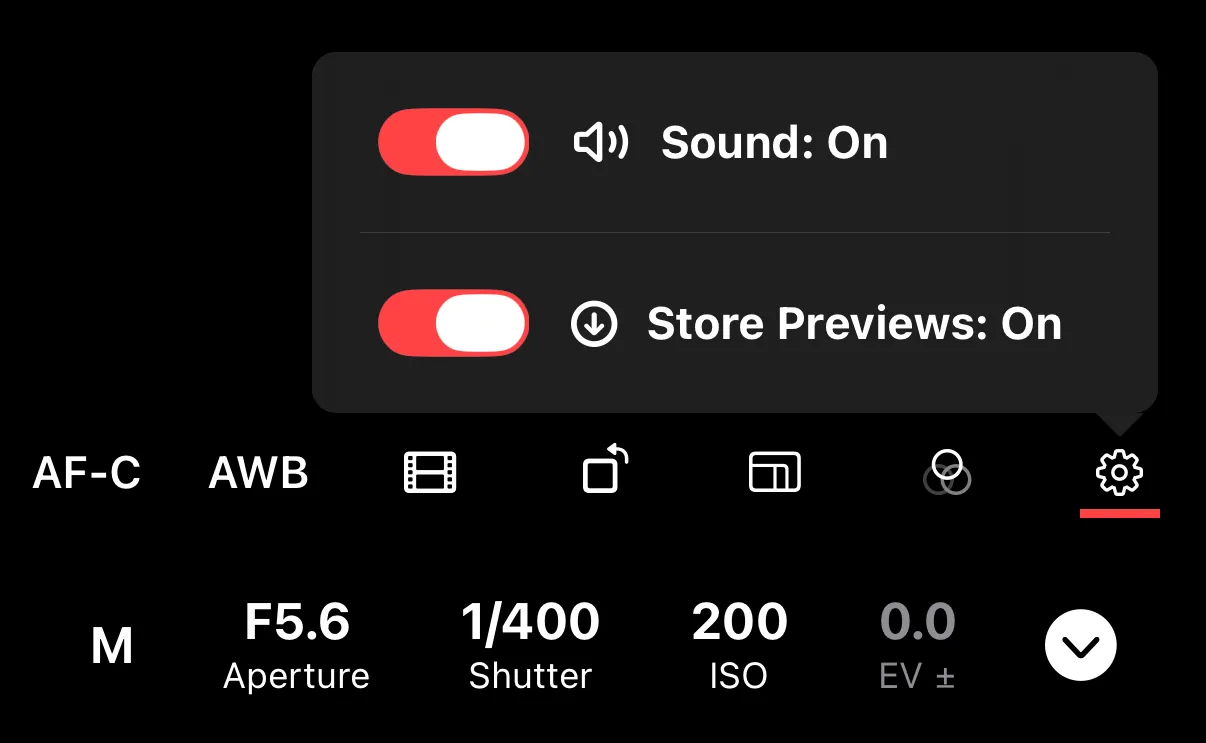
Capture Sound
Shutter+ plays a sound when you take a photo or when timer countdown is running. You can turn this off in the settings overlay on the remote control screen.
Toggle Sound to enable or disable it. Your preference is saved between sessions.
This controls only the app’s sound — it does not affect the camera’s own shutter sound.