Camera Orientation
To match the camera’s orientation, tap the rotate button (square with an arrow).
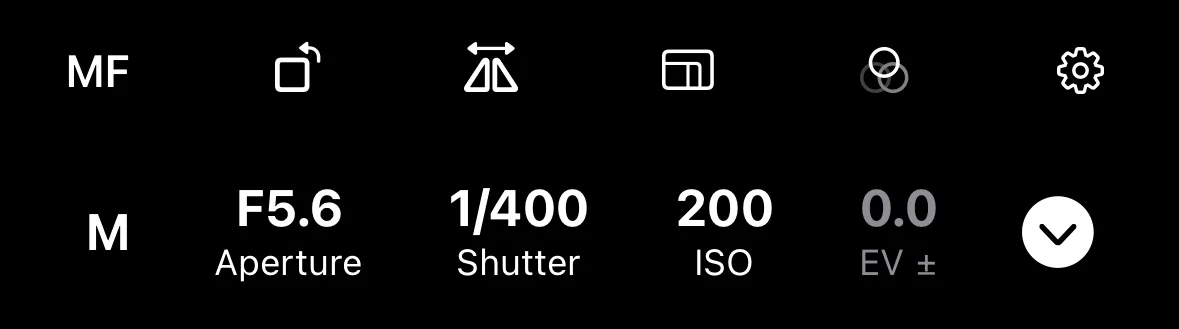
The interface works in both portrait and landscape orientations on your iPhone. Controls rearrange to fit the screen regardless of how you hold your phone.