Focus Peaking
Focus peaking highlights the edges that are in focus by overlaying them with a colored outline in the live view. It’s especially useful when focusing manually or verifying autofocus accuracy.
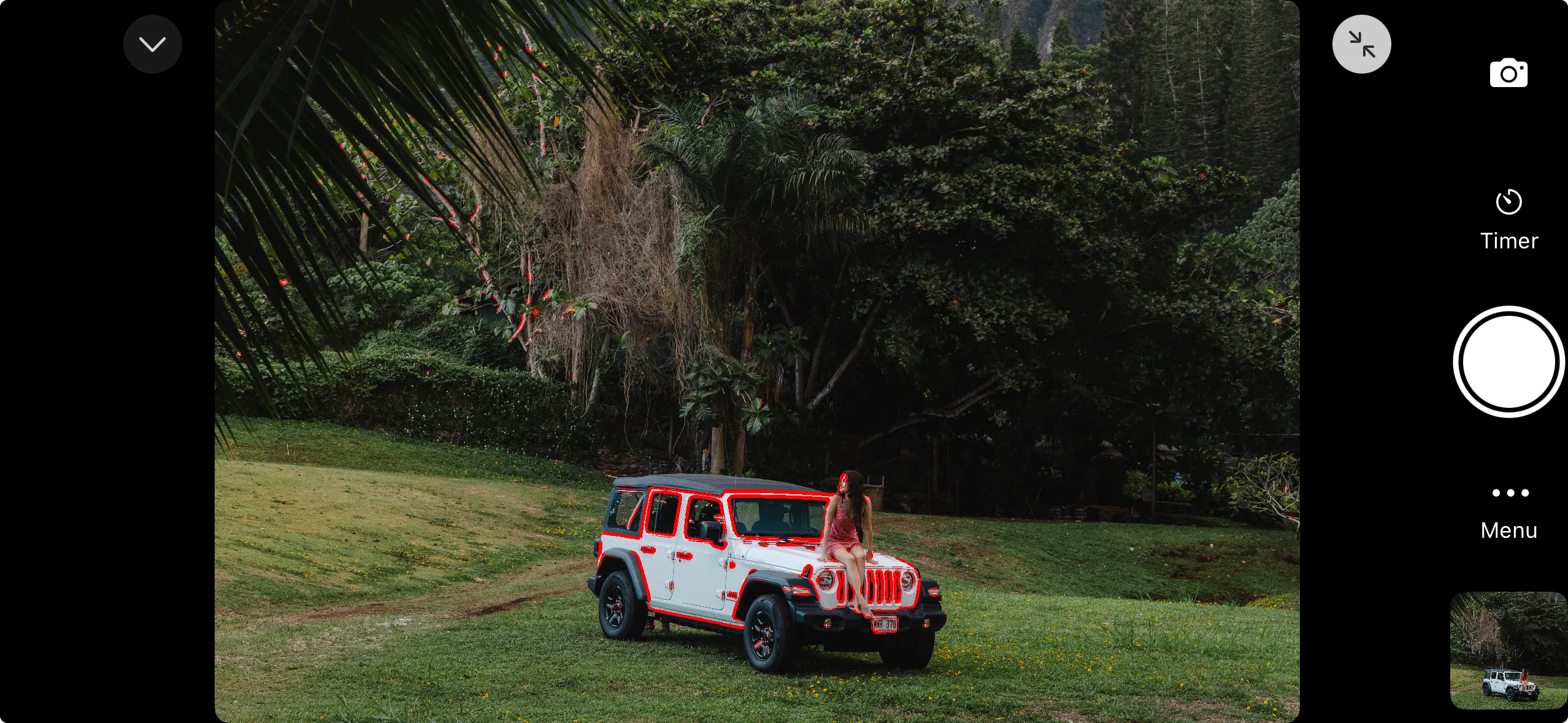
Enabling Focus Peaking
Open the exposure aids settings and toggle focus peaking on.
Focus peaking cannot be used at the same time as color effects (zebra stripes, false color, or LUT preview). Enabling a color effect turns off focus peaking, and enabling focus peaking turns off the active color effect.
Focus peaking is processed on your iPhone and does not affect the captured image.
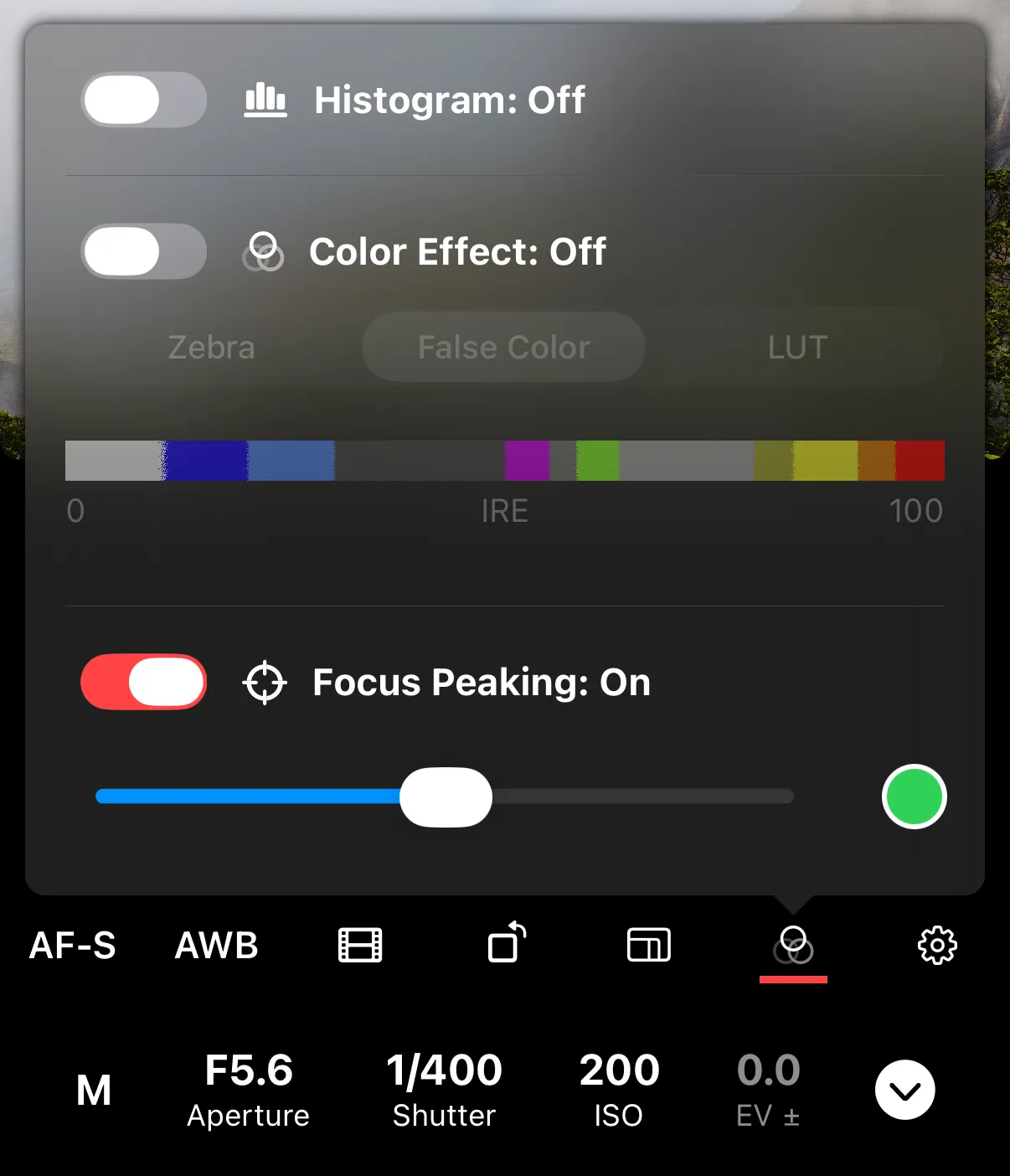
Settings
Color — tap on the color to choose between Green, Red, or White. Pick a color that contrasts with your subject so the peaking is easy to see. The default is green.
Threshold — controls sensitivity. A lower threshold highlights more edges (including slightly out-of-focus areas). A higher threshold highlights only the sharpest edges.