Film Simulations
Film simulations are a Fujifilm-exclusive feature. They apply color and tonal profiles inspired by classic film stocks, changing the look of your photos and videos in-camera.
Tap the film simulation icon in the additional controls row to select a different profile. Which simulations are available depends on your Fujifilm camera model.
This setting only appears when connected to a Fujifilm camera.
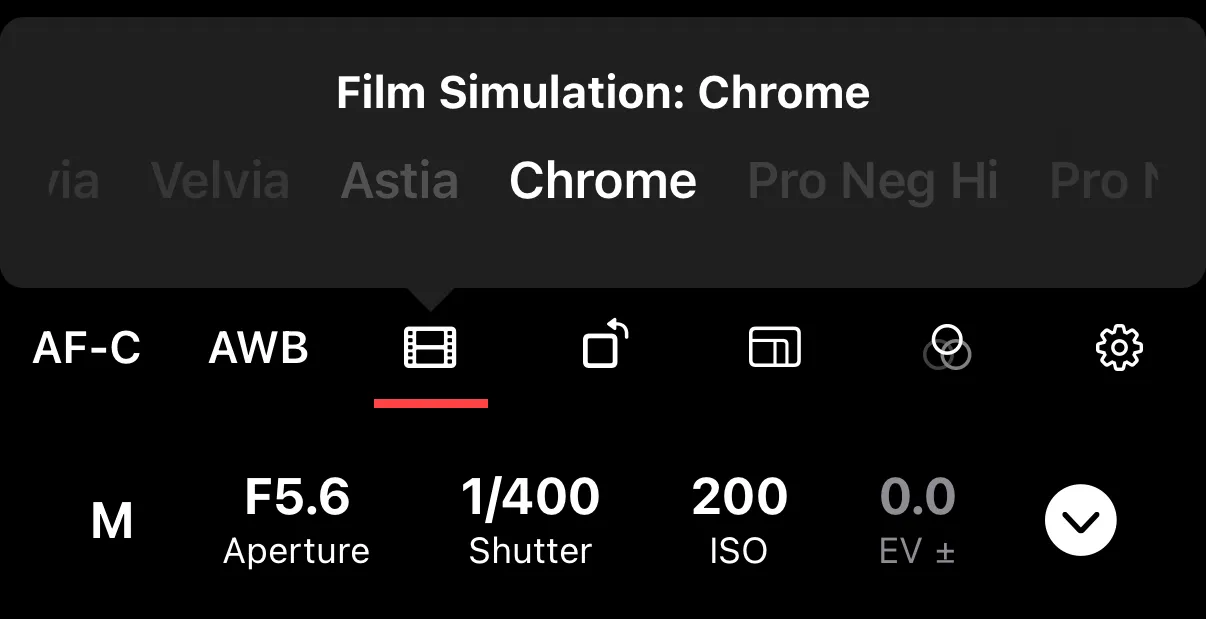
Available Simulations
Color:
| Simulation | Character |
|---|---|
| Provia (Standard) | Natural, balanced color reproduction |
| Velvia (Vivid) | High saturation and contrast — ideal for landscapes |
| Astia (Soft) | Softer tones with lower contrast — good for portraits |
| Classic Chrome | Muted, desaturated palette with a vintage feel |
| Classic Negative | Nostalgic negative film look with distinctive color shifts |
| Pro Neg Hi | Higher contrast portrait tones |
| Pro Neg Std | Standard portrait tones with smooth skin rendering |
| Eterna | Cinema-like muted tones — designed for video |
| Eterna Bleach Bypass | Low saturation, high contrast — a bleach bypass effect |
Black & White:
| Simulation | Character |
|---|---|
| Acros | High-contrast black and white (Standard, or with Yellow/Red/Green filter) |
| Monochrome | Standard black and white (Standard, or with Yellow/Red/Green filter) |
| Sepia | Warm-toned black and white |
The Yellow, Red, and Green filter variants affect how colors are translated into grayscale tones — for example, a Red filter darkens blue skies and brightens red subjects.