Intervalometer
The intervalometer automatically takes photos at a regular interval. It has many uses:
- capturing self-portraits or travel photos with a chance to try different poses,
- capturing frames for time-lapse photography,
- capturing frames of the same scene for denoising,
- and more…
Unlike the intervalometer built into cameras, Shutter+ will focus before each photo in autofocus modes. This is great when you are posing, but you might want to switch to manual focus for static subjects for more precise time control.
Enabling Intervalometer
The camera needs to be in a single photo drive mode (see Shooting Modes).
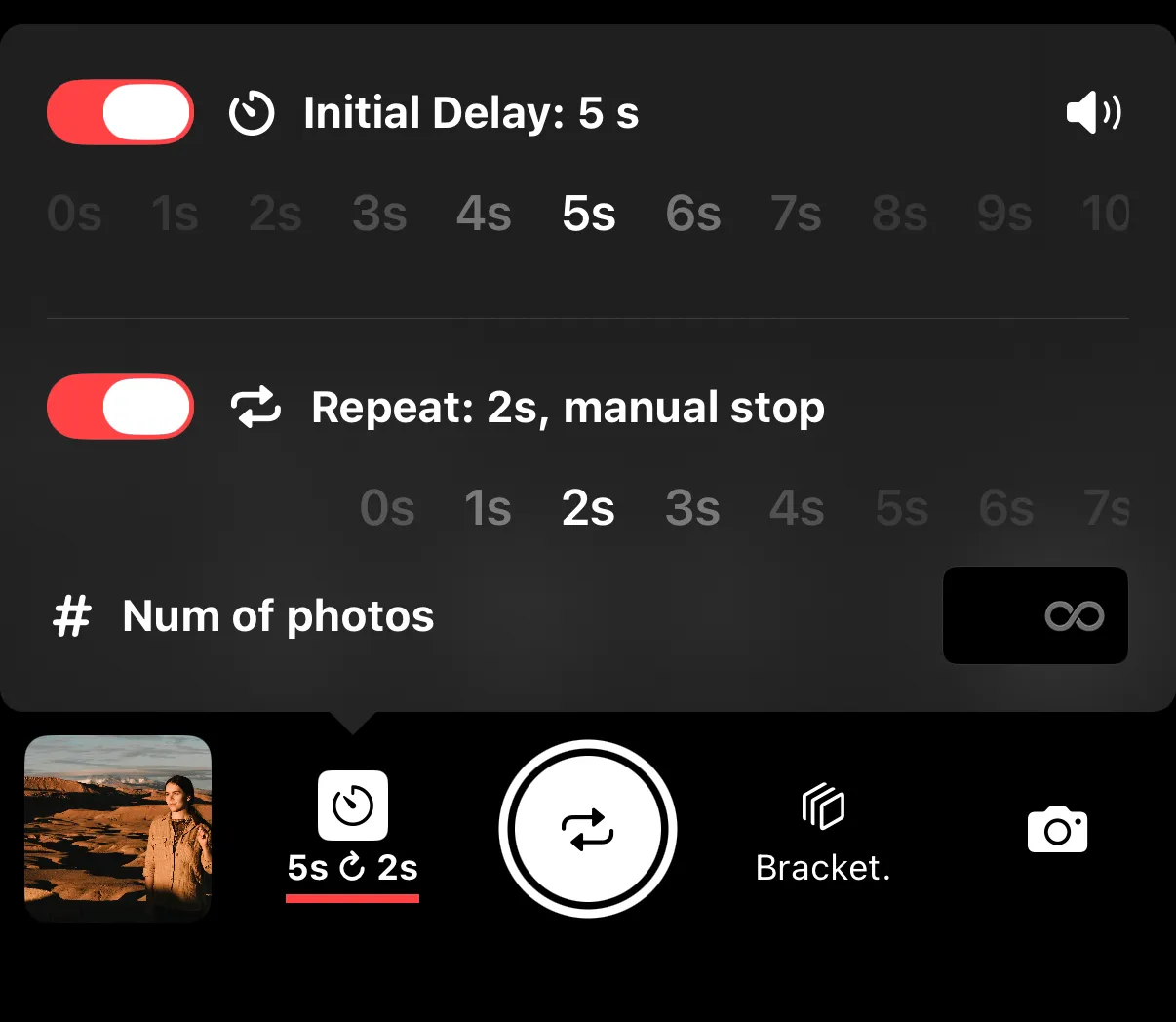
Tap on the Timer button next to the shutter release button to open the menu, then toggle Repeat option and select a desired interval length.
Settings
Sound - on/off toggle, controls countdown, focusing and capture sounds.
Initial Delay - time before Shutter+ takes the first photo.
Interval — the time between shots, in seconds. The default is 2 seconds.
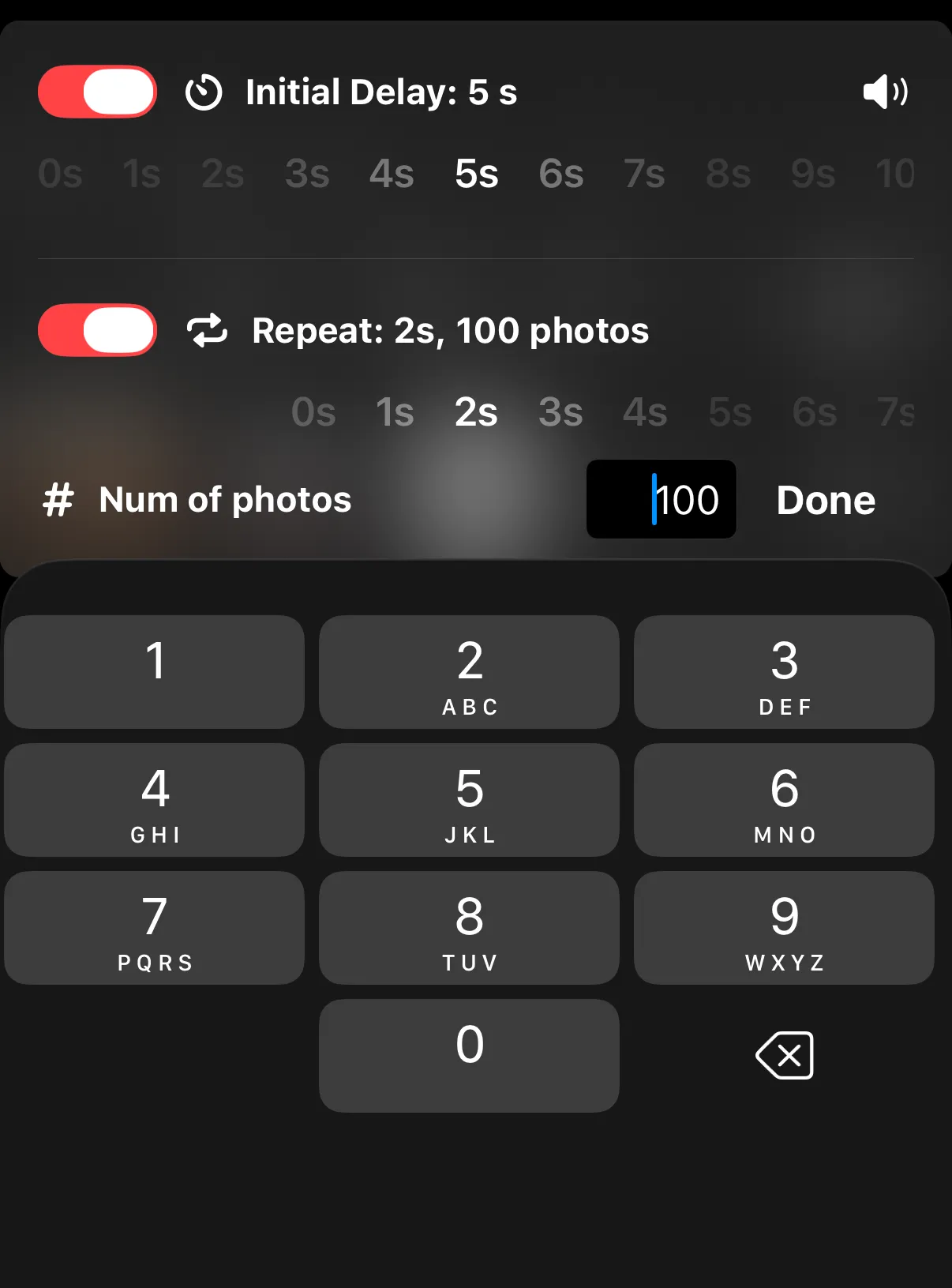
Number of photos — the total number of shots to take. Set a specific count or leave it empty to enable manual stop. The default is Stop Manually.
During Capture
The status display shows:
- The current shot number and total (e.g., “Photo 3 of 10”)
- A countdown to the next shot
You can stop the sequence at any time by tapping the stop button (in place of the shutter release).