Aperture
Aperture controls the size of the lens opening, affecting both exposure and depth of field.
- Lower f-number (e.g., f/1.8) — wider opening, more light, shallower depth of field (blurred background).
- Higher f-number (e.g., f/16) — narrower opening, less light, deeper depth of field (more in focus).
Tap the aperture value on the remote control screen to adjust it.
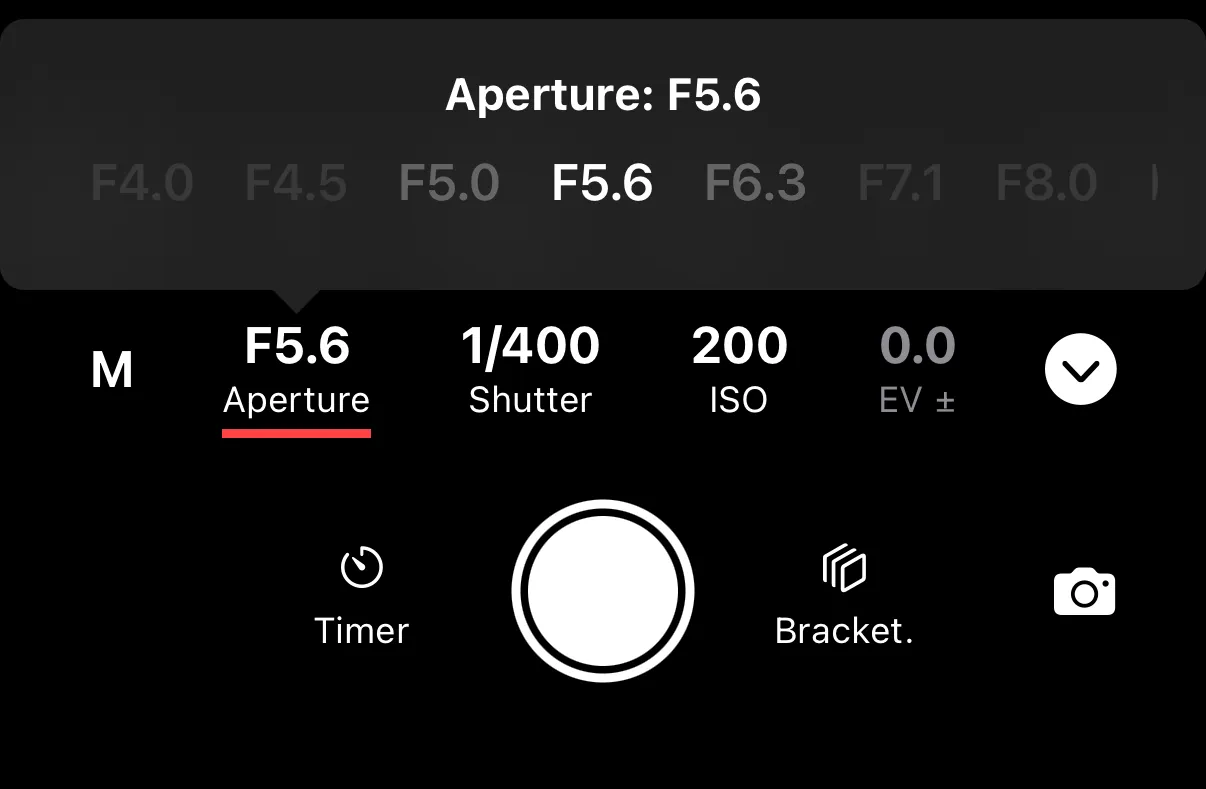
Available Range
The range of available f-stops depends on the lens attached to your camera. A fast prime lens might go as wide as f/1.2, while a kit zoom lens might start at f/3.5.
Auto Aperture
In Shutter Priority and Program Auto modes, the camera sets the aperture automatically. The current value is displayed but cannot be adjusted. Switch to Manual or Aperture Priority mode for direct control.