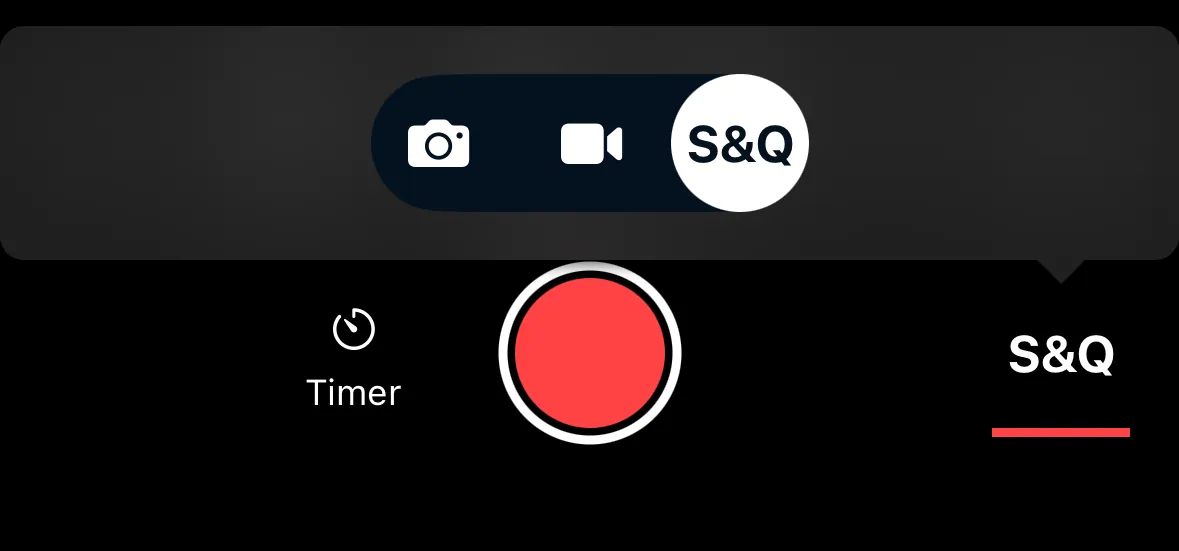
Shooting Modes
Shutter+ supports two main shooting modes:
- Photo — for still photography. The shutter button takes a single photo (or a burst, depending on your drive mode setting).
- Video — for recording video. The shutter button starts and stops recording.
Tap the mode indicator to switch between Photo and Video.
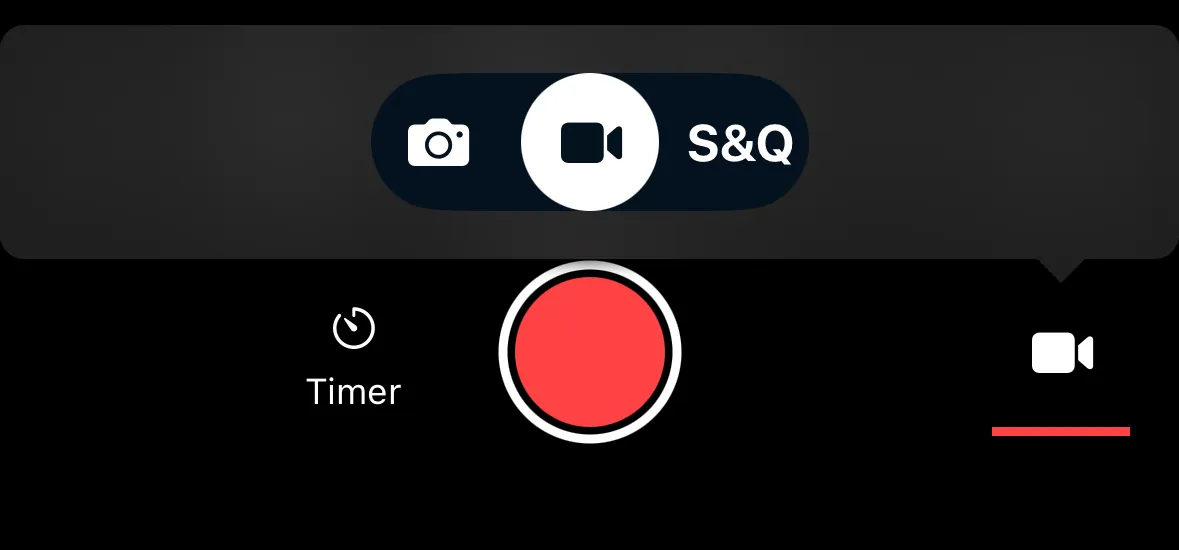
Drive Modes
In Photo mode, Shutter+ supports single photo and continuous drive modes. Other settings like self-timer or bracketing options can be selected in the camera and will work, but it is recommended to use timer and bracketing options built into Shutter+ instead.
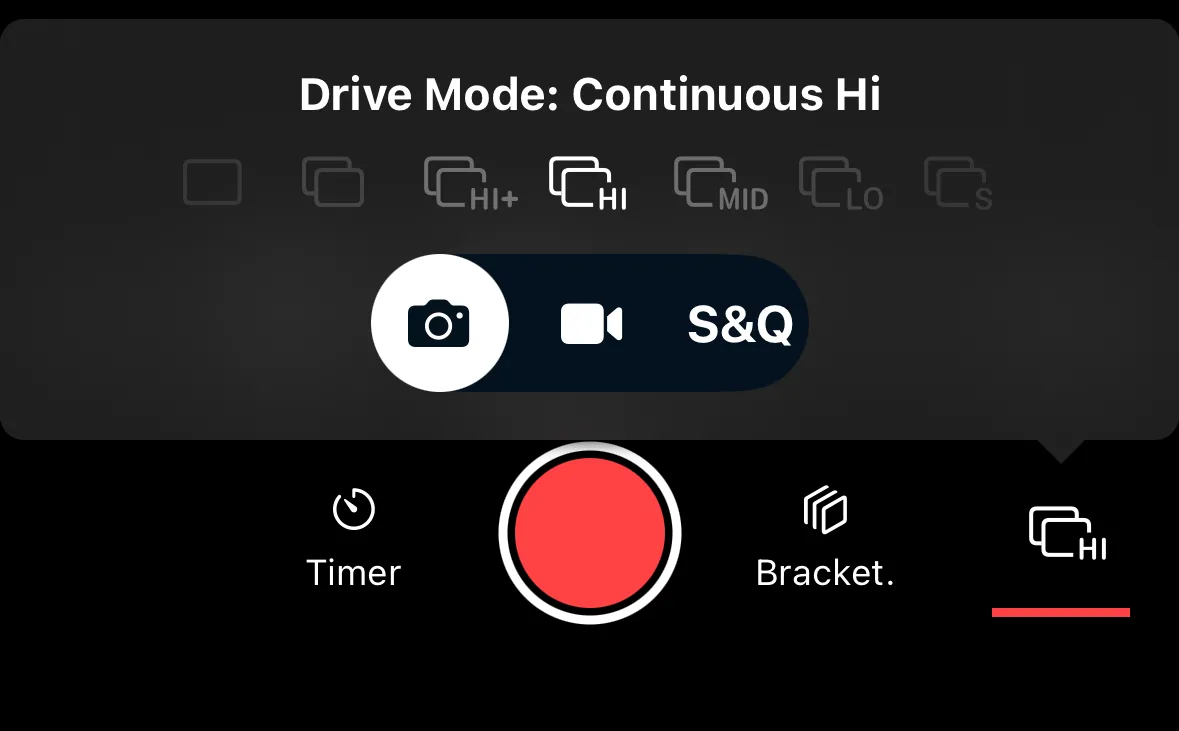
Video Modes
Some cameras offer additional video modes beyond standard recording:
- Normal — standard video recording.
- Slow & Quick — records at a different frame rate than playback speed, creating slow motion or time-lapse effects in-camera. Available on some Sony and Fujifilm cameras.
- High FPS — records at a high frame rate for slow-motion playback. Available on select camera models.
Which video modes are available depends on your camera. If your camera only supports standard recording, only the Normal option appears.