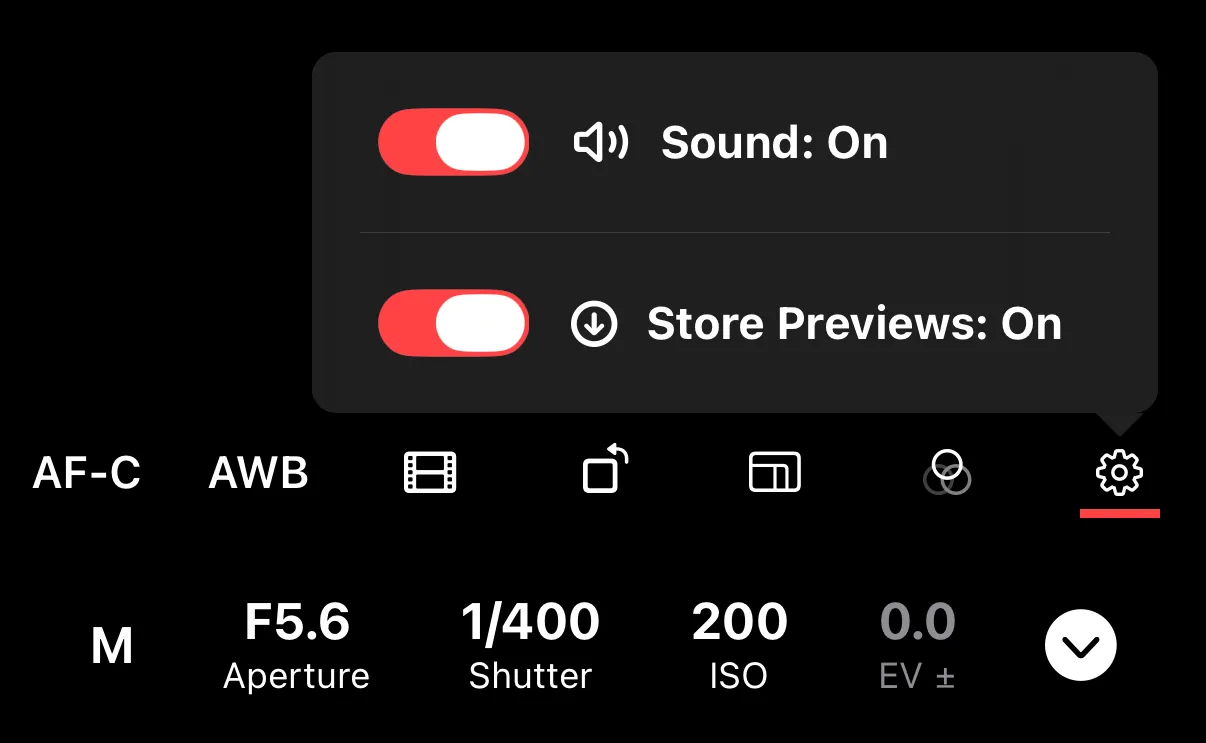
Sony: Preview Storage
On Sony cameras, you can choose to store preview images on your iPhone automatically when you take a photo.
Toggle Store Previews in the settings overlay on the remote control screen. When enabled, Shutter+ saves a preview of each captured photo to your device without requiring a manual download.
This is useful for quickly reviewing shots on your iPhone after a shoot. The previews are smaller than the originals (2M) and transfer quickly. They are accessible from the Gallery tab on the main screen of the app.