Filtering Photos
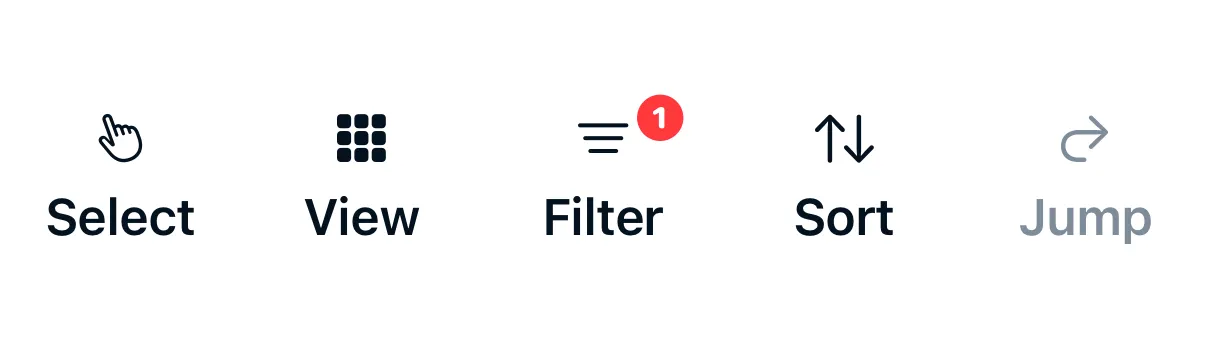
Use filters to narrow down the gallery to specific photos. All active filters are combined — a photo must match every filter to appear.
Available Filters
| Filter | Options |
|---|---|
| Date range | Set a start date, end date, or both |
| Kind / File type | Photo, RAW, JPEG, HDR (HEIF), or Video |
| Rating | Filter by star rating with comparison operators (at least, at most, or exactly) |
| Download status | Downloaded or Not Downloaded |
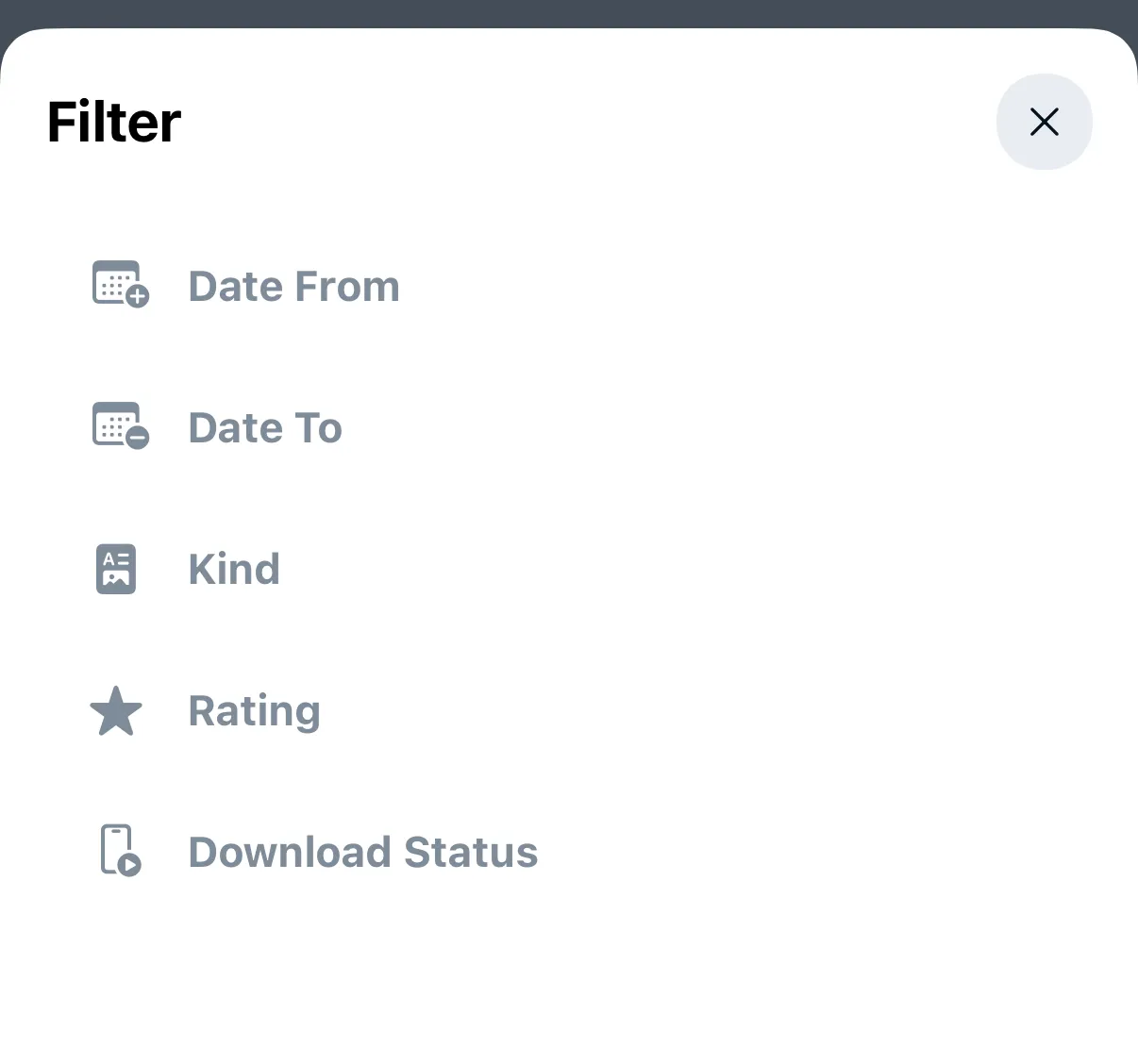
The filter badge in the toolbar shows how many filters are active.
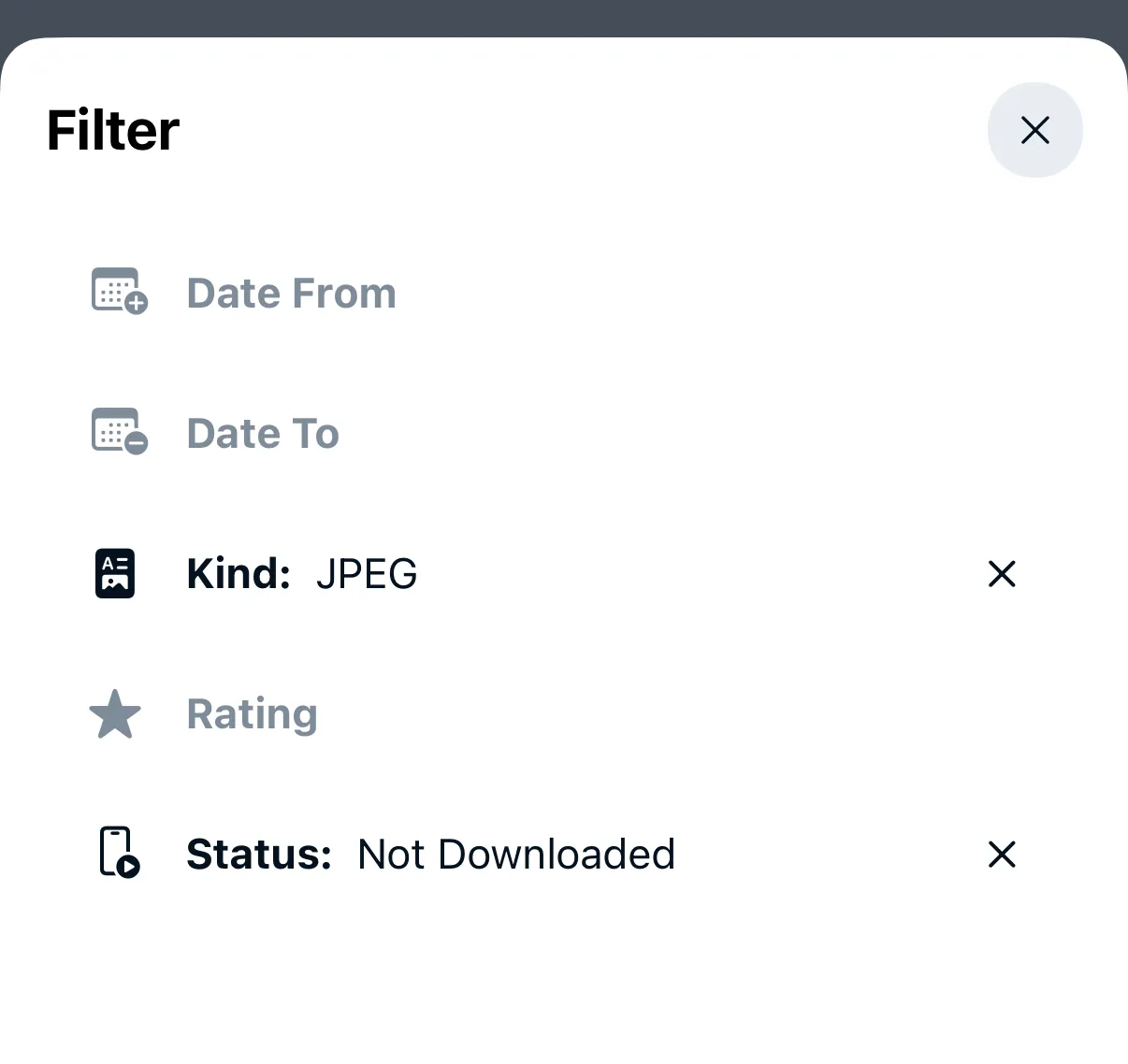
To clear any of the selected filters, tap the little “x” icon next to the active filter name.
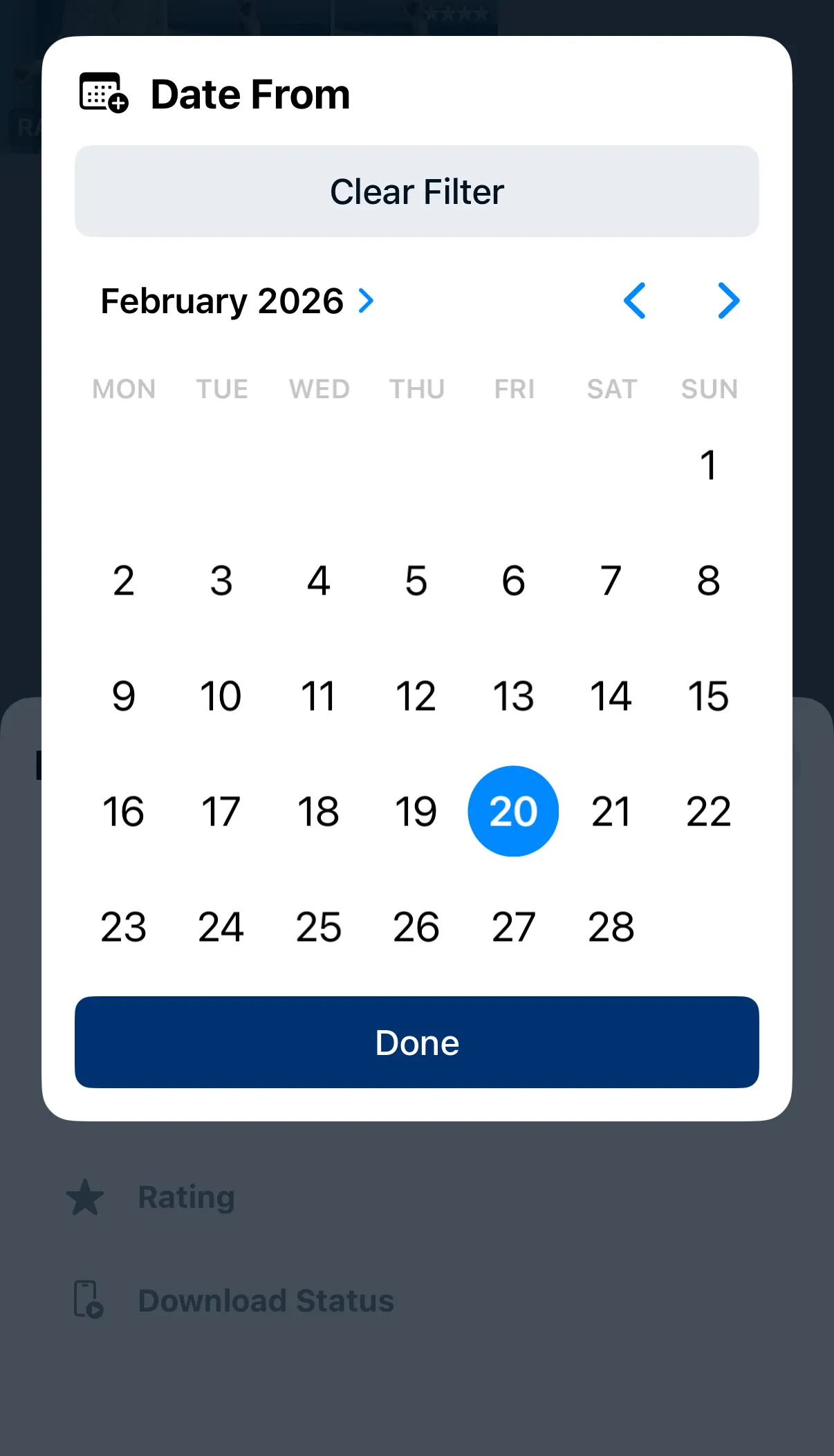
Date range
A calendar view appears to select start and end dates.
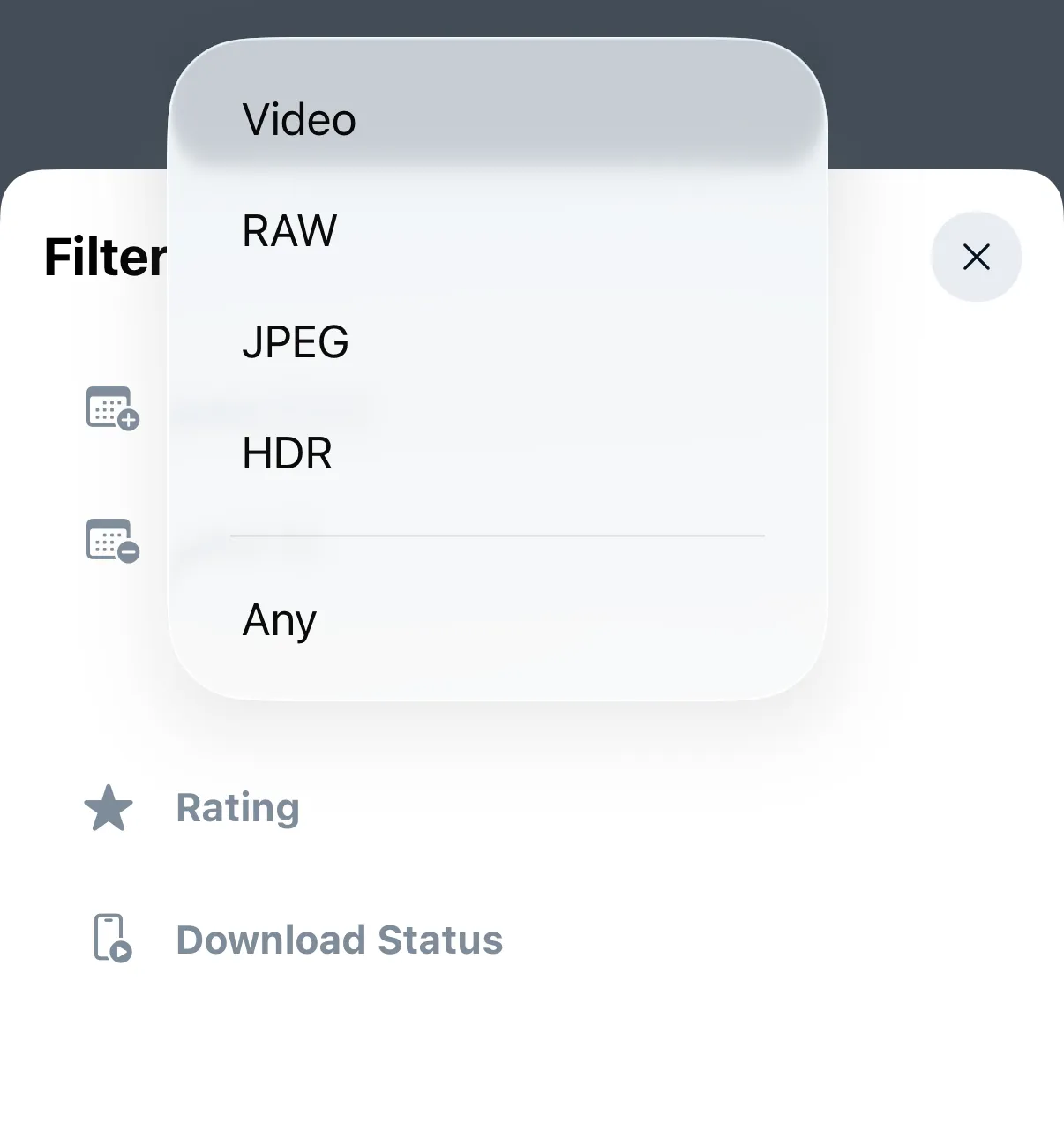
Kind / File type
Select between JPEG, RAW and video files.
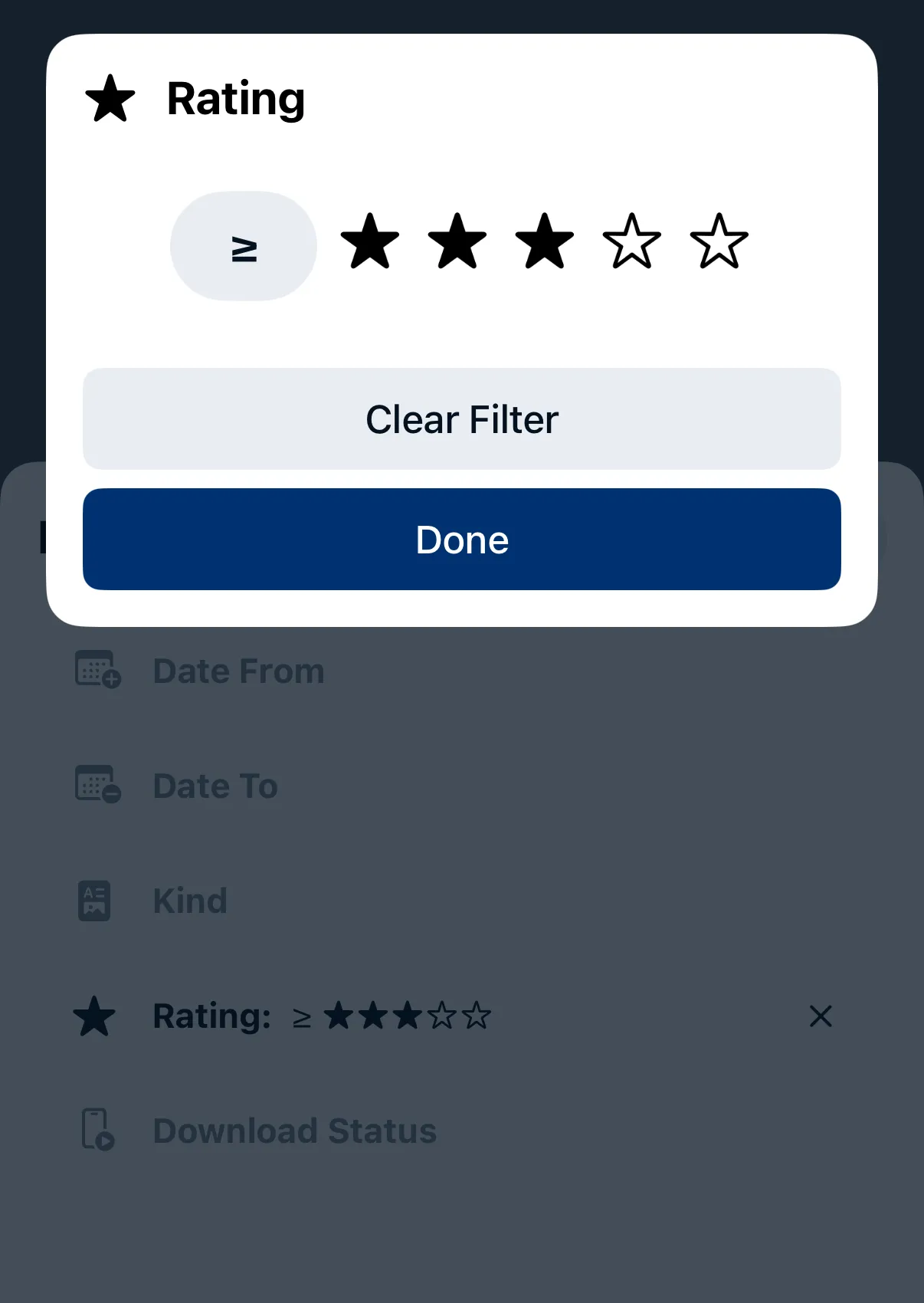
Rating
Tap on the ≥ / ≤ / = symbol to rotate between images with at least X rating (≥), at most X rating (≤), or exactly X rating (=). Drag on the stars selector to select between 0 and 5 stars. Tap Clear Filter to remove rating filter.
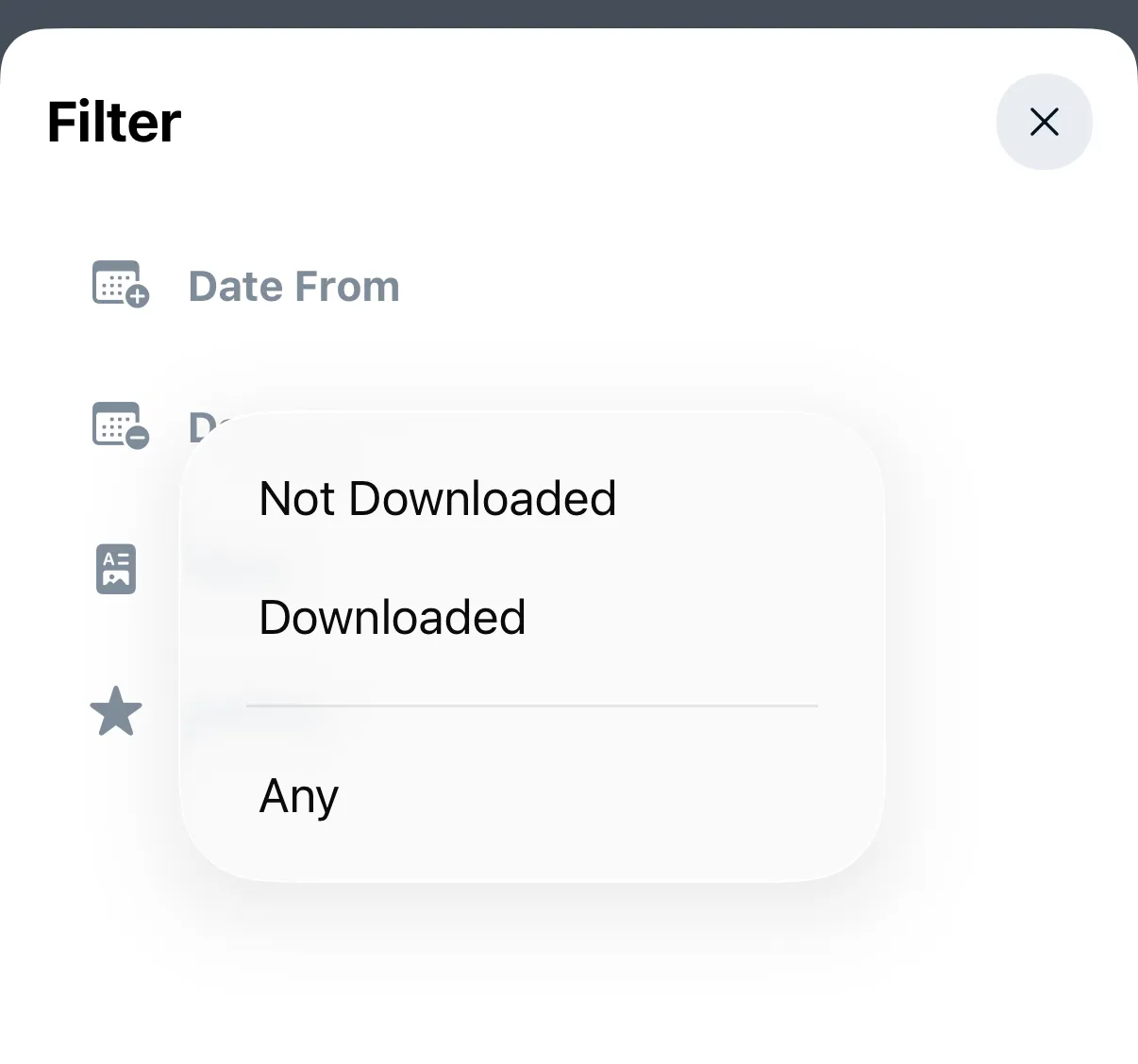
Download Status
Select between downloaded and not downloaded photos and videos.
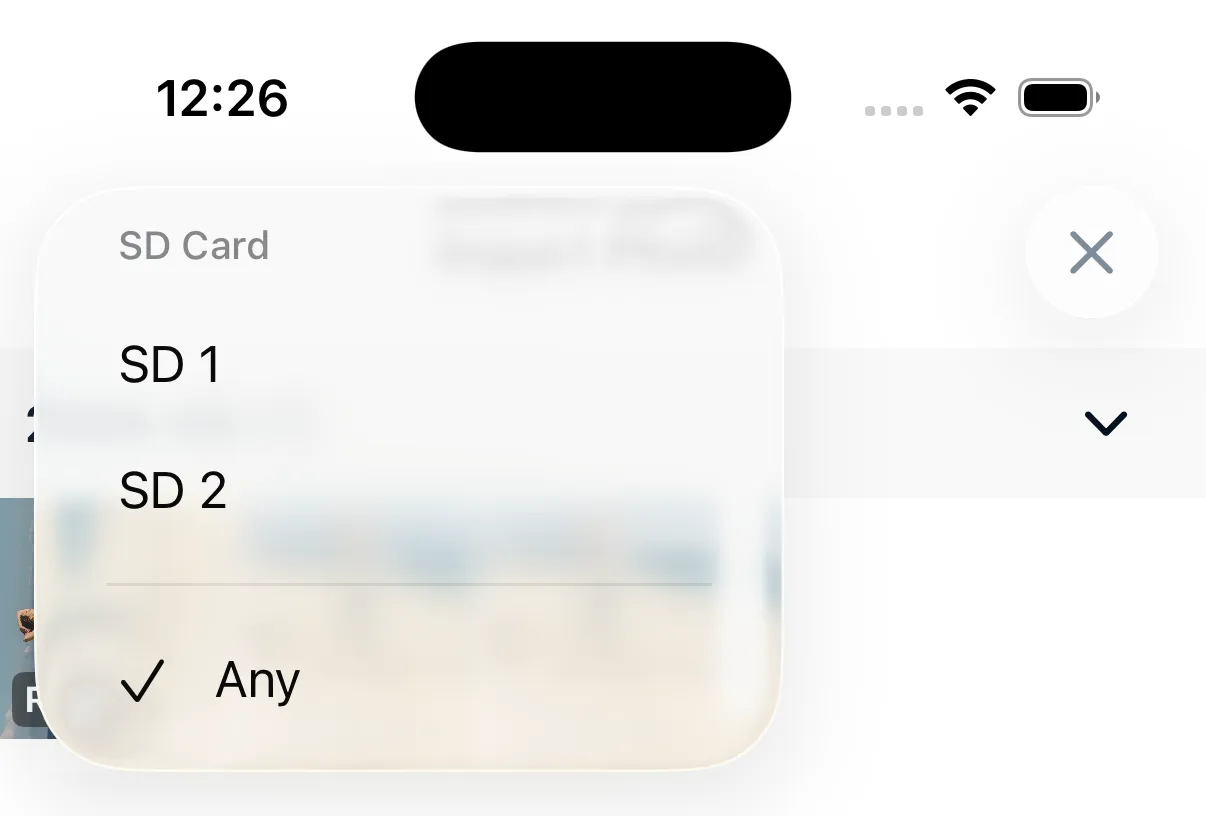
Dual Card Slots
If your camera has two memory card slots, use the card selector at the top of the screen to switch between them.