ISO
ISO controls the sensor’s sensitivity to light. Lower values (e.g., ISO 100) produce cleaner images; higher values (e.g., ISO 6400) brighten the image but introduce more noise.
Tap the ISO value on the remote control screen to adjust it.
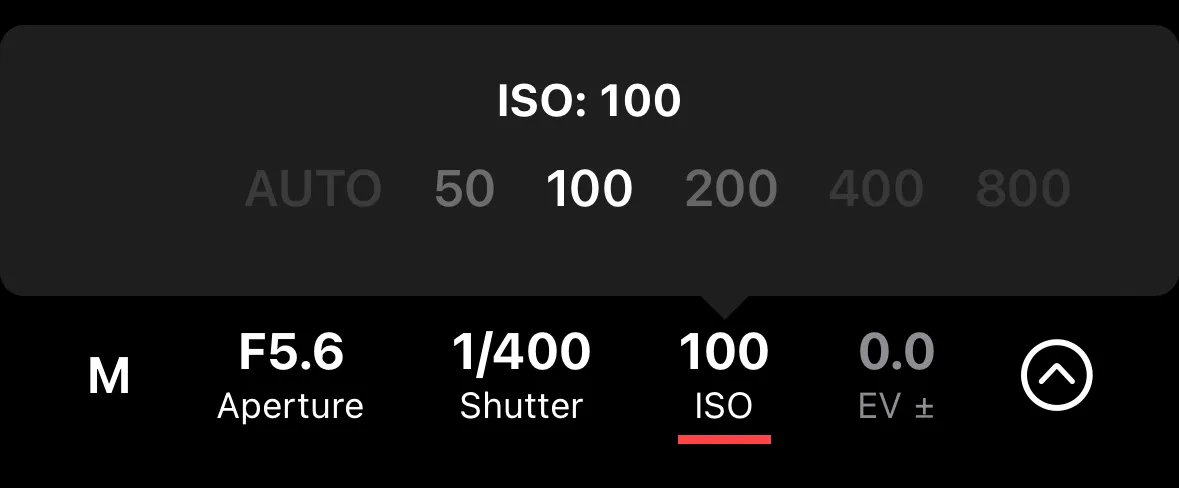
ISO Options
- Manual — select a specific ISO value from the available range.
- Auto — the camera selects ISO automatically based on the scene.
- Auto with max limit — the camera selects ISO automatically but won’t exceed a maximum value you set. Useful to prevent the camera from using excessively high ISO values.
Which options are available depends on your camera model and the current exposure mode.