Remote Shutter
The Watch app shows a large shutter button for easy access, even at a glance.
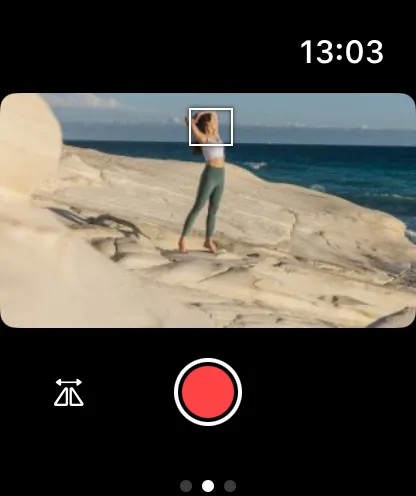
Photo Mode
Tap the shutter button to take a photo. The button provides haptic feedback when the capture is triggered.
Video Mode
In video mode, tap the shutter button to start recording. Tap again to stop. A recording timer shows elapsed time.