Manual Focus Control
When your camera is set to Manual Focus (MF) or Direct Manual Focus (DMF), you can adjust focus from the app using on-screen controls.
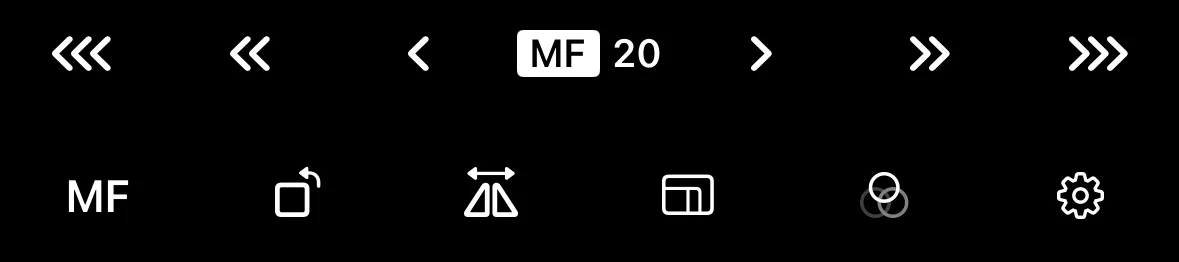
Focus Position
Cameras report the current focus distance as a percentage from the lens’s closest focusing distance (0) to infinity (100). Exact distance in meters is displayed on the camera screen and will depend on the lens attached.
Focus Adjustment
Use the on-screen focus controls to move the focus point nearer or farther. Buttons on the left move focus closer to the camera and buttons on the right move it further. Three speed options are available:
- Fast — triple arrow, moves focus the fastest
- Normal — double arrow, standard speed
- Slow — single arrow for slow, precise adjustments
Tips
- Enable focus peaking to see which areas of the frame are in focus.
- For video work, you can use pull focus to create smooth, motorized focus transitions between two points.