Timer (Delayed Capture)
The timer adds a countdown delay before the capture starts. After you press the shutter button, the app waits for the specified duration and then triggers the shot.
Enabling Timer
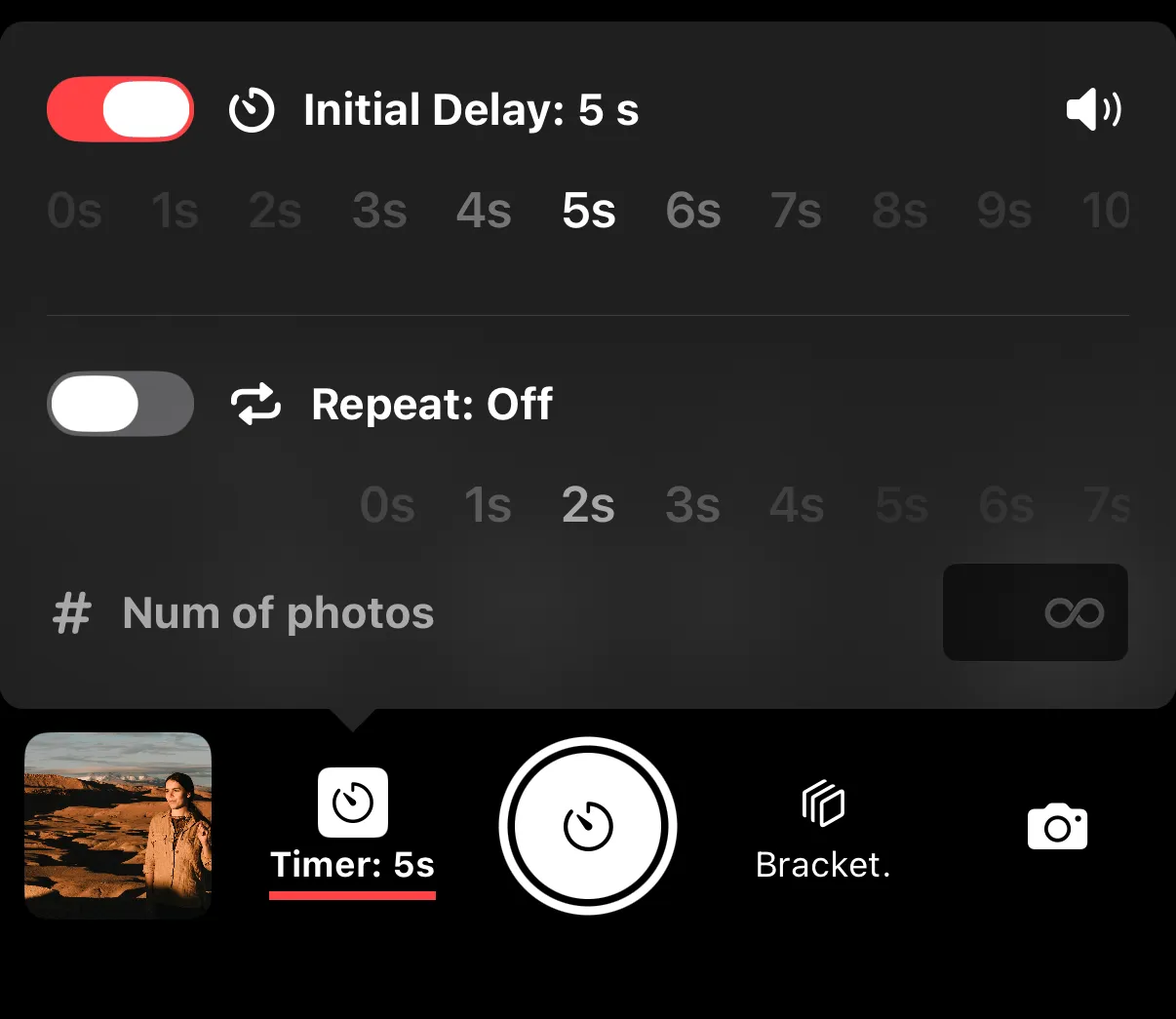
Tap on the Timer button next to the shutter release button to open the menu, then toggle Initial Delay option and select a desired self-timer length.
Settings
- Initial Delay — the number of seconds to wait before capturing a photo.
- Sound - the speaker icon in the top right corner controls if Shutter+ should make countdown and capture sounds. Useful e.g. for knowing when to pose.
Capture Length Limit
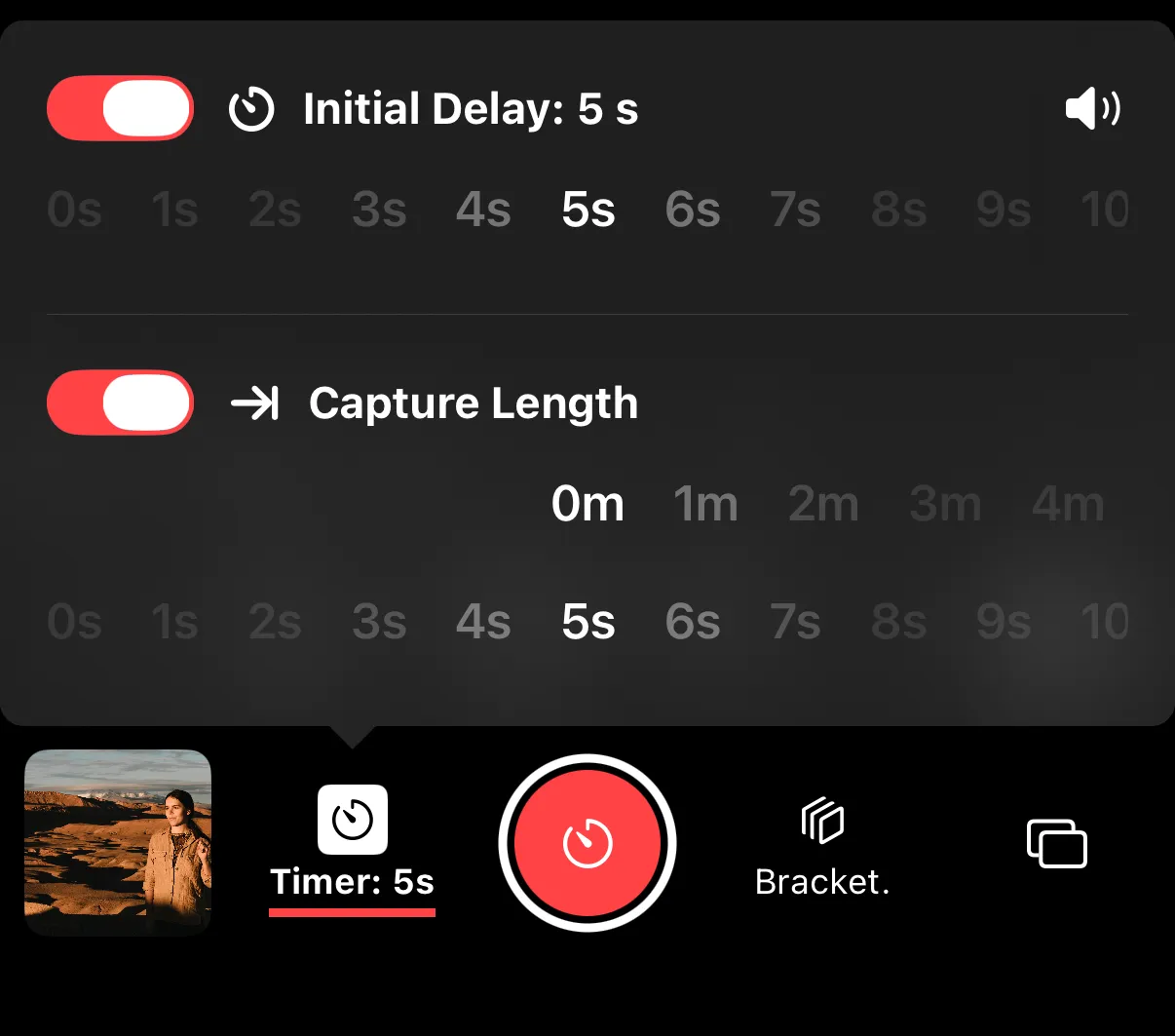
In continuous shooting modes (burst photo, video recording), the Timer menu shows Capture Length option to limit the length of recording. This is useful for:
- Group photos where you want to be included. Use slow continuous shooting mode to take multiple photos of the same scene to maximize chances of everyone smiling with open eyes. Initial Delay will give you time to get with the group, and Capture Length can be used to not overwhelm the camera storage with photos of you running back to the camera.
- Timed video clips - use a hard-limit when you need to hit certain durations e.g. for social media.
Enabling Capture Length
Tap on the Timer menu next to the shutter release button to open the menu, then toggle Initial Delay option and select a desired self-timer length.