Managing Saved Cameras
After you wirelessly connect to a camera for the first time, Shutter+ saves it to your home screen for quick access.
Reconnecting
Tap “Remote Control” or “Import Photos” to reconnect. The app will join the camera’s Wi-Fi network and establish the connection — no need to repeat the initial setup.
Renaming a Camera
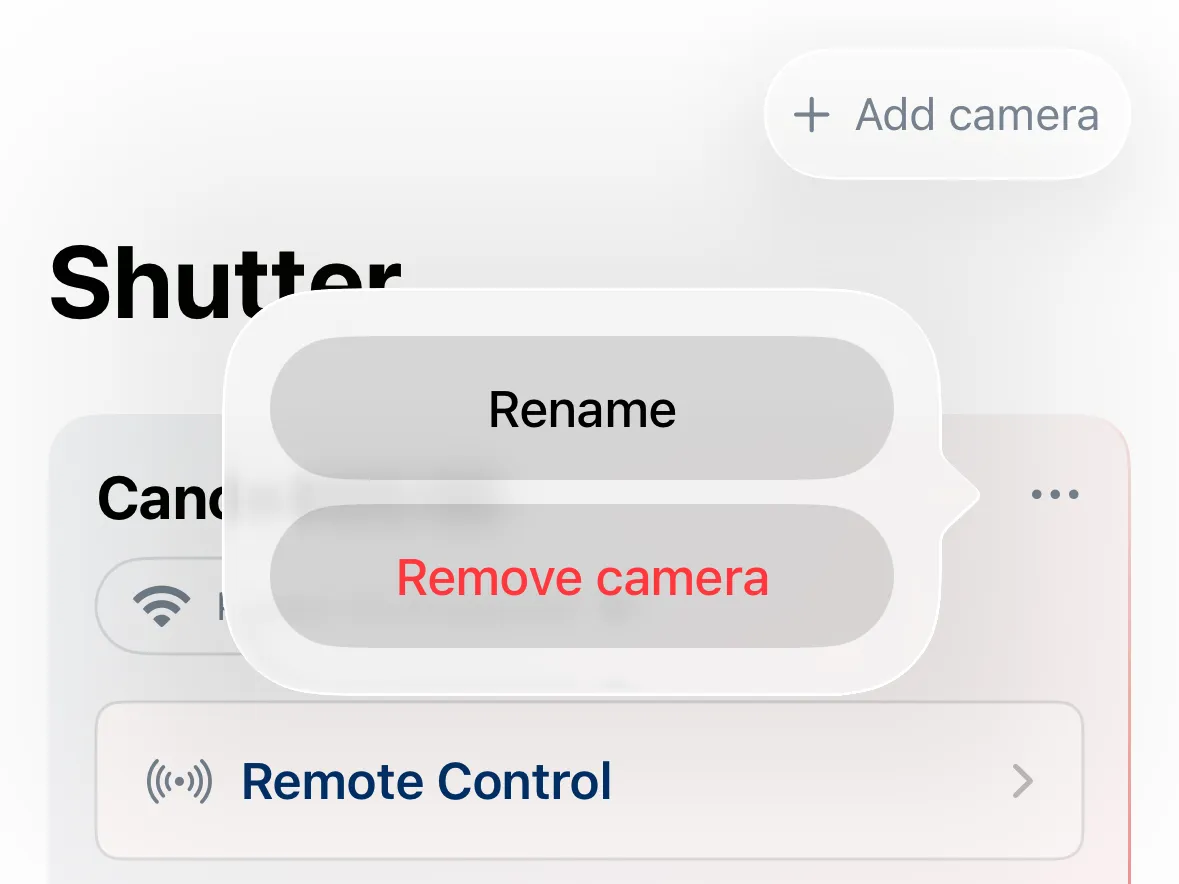
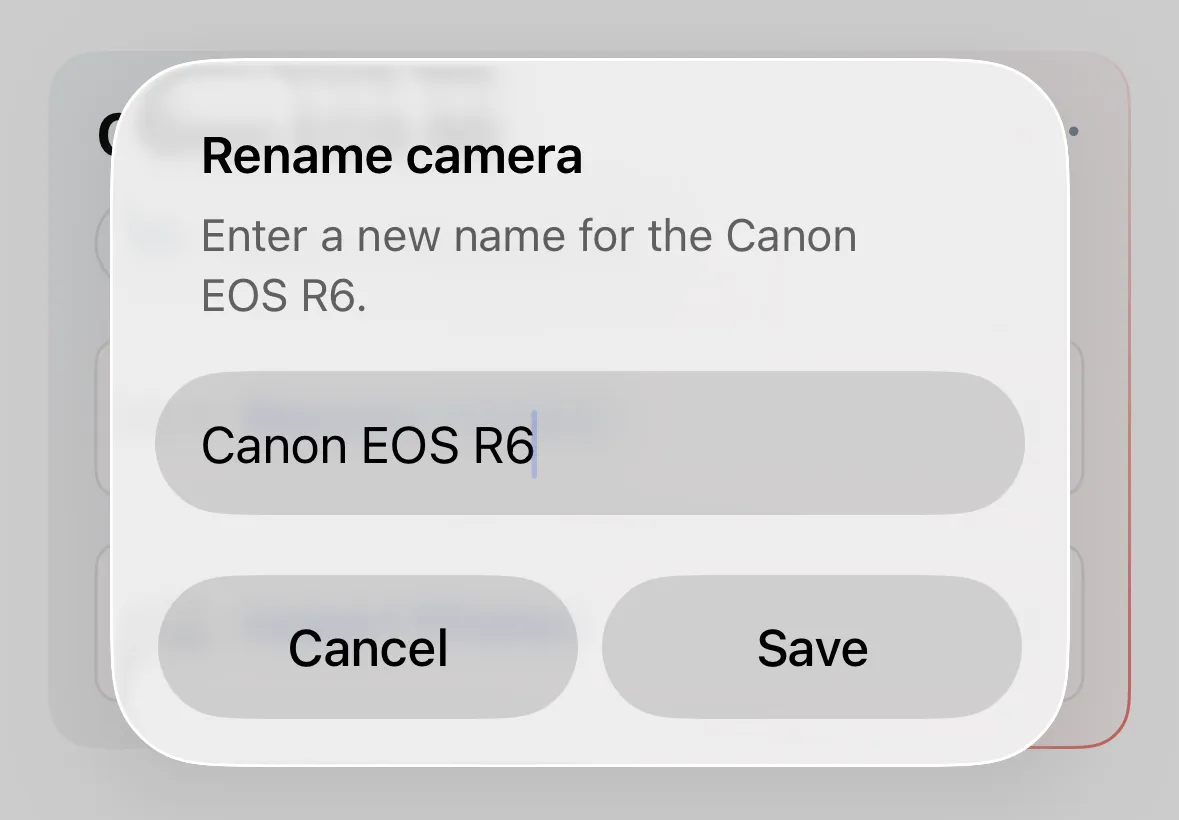
If you own multiple cameras, rename them to tell them apart. Tap the camera’s detail menu (three dots next to its name), and choose Rename camera.
Removing a Camera
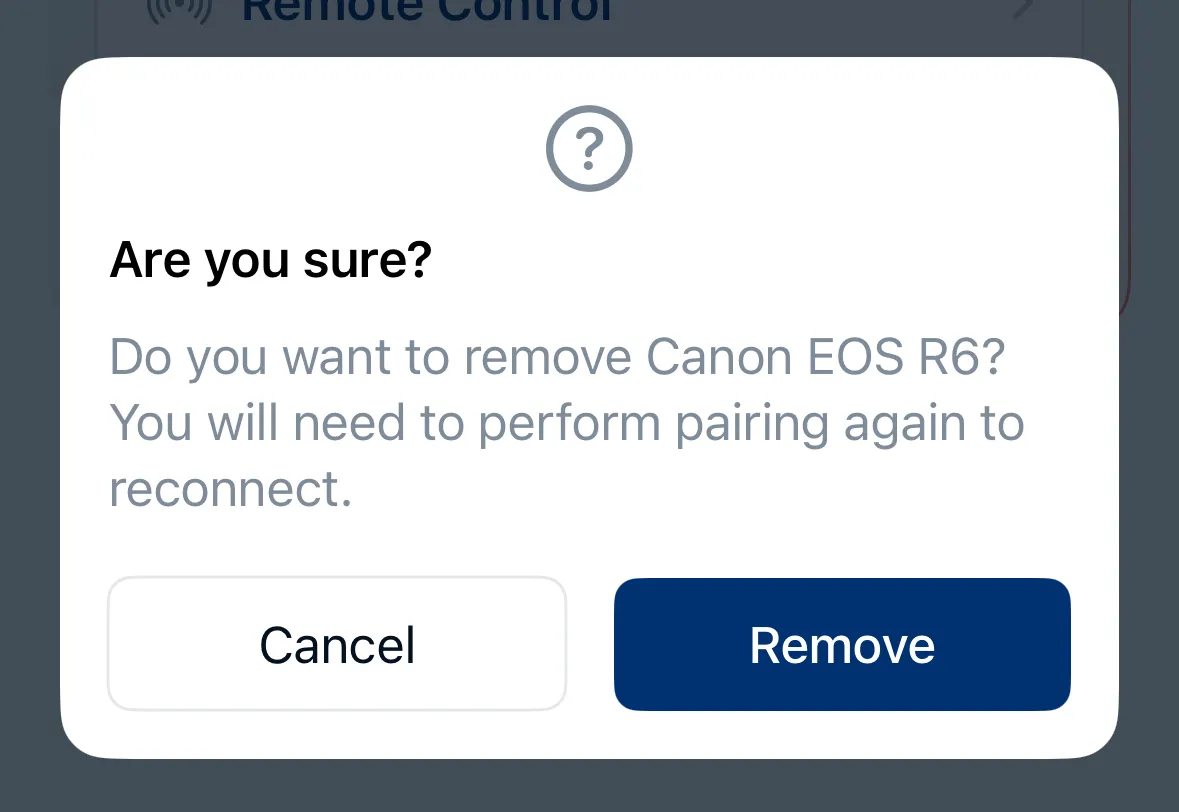
To remove a saved camera from your home screen, tap the camera’s detail menu (three dots next to its name), and choose Remove camera.