App Language
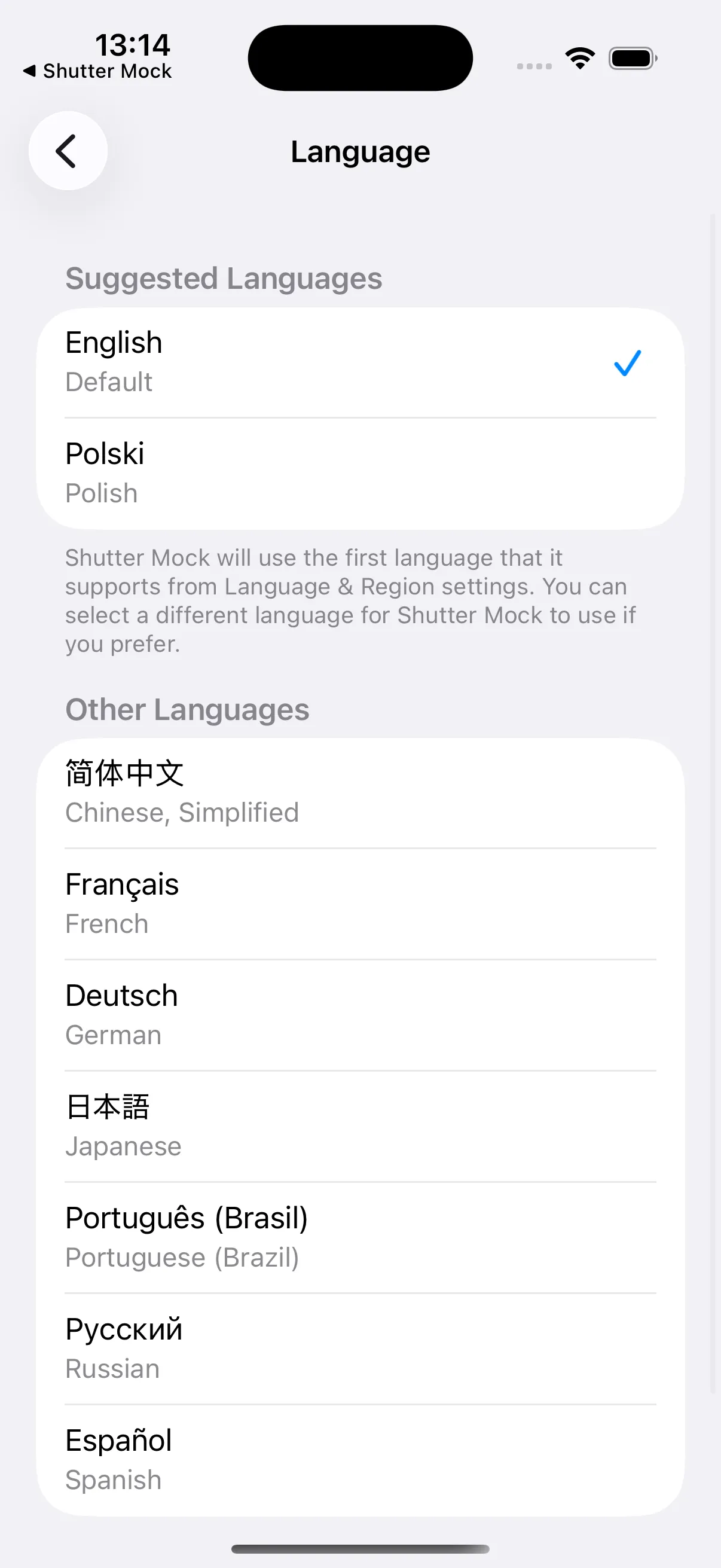
Shutter+ supports multiple languages. The app follows your device’s language by default.
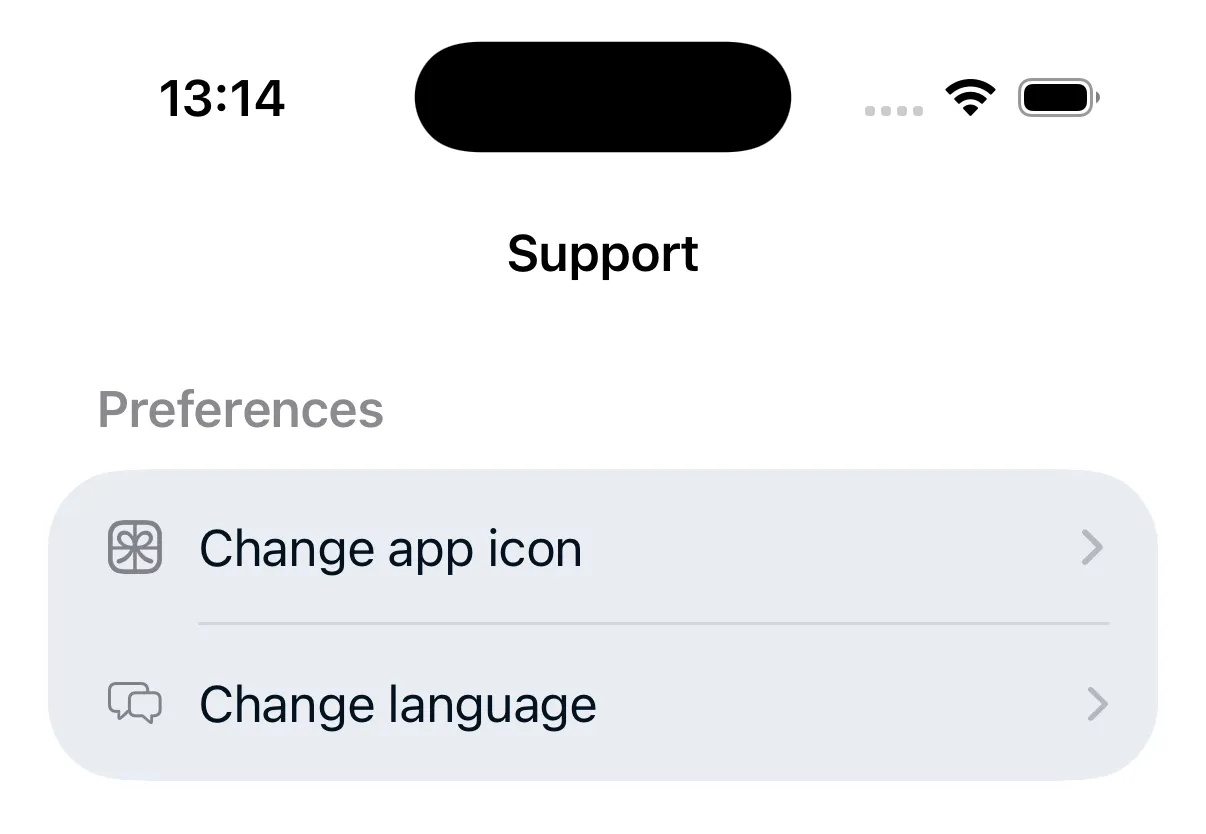
To change the language for Shutter+ specifically, go to iOS Settings > Shutter+ > Language and select your preferred language. You can also tap Change language in the Support tab of the app.
If you notice a translation issue, you can report it from the app’s Support section. See Getting Help.