Exposure Adjustments
You can adjust exposure settings directly from the Watch using the Digital Crown.
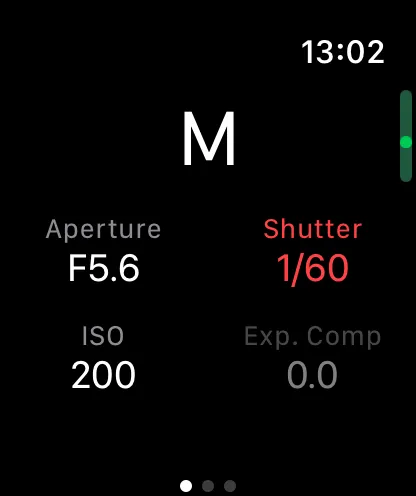
Available Controls
- Exposure mode
- Aperture
- Shutter speed
- ISO
- Exposure compensation
Tap a setting to select it, then rotate the Digital Crown to scroll through available values. The Watch provides haptic feedback as you turn the Crown.