Exposure Controls
The exposure controls let you adjust how much light reaches the camera sensor. The available controls depend on the selected exposure mode — for example, in Aperture Priority mode, you set the aperture and the camera sets the shutter speed automatically.
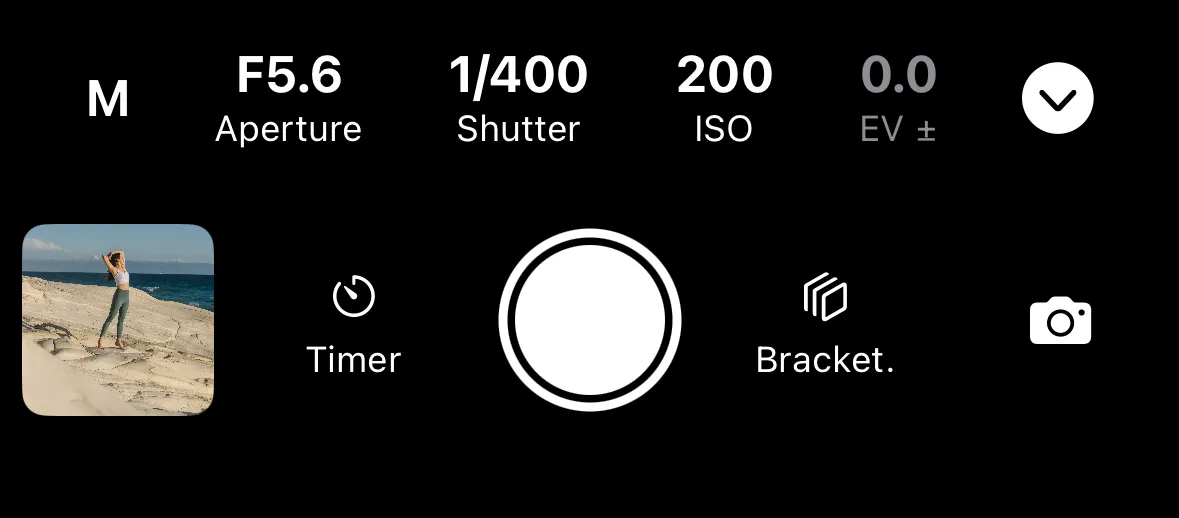
This section covers:
- Exposure Mode — Manual, Aperture Priority, Shutter Priority, Program Auto, and Bulb
- Shutter Speed
- Aperture
- ISO
- Exposure Compensation
Tap any exposure value on the remote control screen to open its adjustment control. Values set automatically by the camera are displayed but cannot be adjusted directly.