Bluetooth Extension
The Bluetooth Extension is an optional feature that improves Wi-Fi performance by automatically disabling Bluetooth when Shutter+ connects to your camera.
Why It Helps
iPhone shares a single antenna for Bluetooth and 2.4 GHz Wi-Fi. When both are active at the same time, they interfere with each other. Disabling Bluetooth while connected to your camera results in:
- Faster live view streaming
- Less lag when adjusting controls
- Even 3x faster photo imports
How to Set It Up
- Open Shutter+.
- Tap Set up Bluetooth Extension at the top of the screen, or go to Support tab > Bluetooth Extension.
- Follow the prompts to set up the Apple Shortcuts automation.
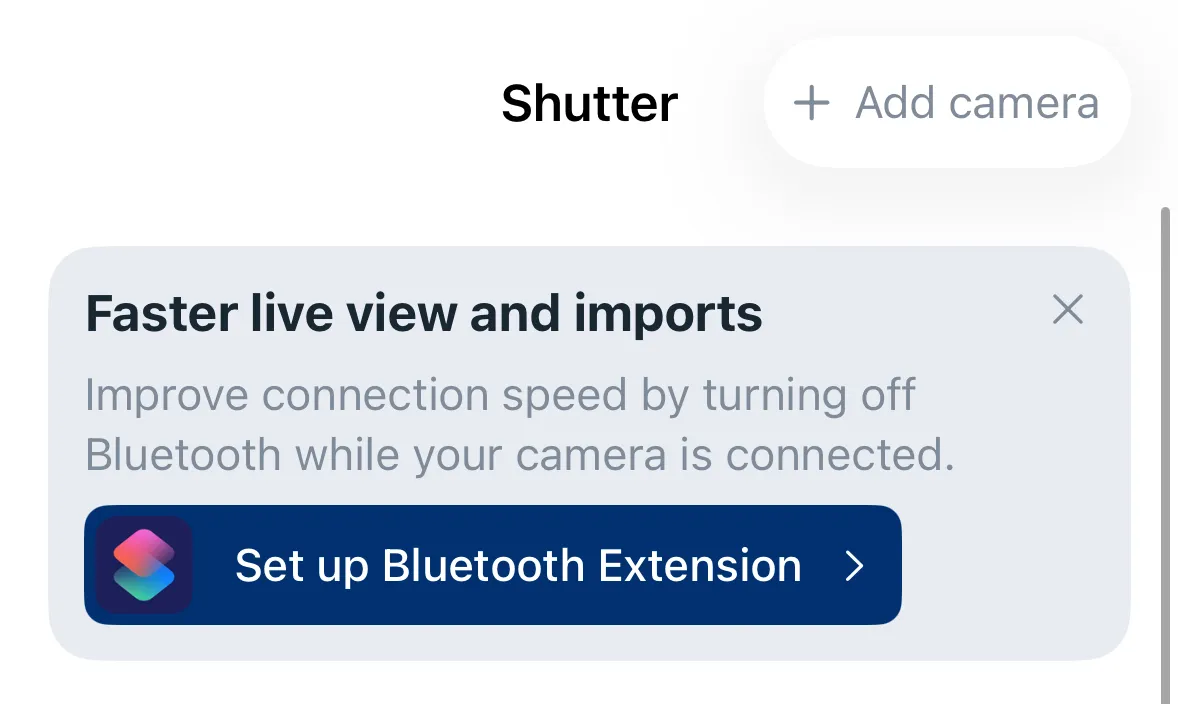
Once configured, Shutter+ will automatically disable Bluetooth when it connects to your camera and re-enable it when you disconnect.
Setup Video
Important Notes
- While Bluetooth is off, your Apple Watch won’t be connected. If you want to use the Watch app as a remote, don’t use the Bluetooth Extension. See the Apple Watch section for details.
- AirPods and other Bluetooth accessories will disconnect while the shortcut is active. They reconnect automatically when Shutter+ disconnects from the camera.
- To automatically re-enable Bluetooth, disconnect from the camera using the “Disconnect” button or by turning the camera off. If you force close Shutter+, the extension will not run.