Timer Control
You can configure and run self-timer and intervalometer from the Watch app.
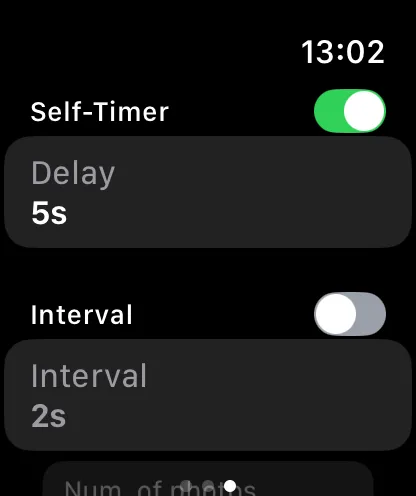
Available Settings
From the Watch, you can adjust:
- Self-timer — enable and set the delay duration
- Intervalometer — enable, set the interval, and set the number of photos
- BULB timer — set the exposure duration (when in BULB mode)
- Exposure bracketing — enable, set the number of exposures and EV step
- Recording limit — set a maximum recording duration
Monitoring Progress
When an automation is running, the Watch displays:
- Current shot number and total (e.g., “Photo 3 of 10”)
- Countdown to the next shot
- Focus progress for focus bracketing
You can stop a running automation from the Watch.