Remote Control
The remote control screen is where you shoot. It appears when you connect to a camera and gives you full control over your camera’s settings alongside a live view feed.
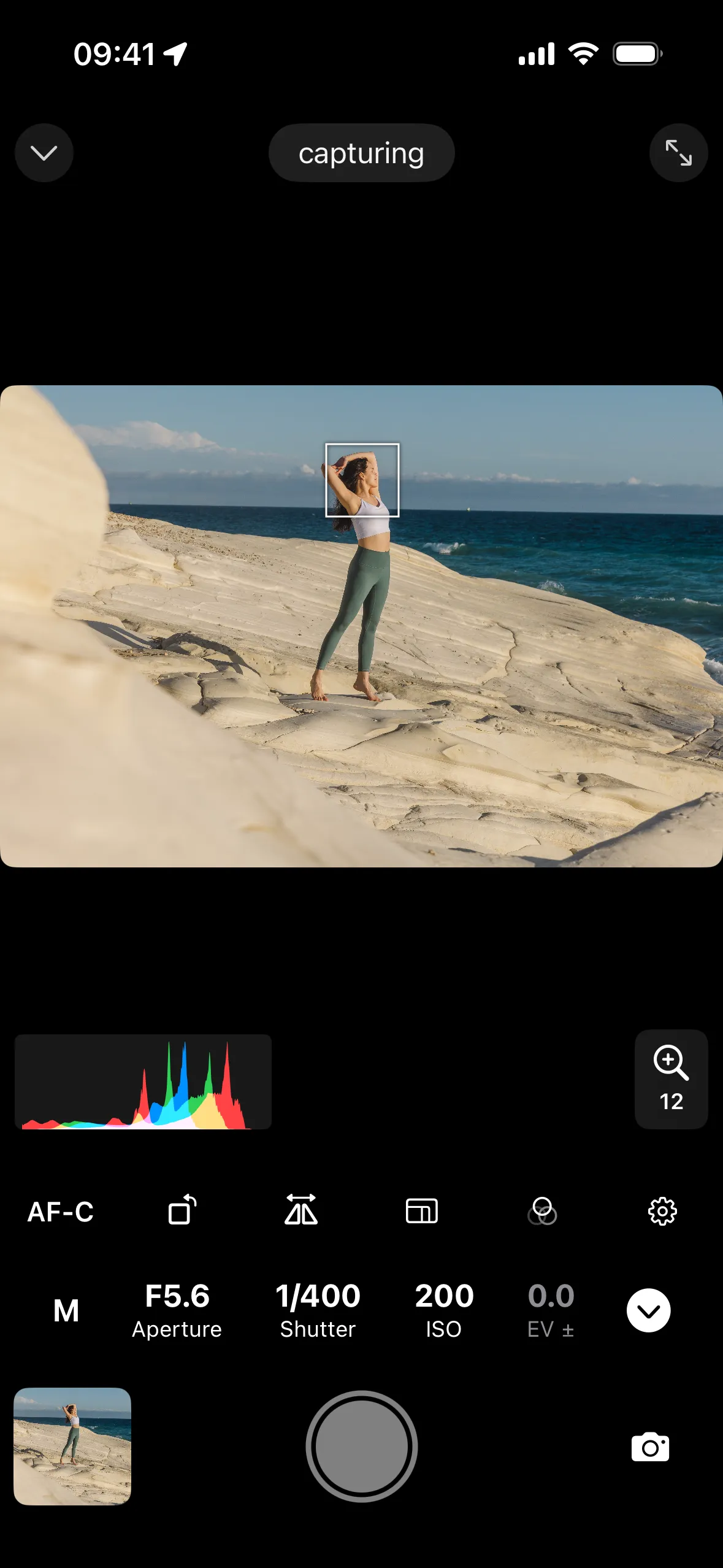
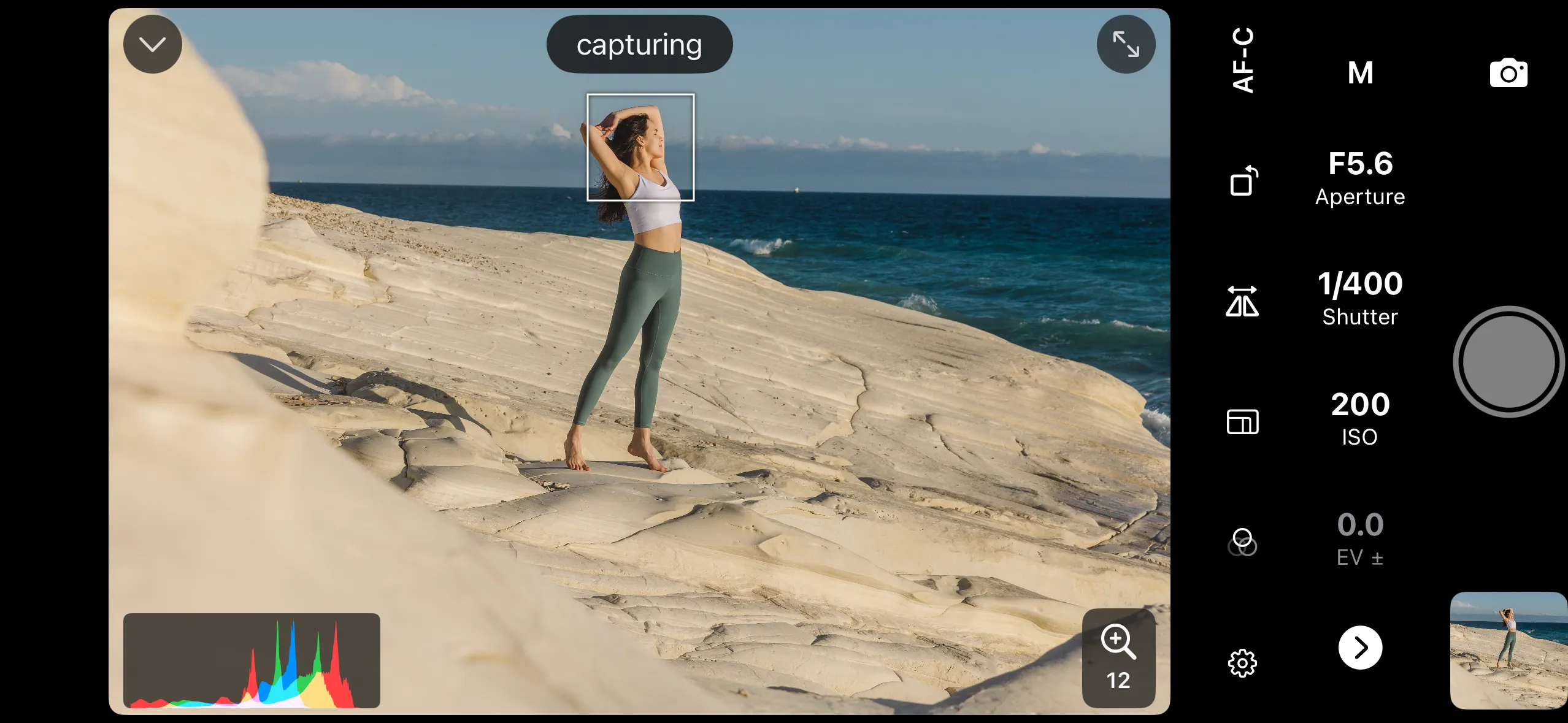
This section covers every control on the screen:
- Overview — screen layout and navigation
- Shooting Modes — switching between photo (single shot and continuous) and video
- Video Recording
- Exposure Controls — exposure mode, shutter speed, aperture, ISO, and exposure compensation
- Focus Controls — autofocus modes, focus area, touch to focus, and manual focus
- White Balance
- Zoom Controls — zoom in and out with a powered lens
- Film Simulations — Fujifilm picture profiles