Mirror View
Mirror view flips the live view feed horizontally. This is useful when you’re standing in front of the camera — the mirrored preview feels more natural, like looking in a mirror.
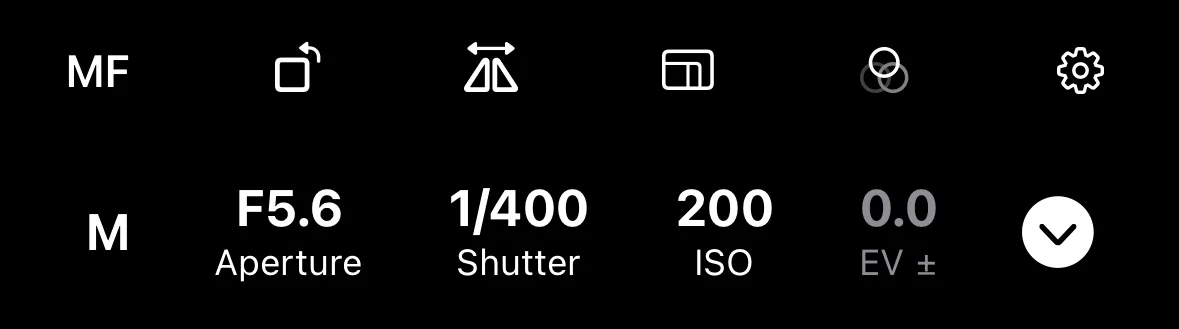
Toggle mirror view using the flip button in the additional controls toolbar.
When the camera offers a lot of remote features that need to be displayed in the additional controls row, flip view is moved into composition aids menu.
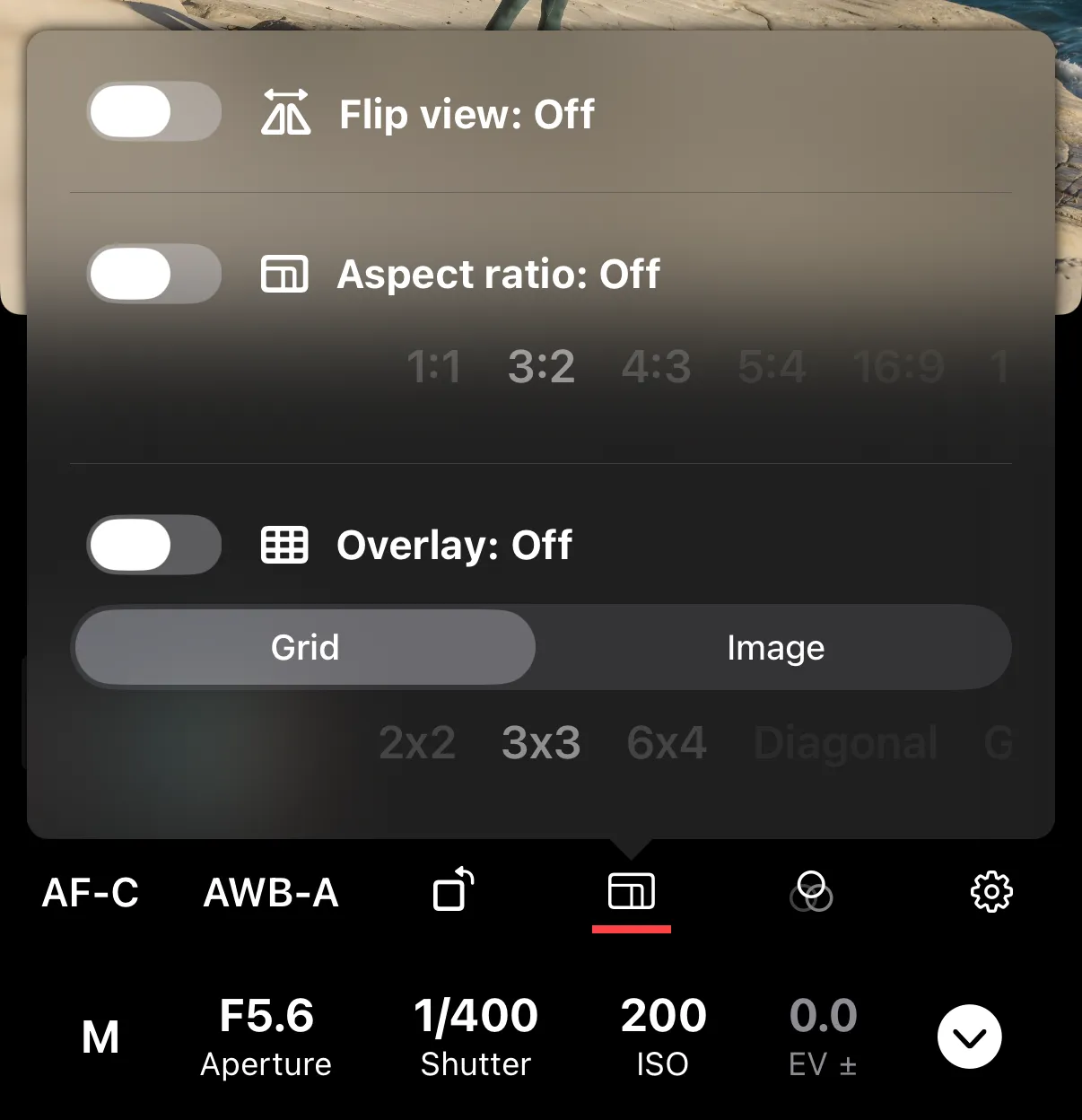
Mirroring only affects the preview on your device. The captured image is not flipped.