Zebra Stripes
Zebra stripes overlay a diagonal stripe pattern on areas of the image that exceed a brightness threshold. This makes it easy to spot overexposed regions while shooting.
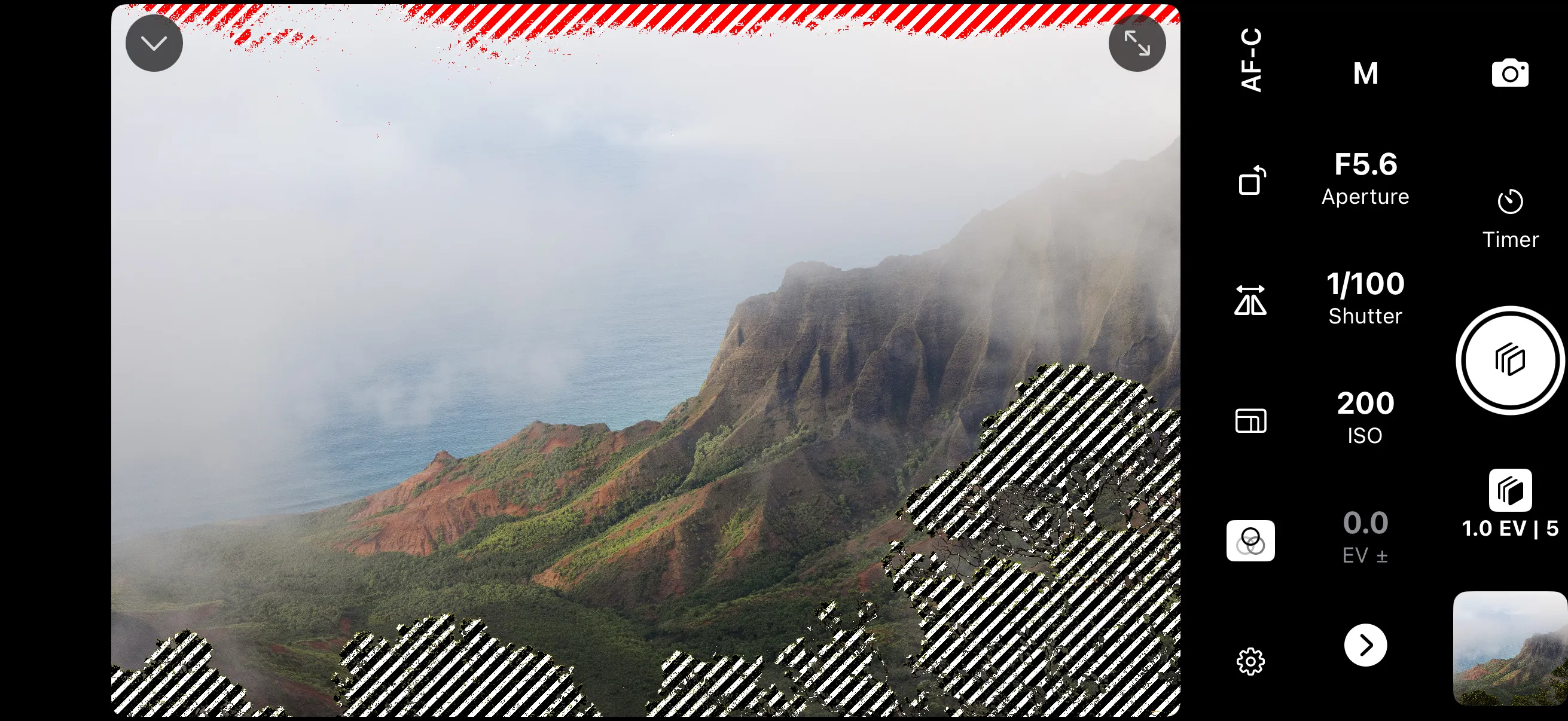
Enabling Zebra Stripes
Open the exposure aids settings and select Zebra as the color effect. Only one color effect can be active at a time — selecting zebra turns off false color or LUT preview.
Zebra stripes do not affect the captured image.
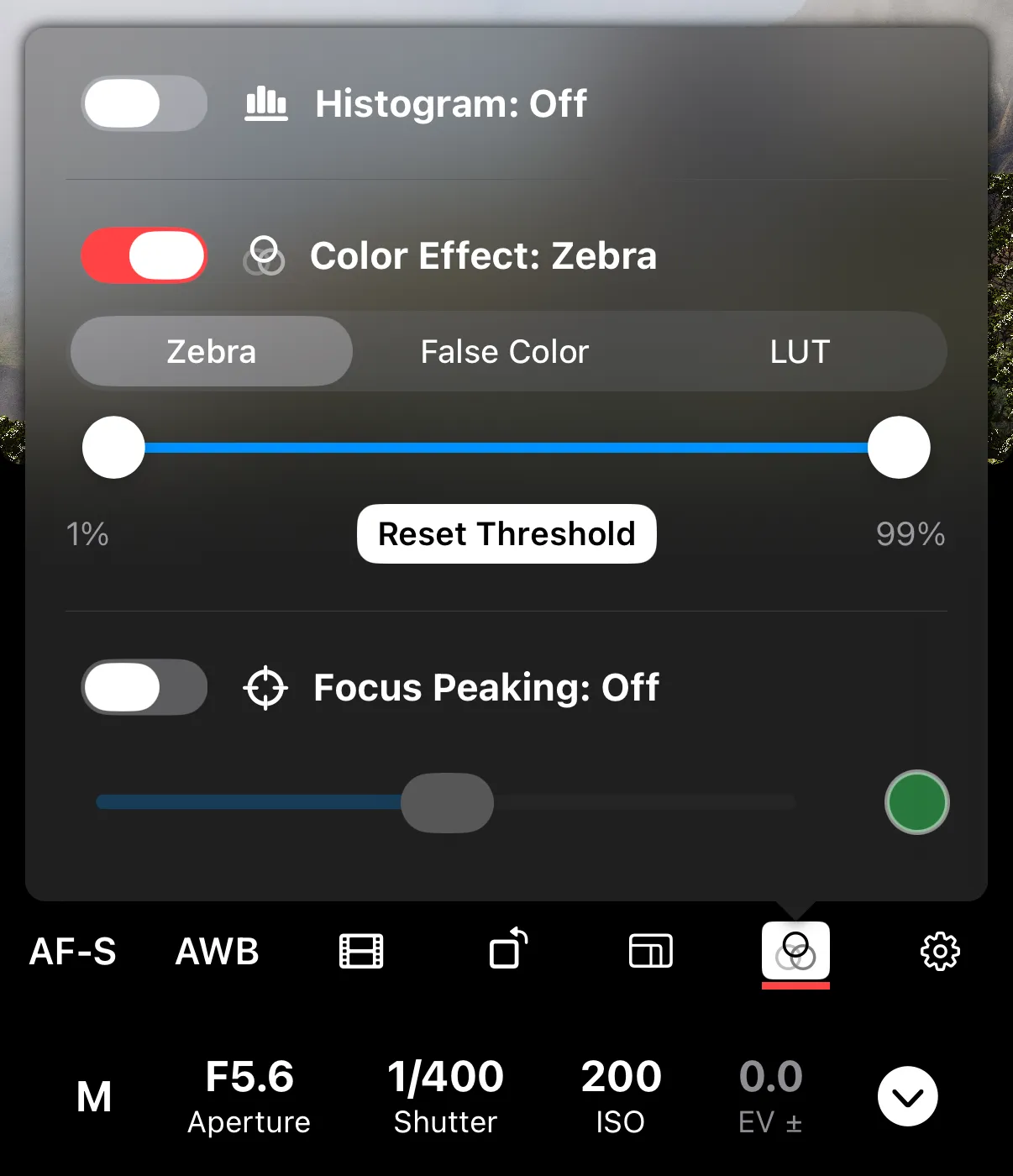
Adjusting Thresholds
You can set a minimum and maximum brightness threshold. Areas with brightness outside these two values are marked with stripes.
- Lower the max threshold to catch highlights before they clip.
- Raise the min threshold to catch shadows before they clip.
The default range is 1%–99%. Tap Reset Threshold to return to the defaults.